Invoices That Look Like Your Business
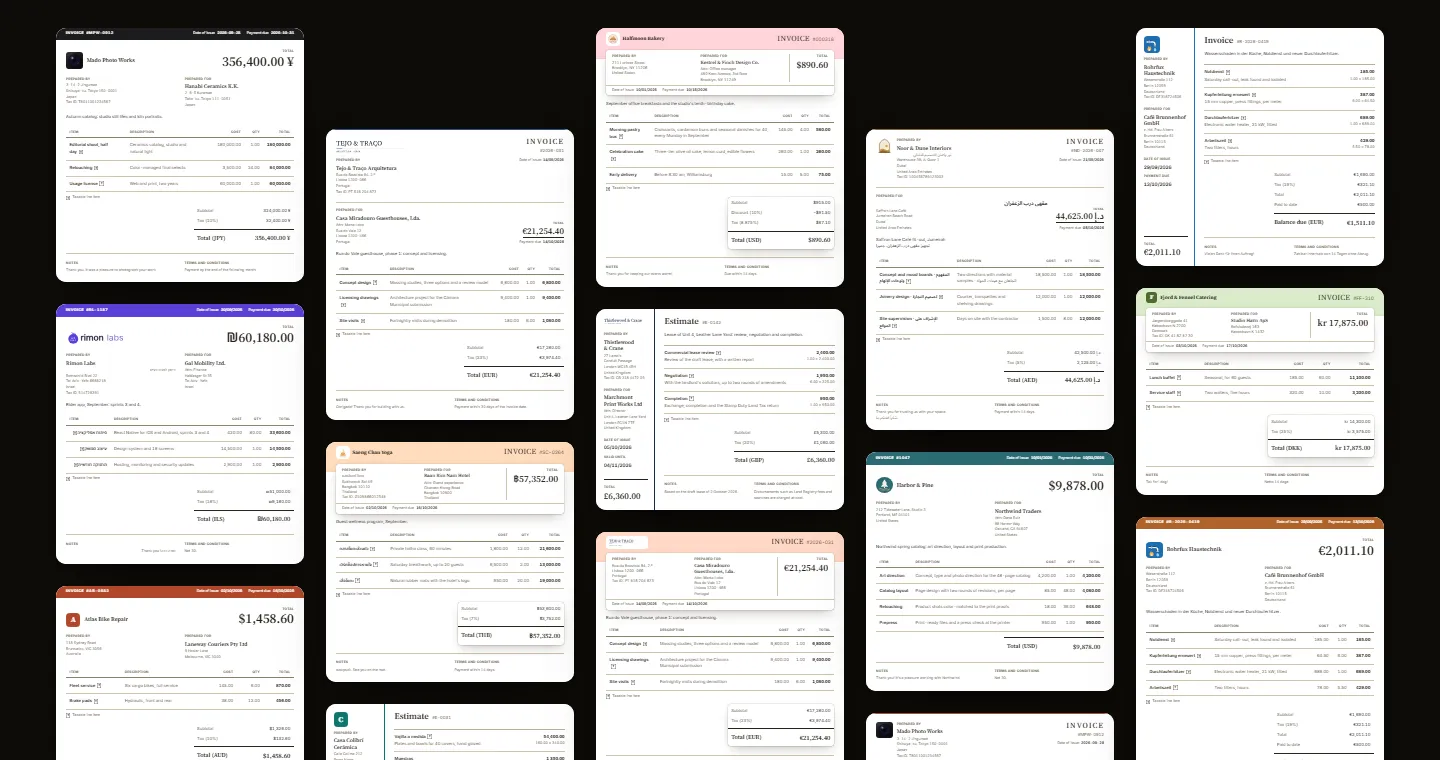
In a survey of 240 US firms, 23% named invoice disputes as a reason business customers paid late, according to the Atradius Payment Practices Barometer 2025. An invoice can't fix a client's cash flow. Clear descriptions, dates and totals can help them check the bill and act on it.
Make the Next Step Clear
In 2024 research for the UK Department for Business and Trade, based on 300 interviews, 24% of businesses attributed late payments they received to administrative errors. Design won't eliminate those errors, but it can make the information easier to find.
Design for a Quick Scan
Start with three questions: who sent this, how much is due and when should I pay? Give the total a clear place, put the due date near it, and separate the work from the payment instructions. Use descriptions your client recognizes. A purchase-order reference or a named project section can help the person approving the bill match it to the agreement.
Before sending, preview the document at a normal reading size. Can you find the balance without searching? Is the currency explicit? Does the payment link lead to the right invoice? Check the PDF too, especially when the work spans several pages.
Color Belongs in One Place
A letterhead rule, a bar of facts, an edge or a band can give an invoice its character without competing with the work. Keep descriptions and amounts easy to read, and use words as well as color for payment status.
WCAG 2.2's text contrast criterion sets a minimum of 4.5:1 for normal text and 3:1 for large text. BillGrid adjusts text and accent shades to keep text on your chosen brand color readable; picking a color alone doesn't establish accessibility for an entire document.
What BillGrid Does Today
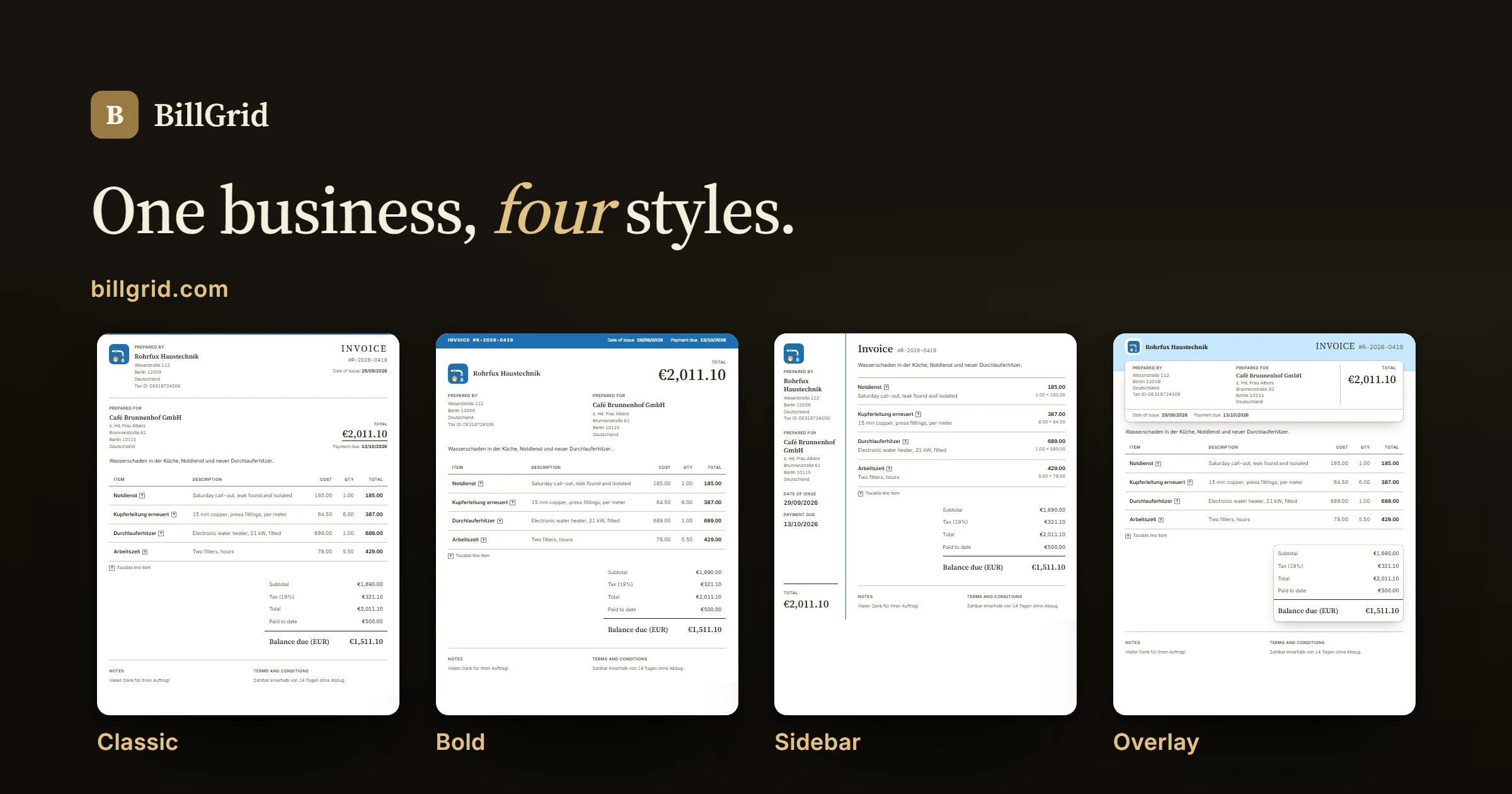
Invoices and estimates come in four styles: Classic, a letterhead; Bold, with a prominent total; Sidebar, with details beside the work; and Overlay, with a soft band of color. Pick a preset or your own color and add your logo. Run more than one business (one business on Solo, three on Pro and as many as you run on Team), each with its own look. Start under Branding in Settings, or use the document's Style menu. The style guide walks through the controls.
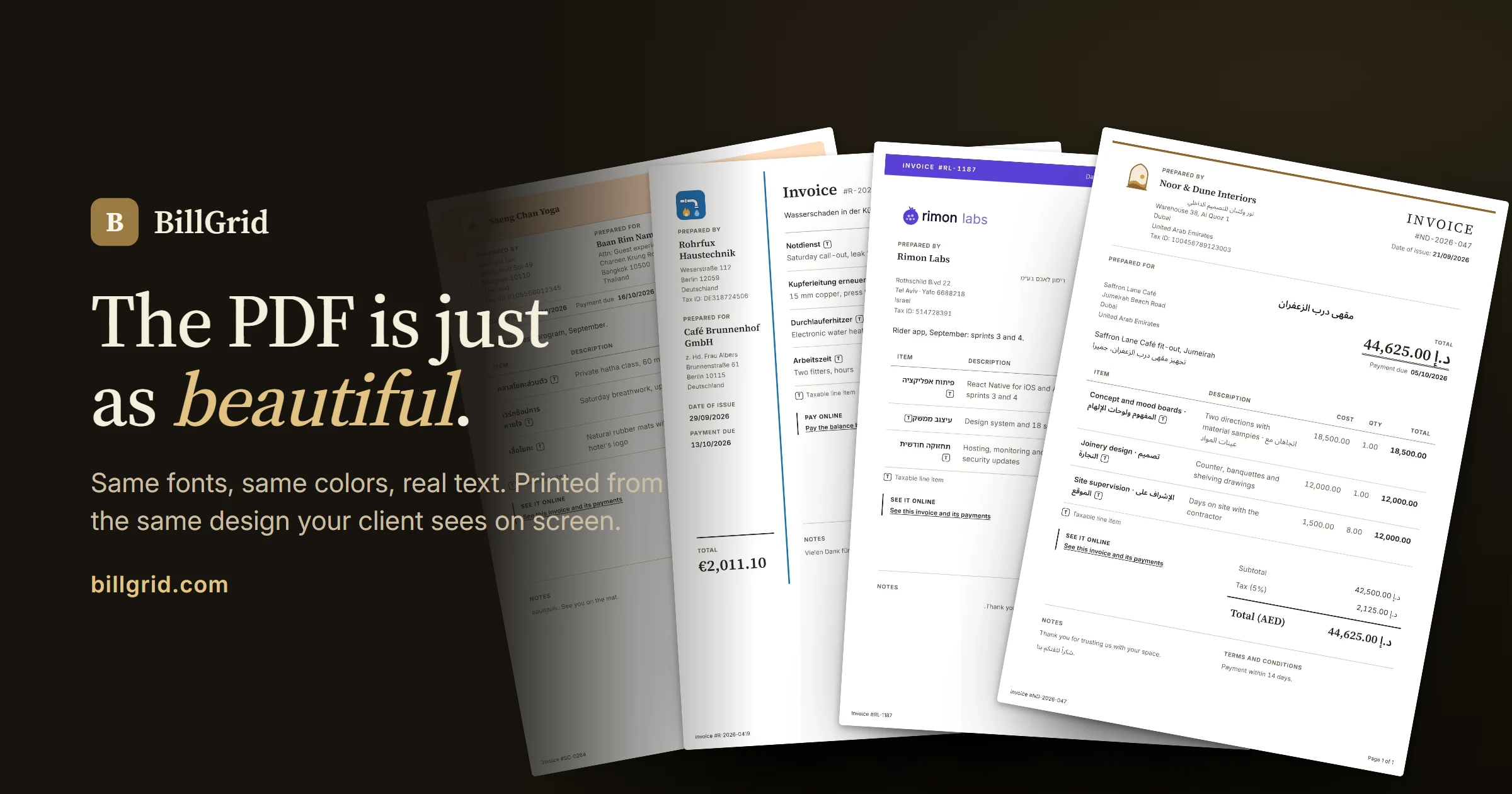
Names, addresses and line items can be in Arabic, Hebrew or Thai beside English, and they're shaped correctly on screen and in the PDF. You can rename a document's title, to "Tax invoice" for example. Your client sees the invoice on their own page, where, once you connect Stripe, they can pay by card in USD, CAD, EUR, GBP or AUD.
The PDF uses the same document design and colors, with embedded fonts, selectable text and page numbers on long invoices. It includes a link back to the online document. Choose to attach it when sending an invoice or estimate.
Check Before Sending
Document labels such as "Prepared for" and "Subtotal" remain in English, and the PDF fonts don't cover every writing system. Preview names and descriptions in both formats before sending. A polished template also doesn't establish tax compliance: check the requirements for your transaction and add the details your client needs.