BillGrid Is Now in ChatGPT
One morning at a small studio: four sentences, one invoice, nothing sent until Alex says so.
The BillGrid blog
Product stories and practical advice on invoicing, client work and getting paid.
Charge what your work costs: recurring prices that rise on schedule, card fees covered by the card, subscriptions turned into Recurring, and emails from your own name.
Take a closer lookSee the product at work, and get more from the tools you already have.
One morning at a small studio: four sentences, one invoice, nothing sent until Alex says so.
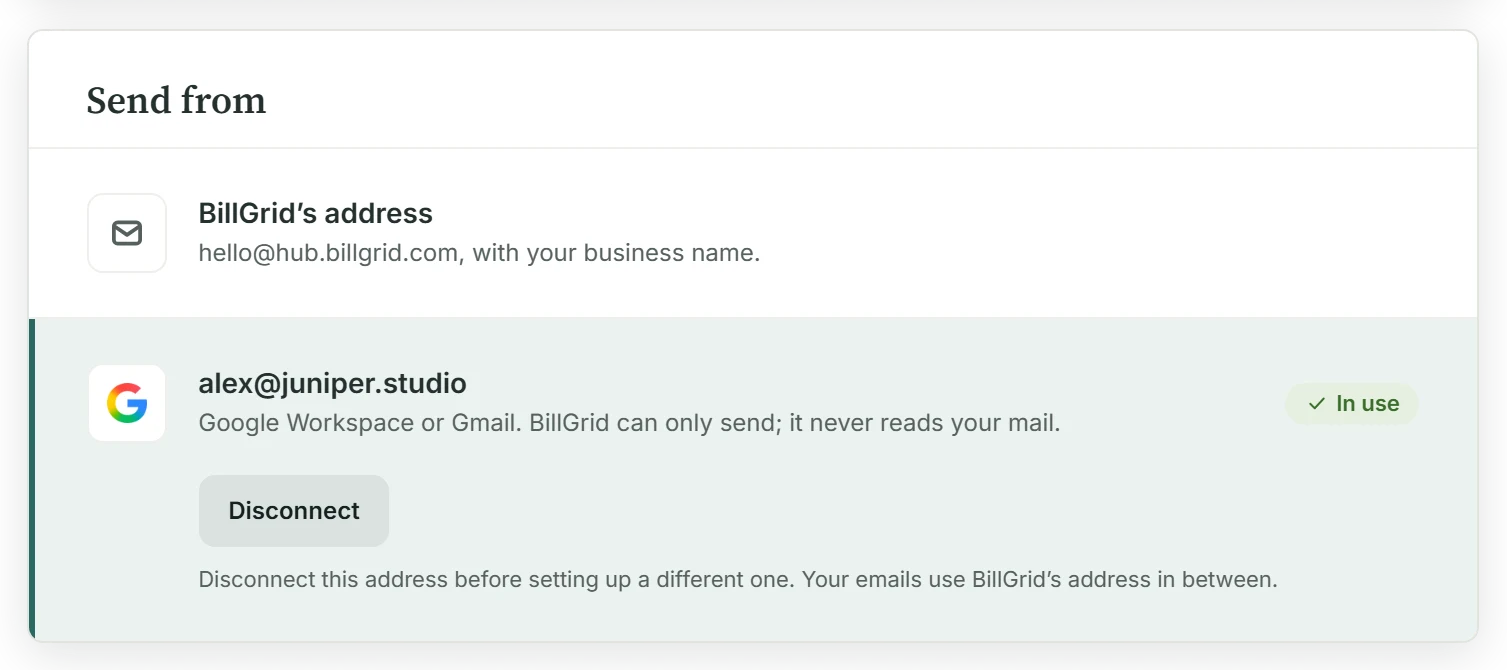
Connect your Gmail or Google Workspace mailbox and your invoices come from the address your clients already know, with a copy in your Sent folder.
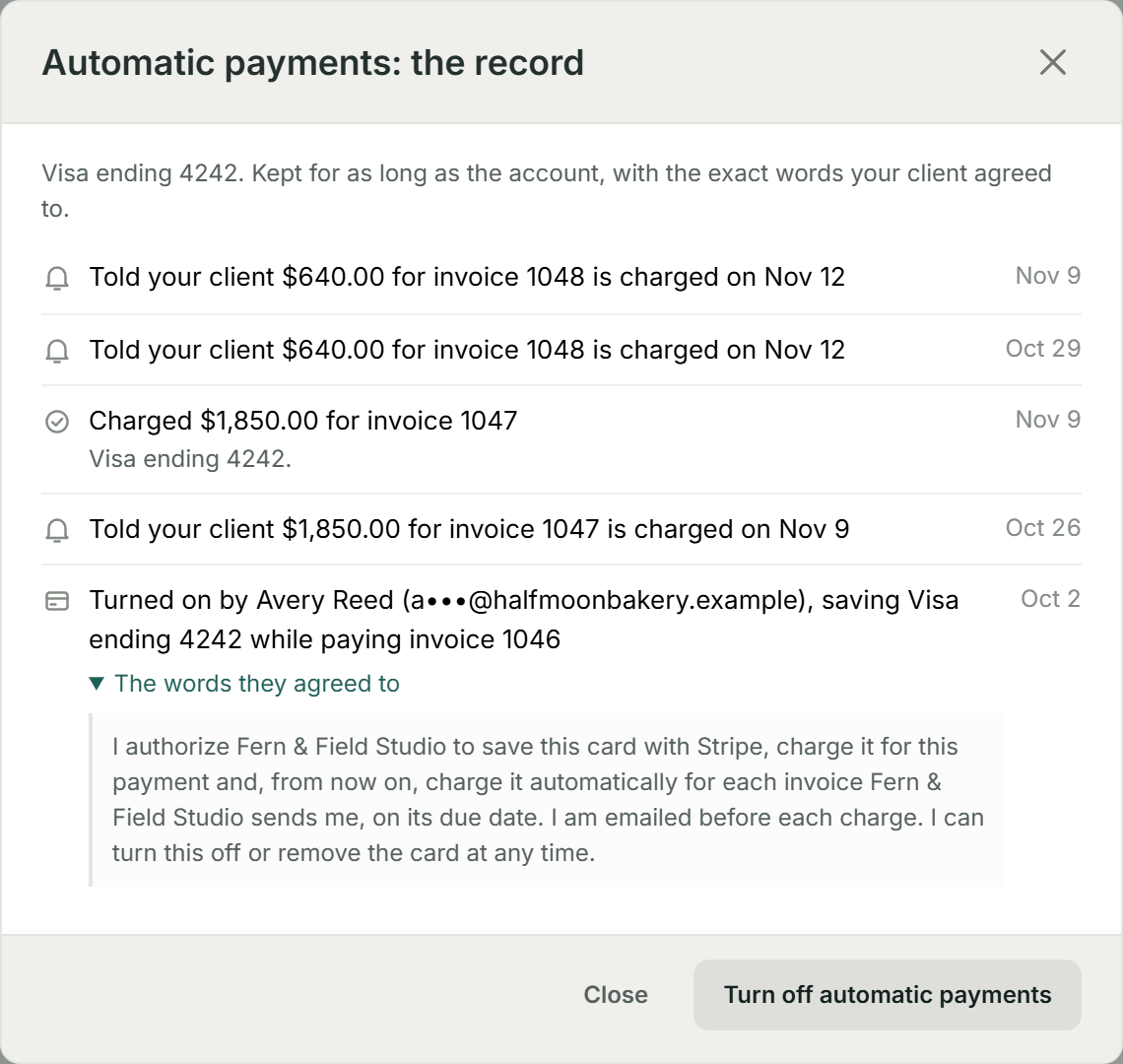
Your client saves a card once, and each invoice is paid on its due date, with a reminder three days before and a receipt after.
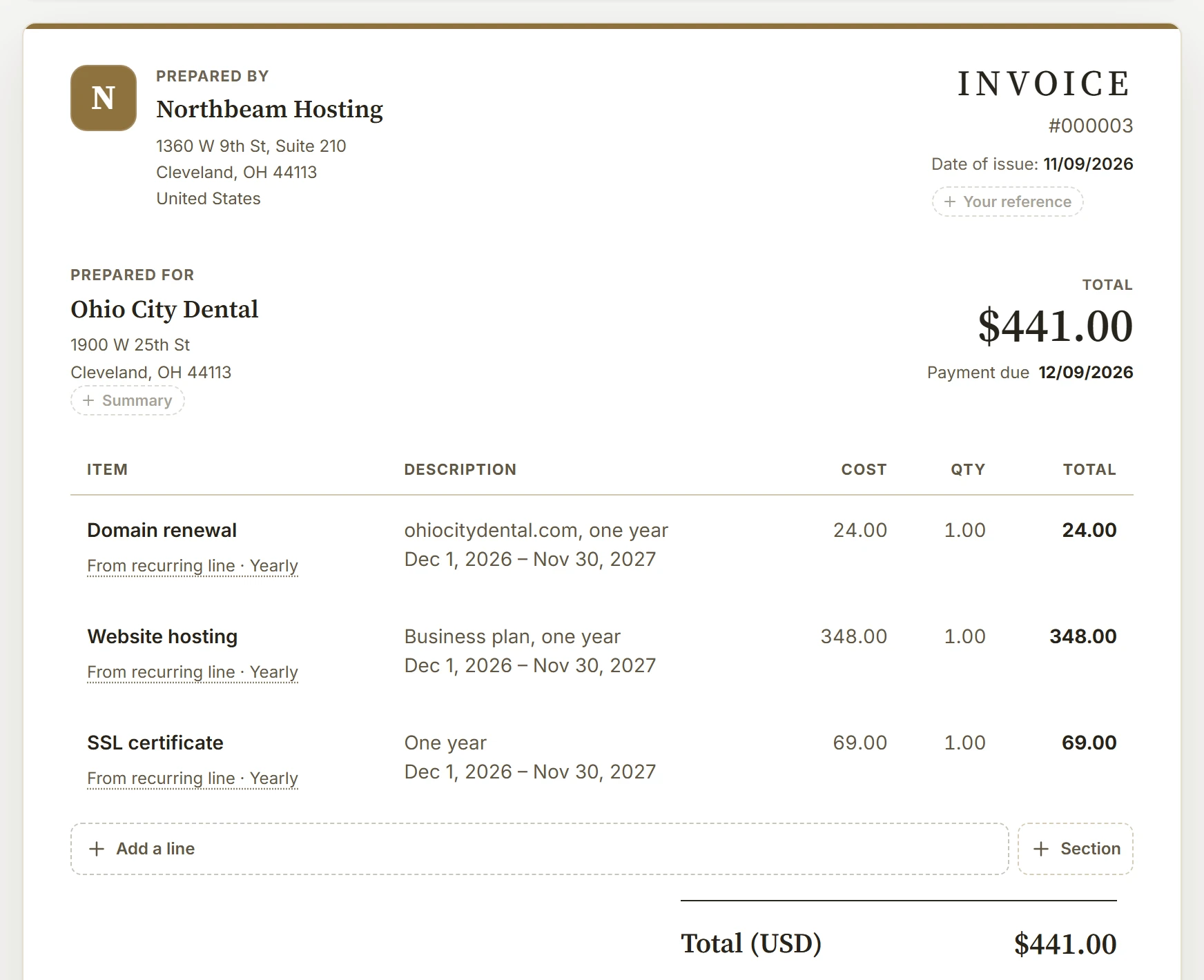
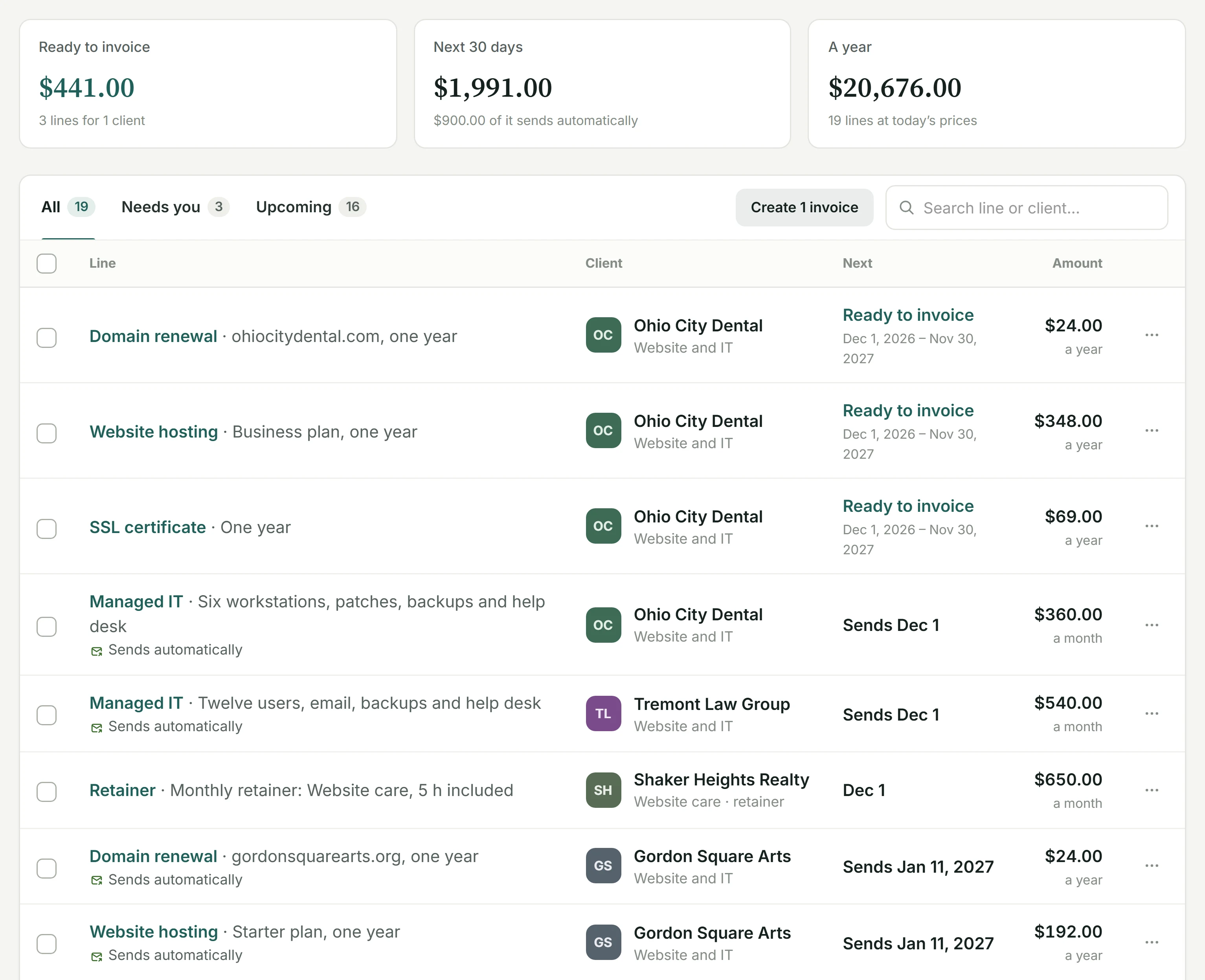
Each thing a client pays again is now its own line: review it first or let it send, change one price without touching the rest, and let BillGrid find the ones you already bill by hand.
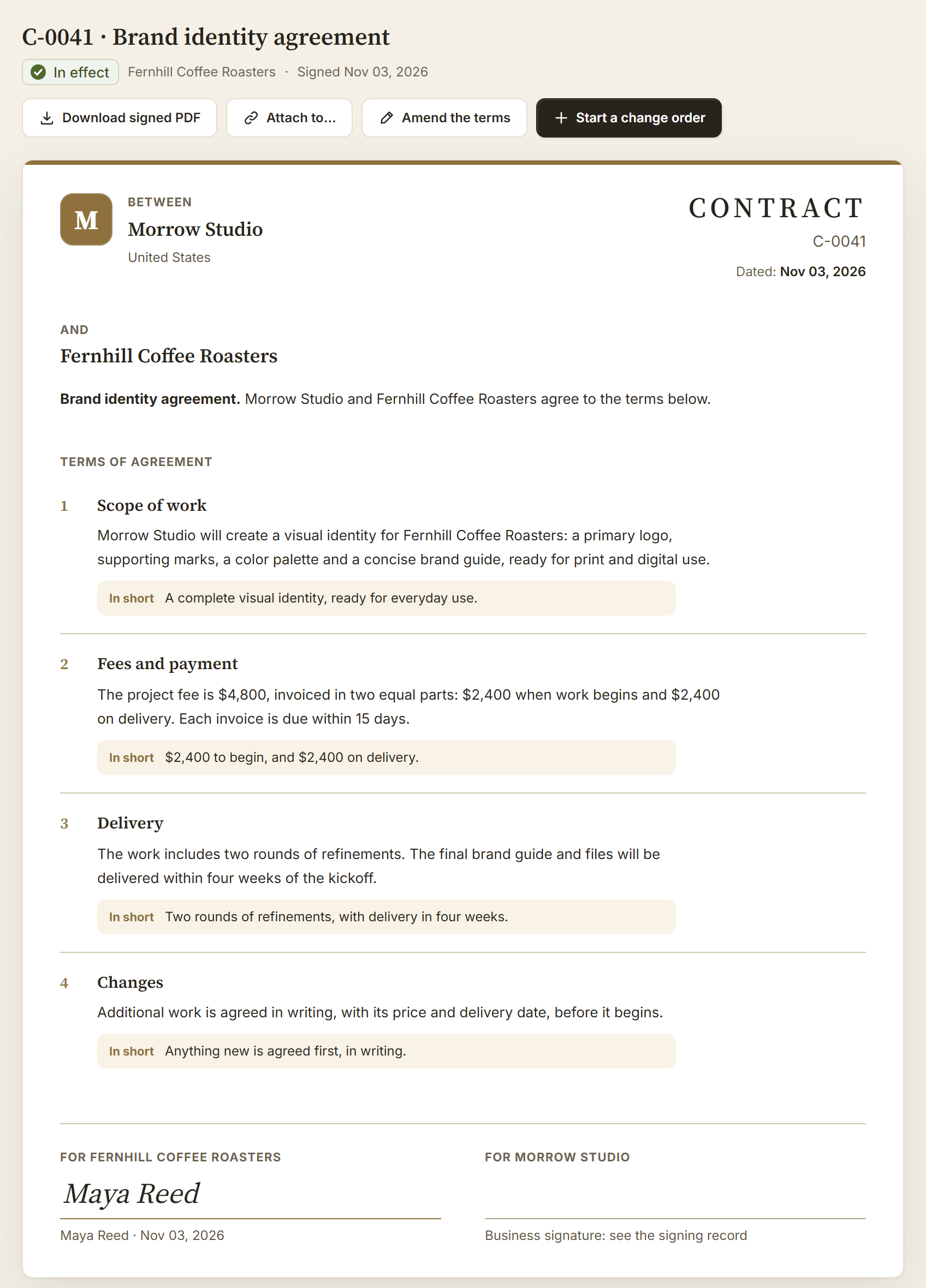
Write it, send it, both sign it, and keep every change in writing: how a contract moves between you and your client.
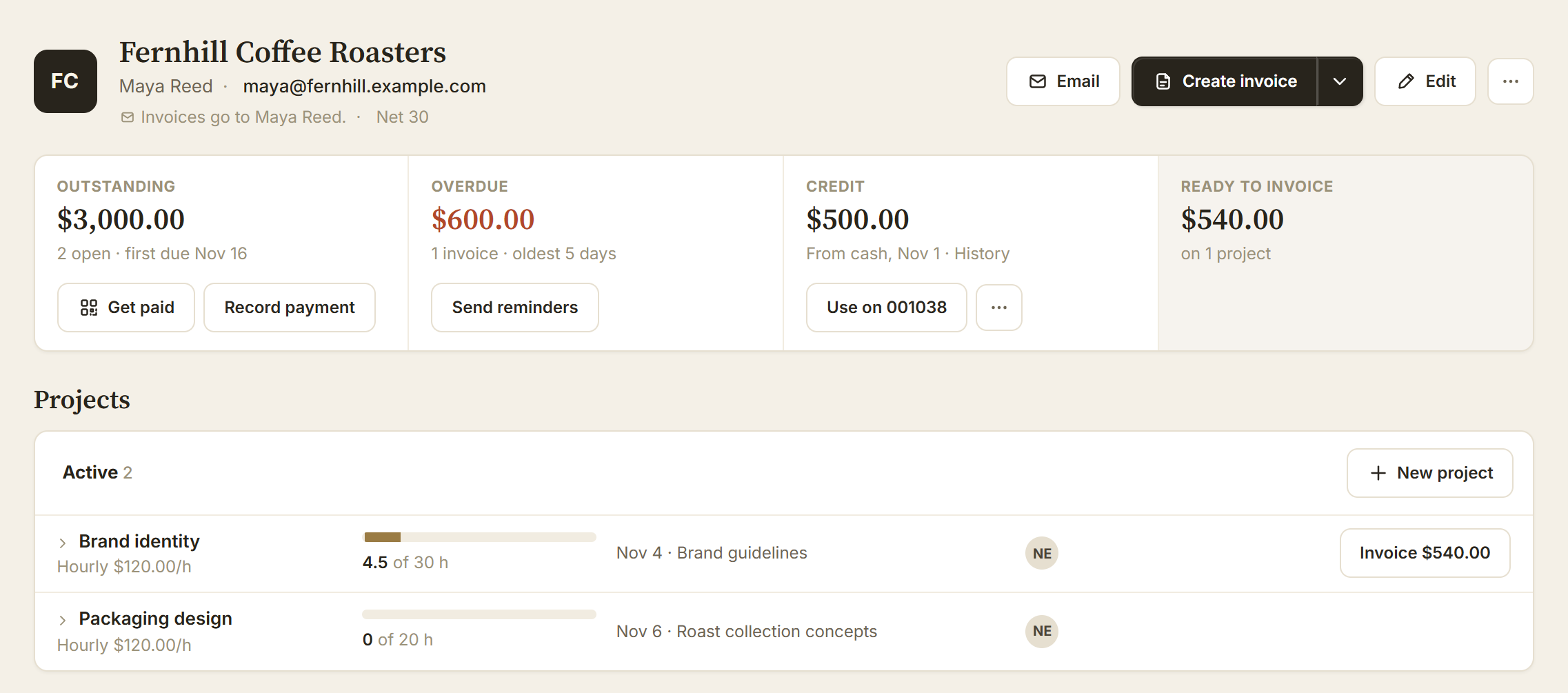
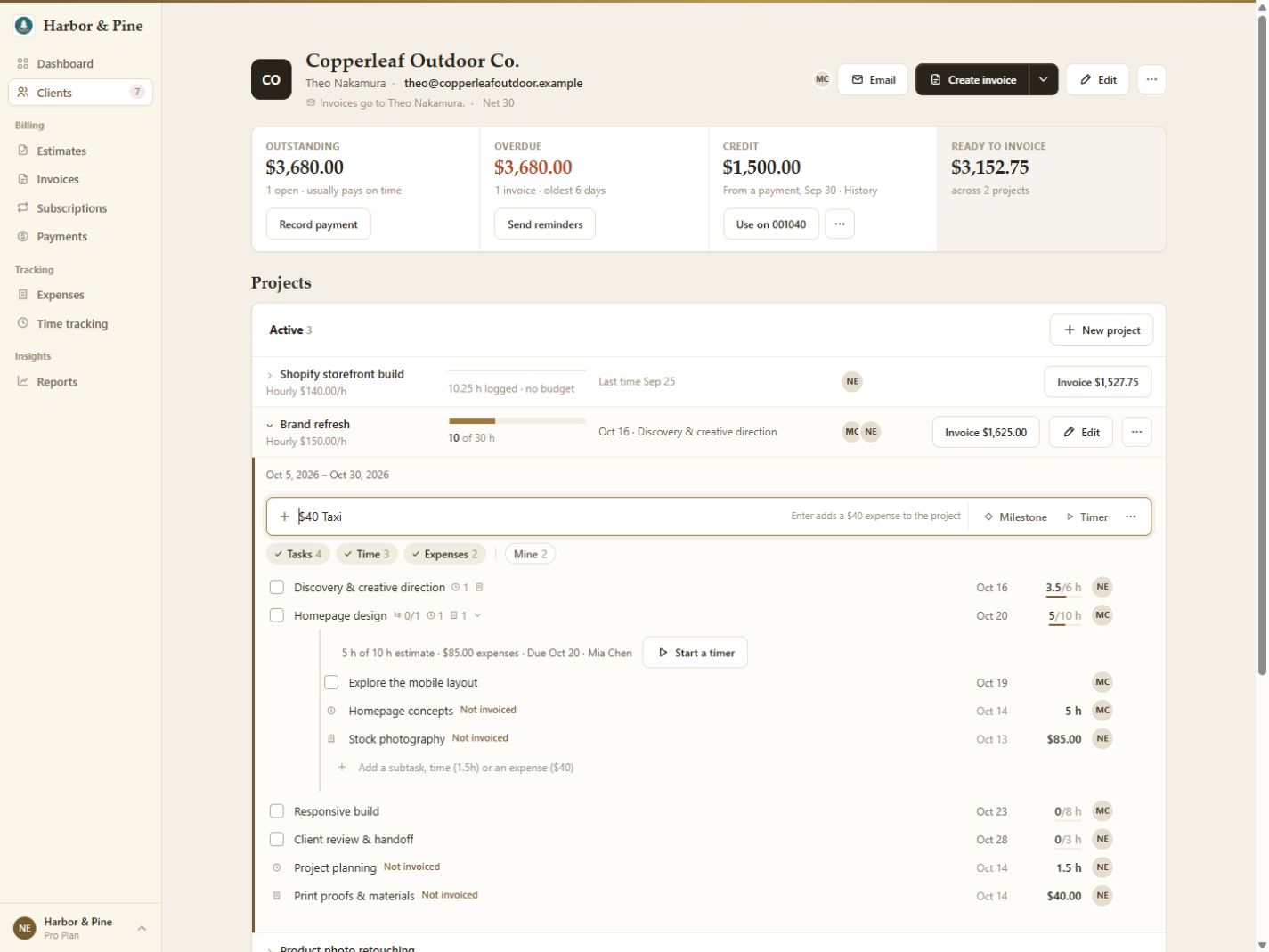
Take a payment wherever work takes you. Agree on the details, see what needs attention and bring the hours onto the bill.
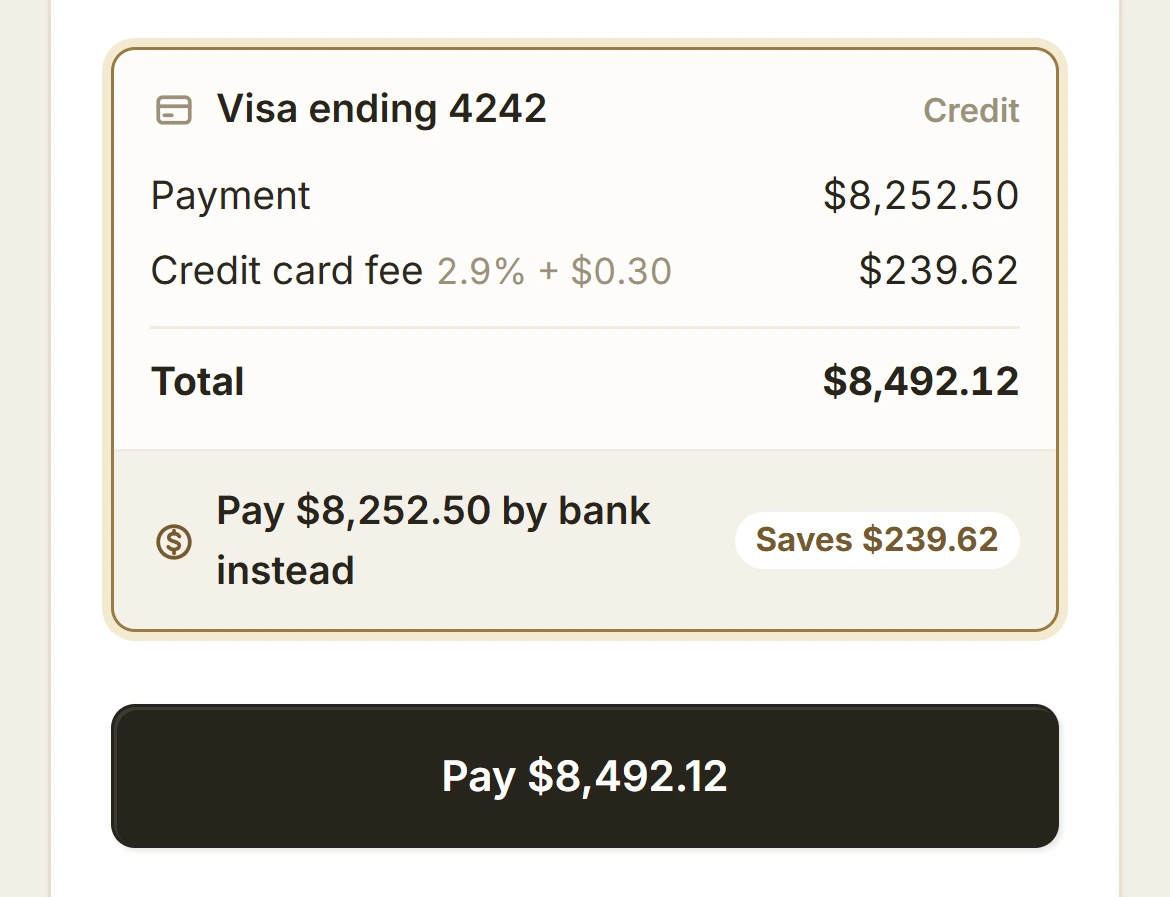
Let the card cover the card. Only credit cards pay it, your client sees it in dollars before paying, and paying by bank is one tap away.
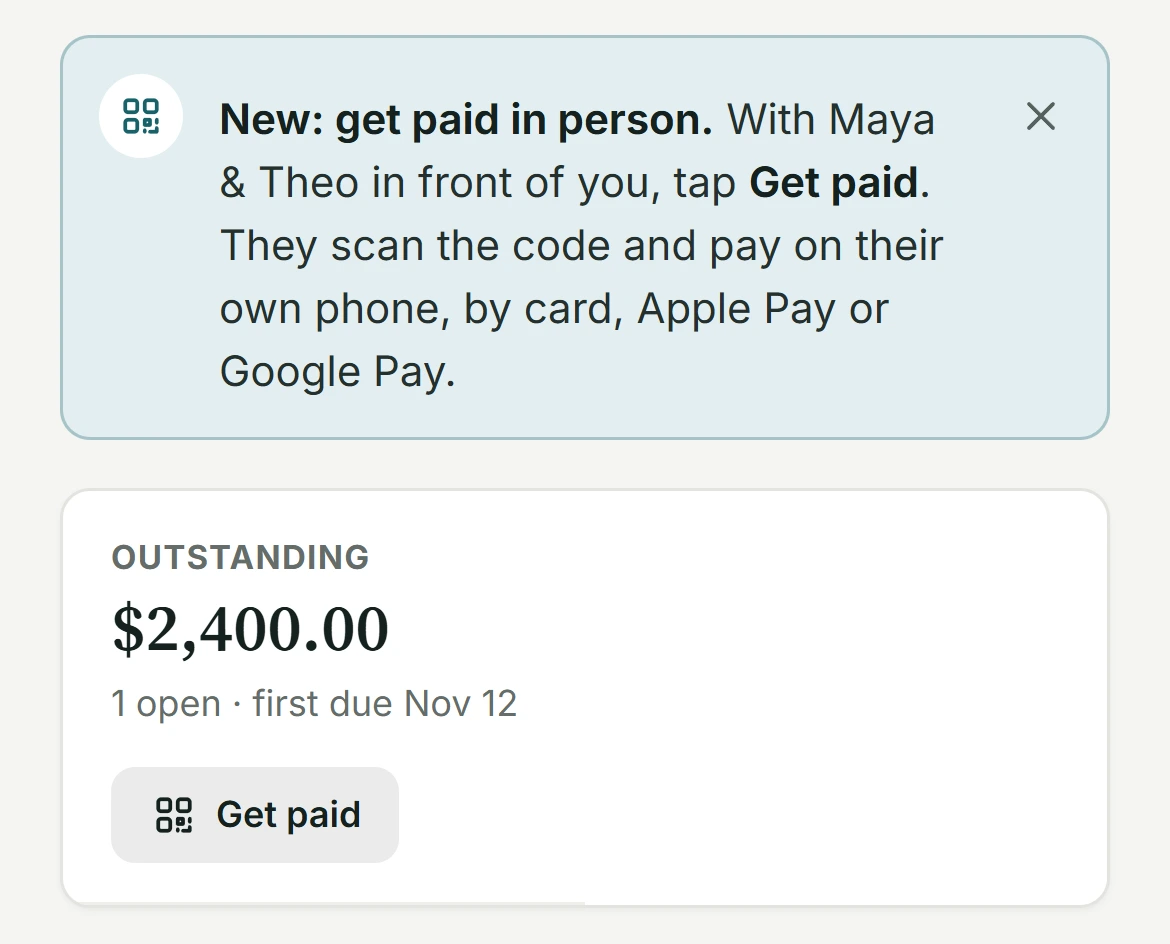
Your client is right there. Show a code, and they pay on their own phone by card or an available wallet. Your open screen follows the balance.
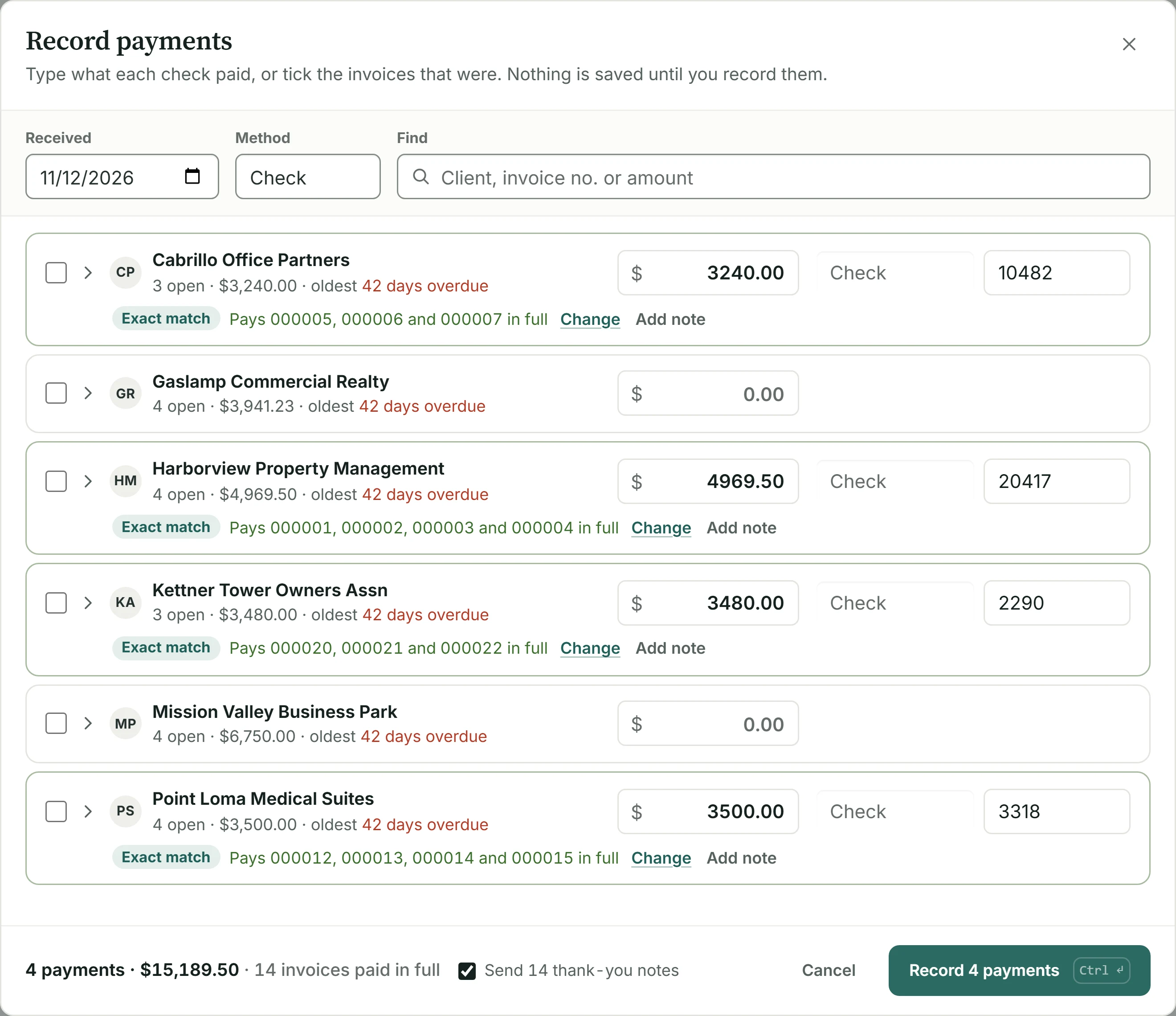
A hundred checks shouldn't mean a hundred trips through one form. Type each beside its client, tick what it paid, or find it by amount.
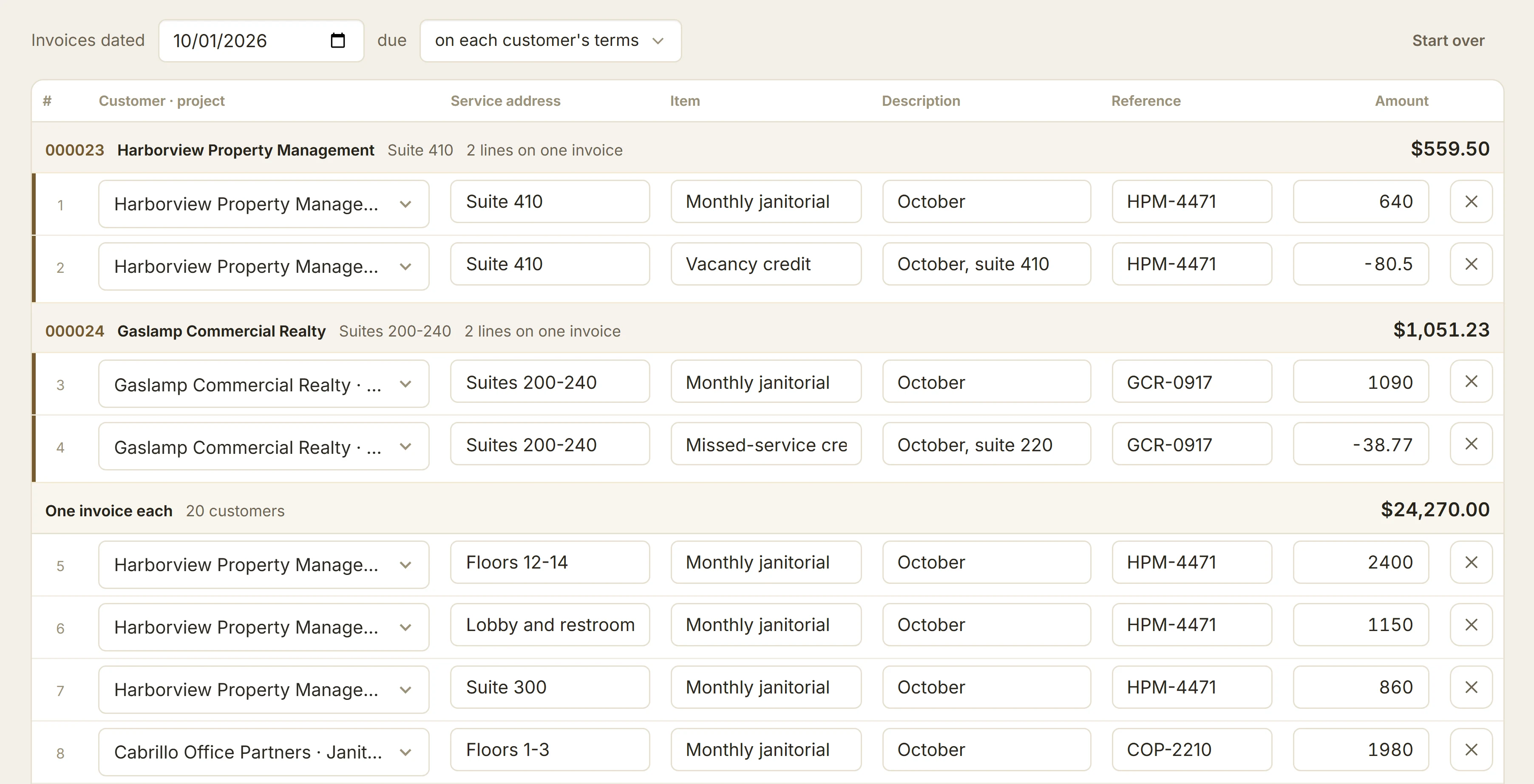
Repeat last month, one invoice per site with its PO, then a stack of checks recorded at once. A cleaning company's month, step by step.
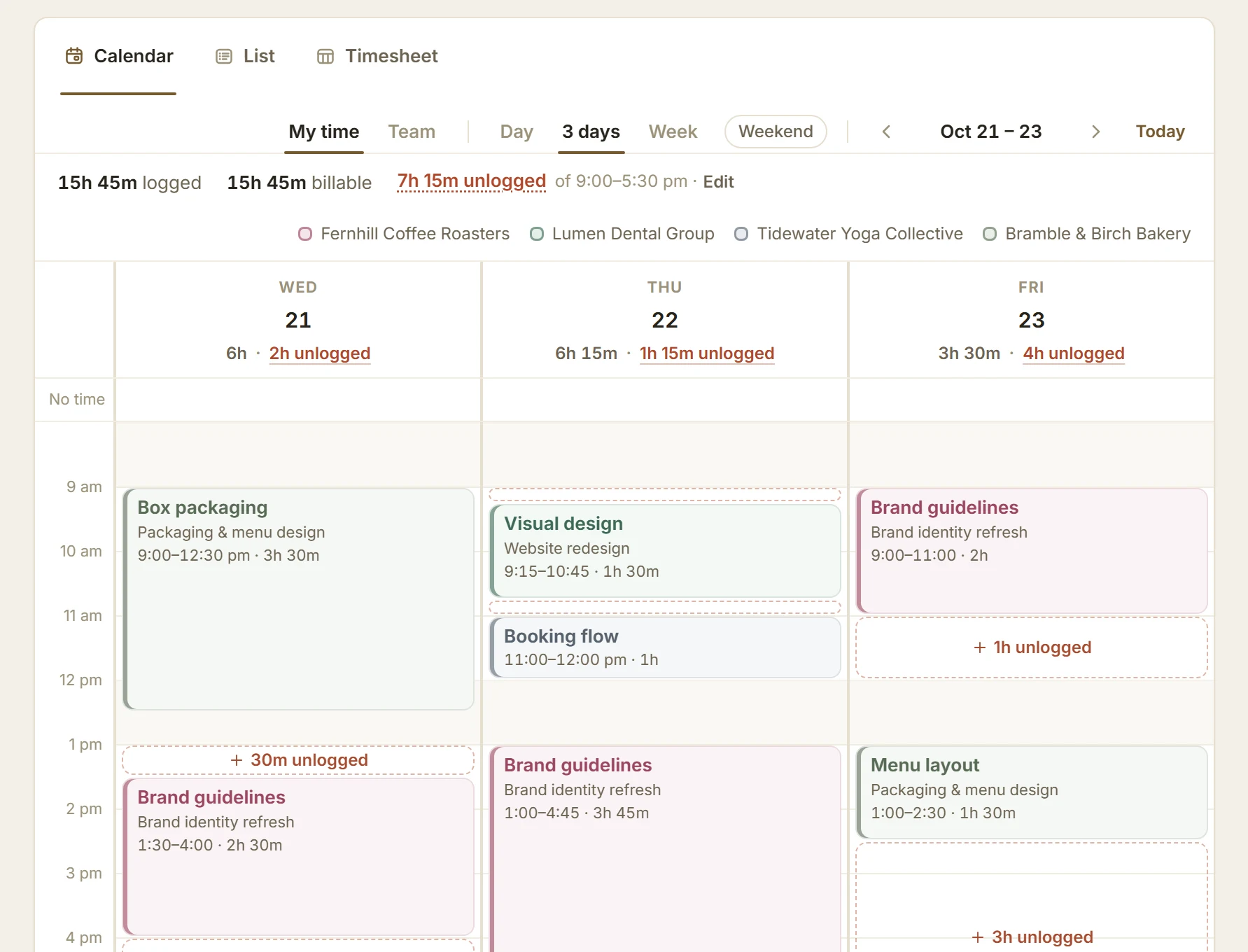
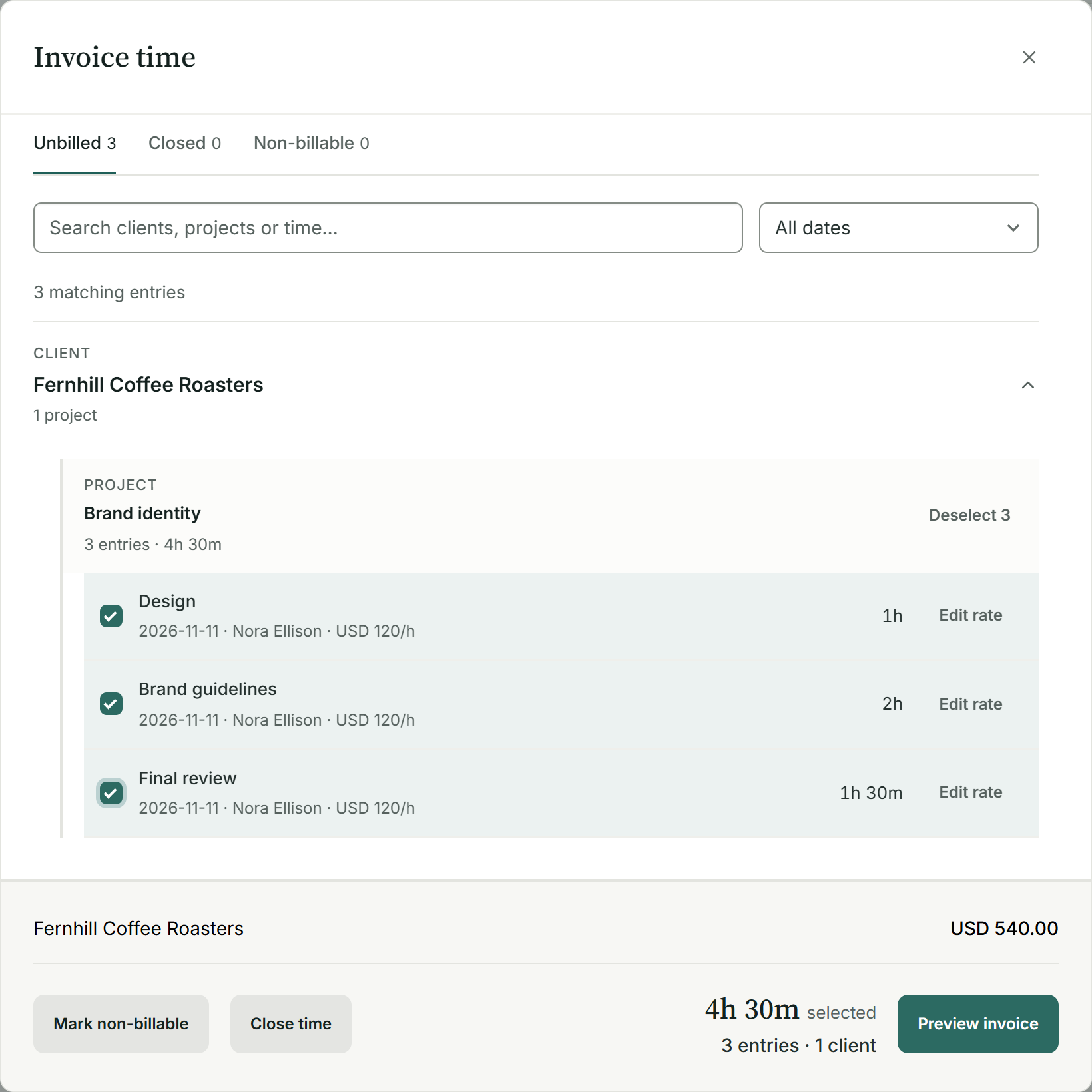
Hours recalled on Friday are a guess. Log time in one line, see the stretches you missed, and carry every billable hour to a draft invoice.
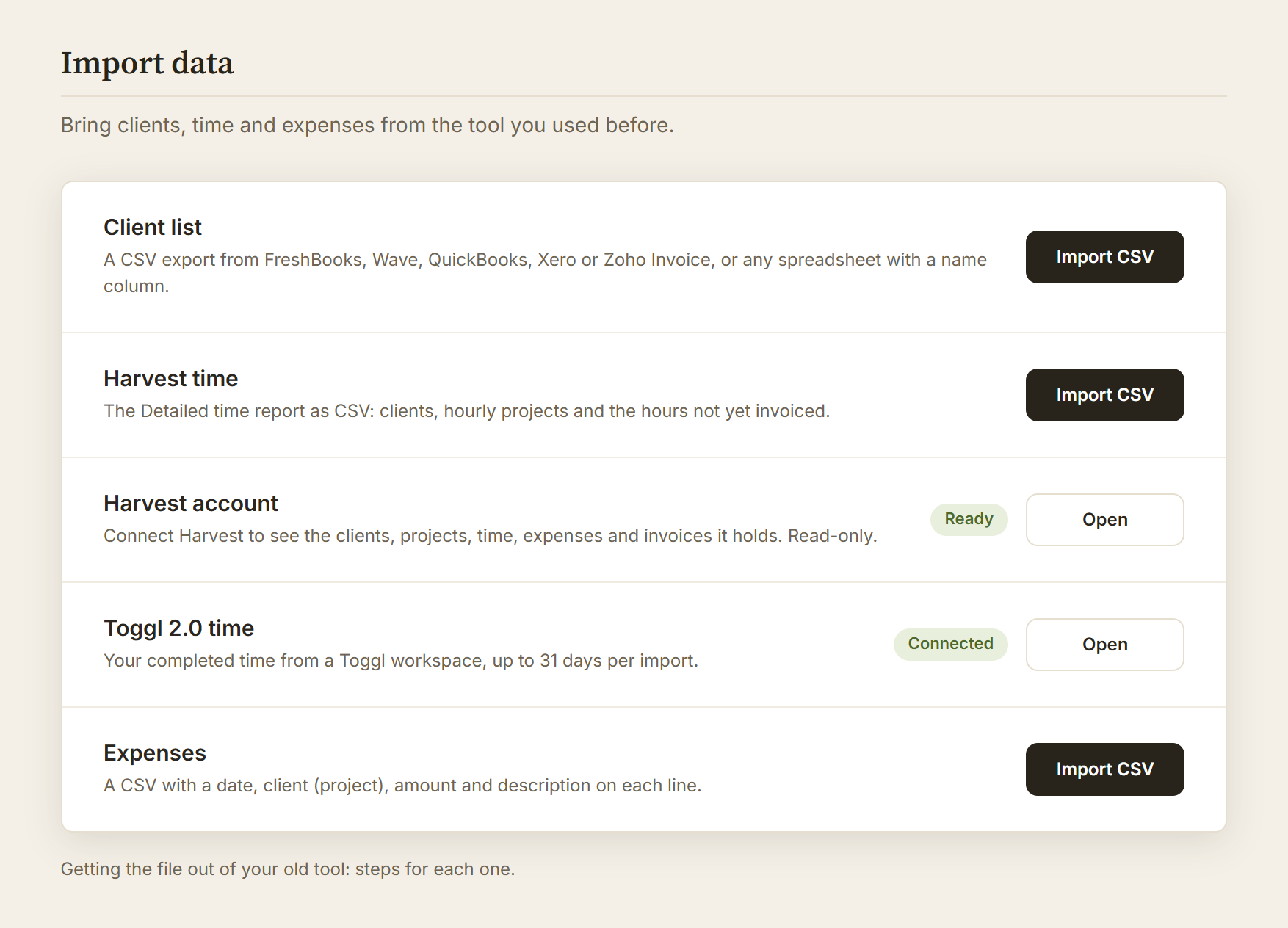
Review your Harvest account, bring over clients and work still to bill, and keep past documents as protected history. Toggl time and CSV options too.
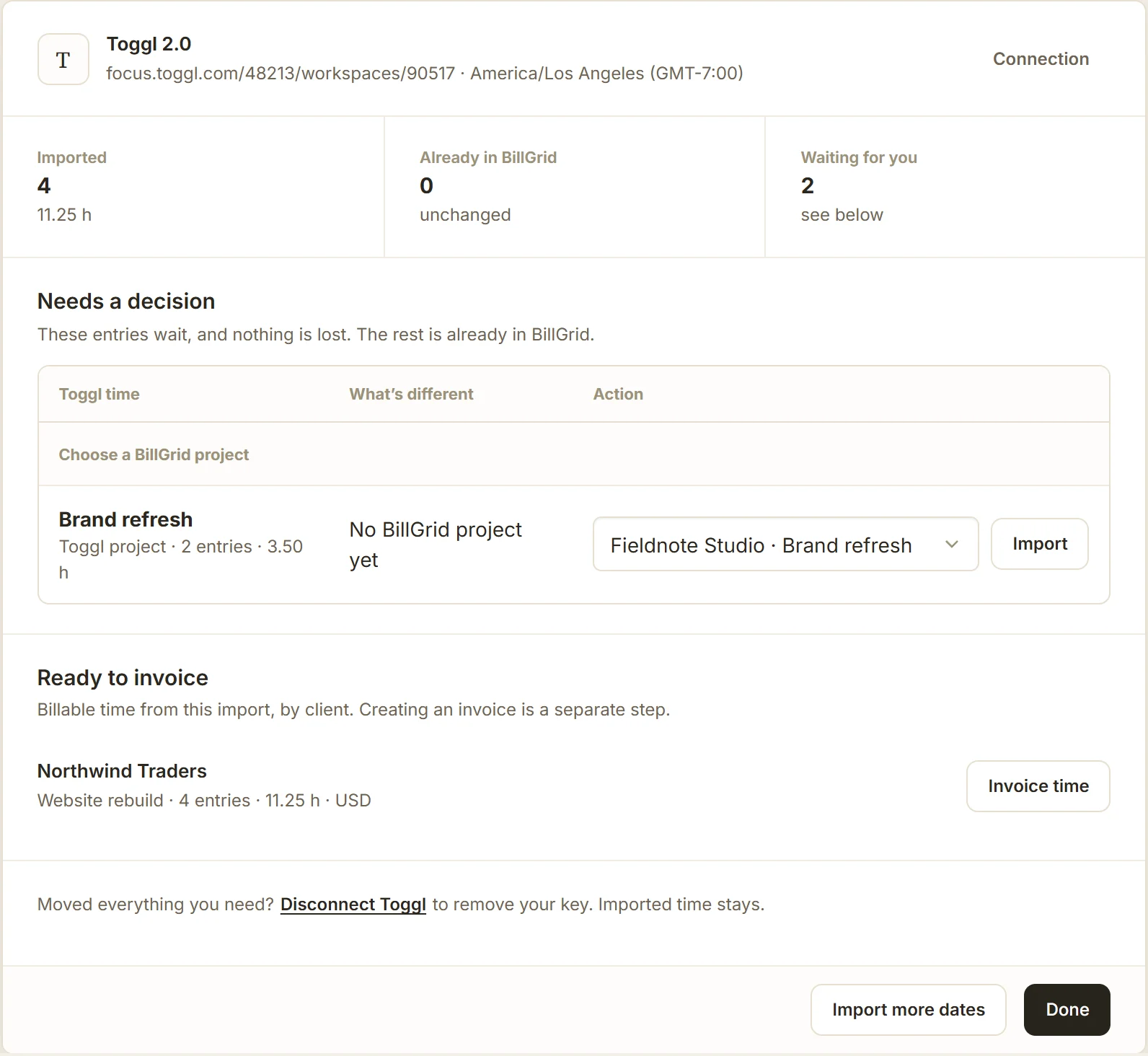
Connect Toggl 2.0, import a month at a time, match each project and turn the hours into a draft invoice, with a screen for every step.
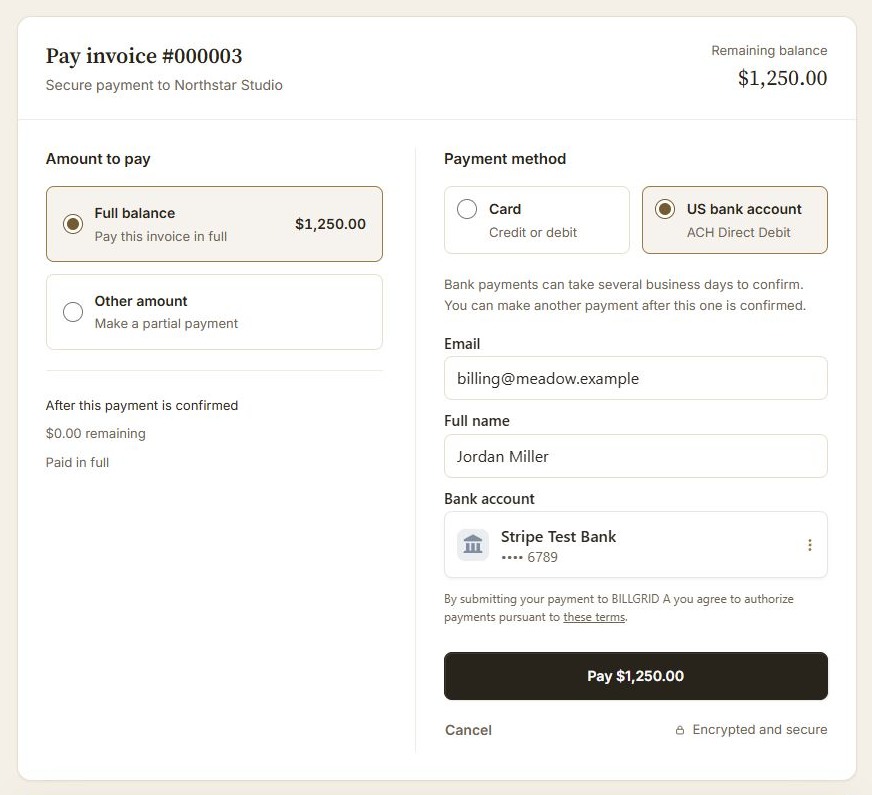
Cards, US bank payments and a clearer checkout. Pay in parts, follow a deposit schedule and see what remains before paying.
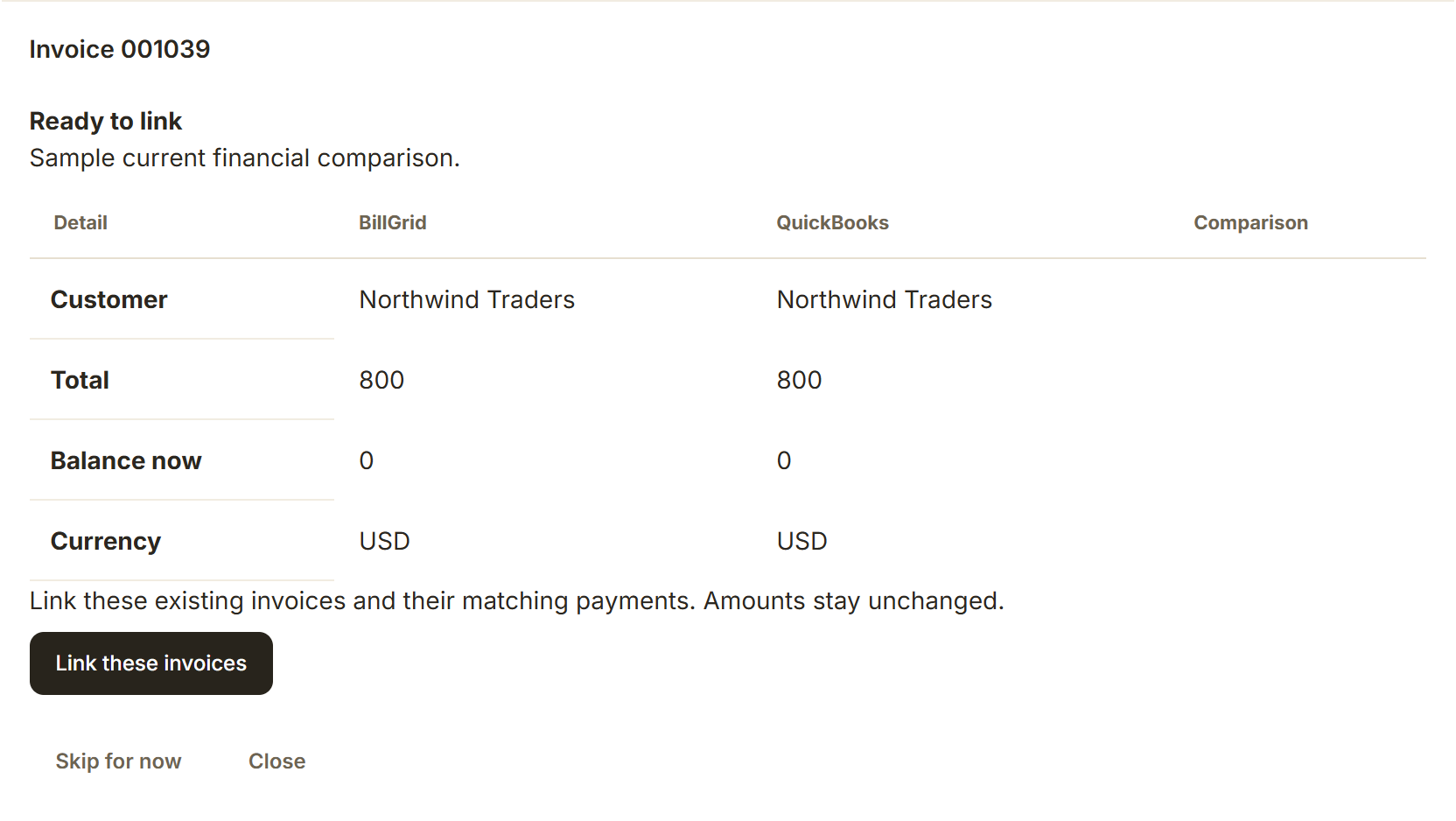
Connect your billing and books on Pro and Team: choose your timing, compare existing invoices and copy supported payments to QuickBooks Online.
Bill a whole client list, keep project work together, and release files when paid. The latest tools for the work around your invoices.
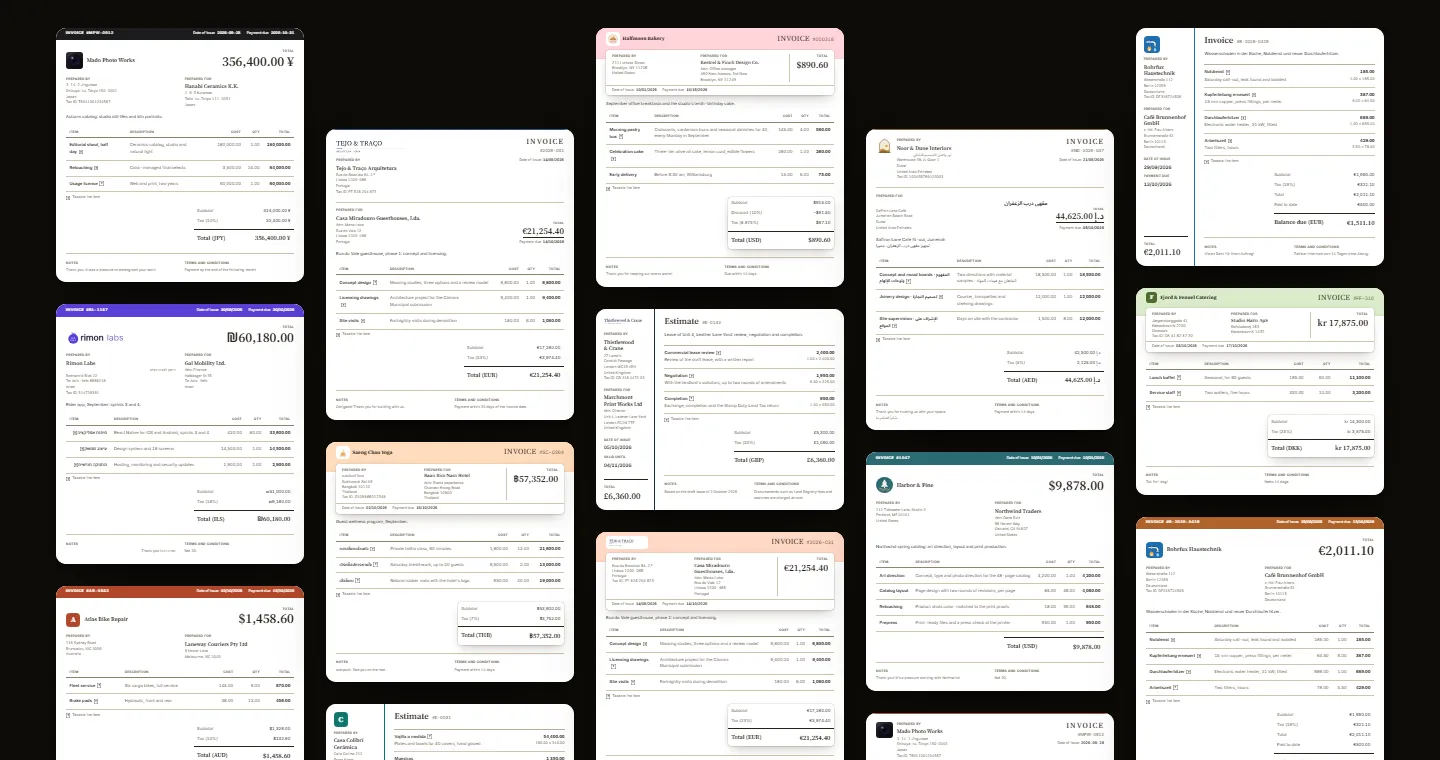
In a 2025 survey of 240 US firms, 23% cited invoice disputes as a cause of late payment. Clear document design and four styles for your brand.
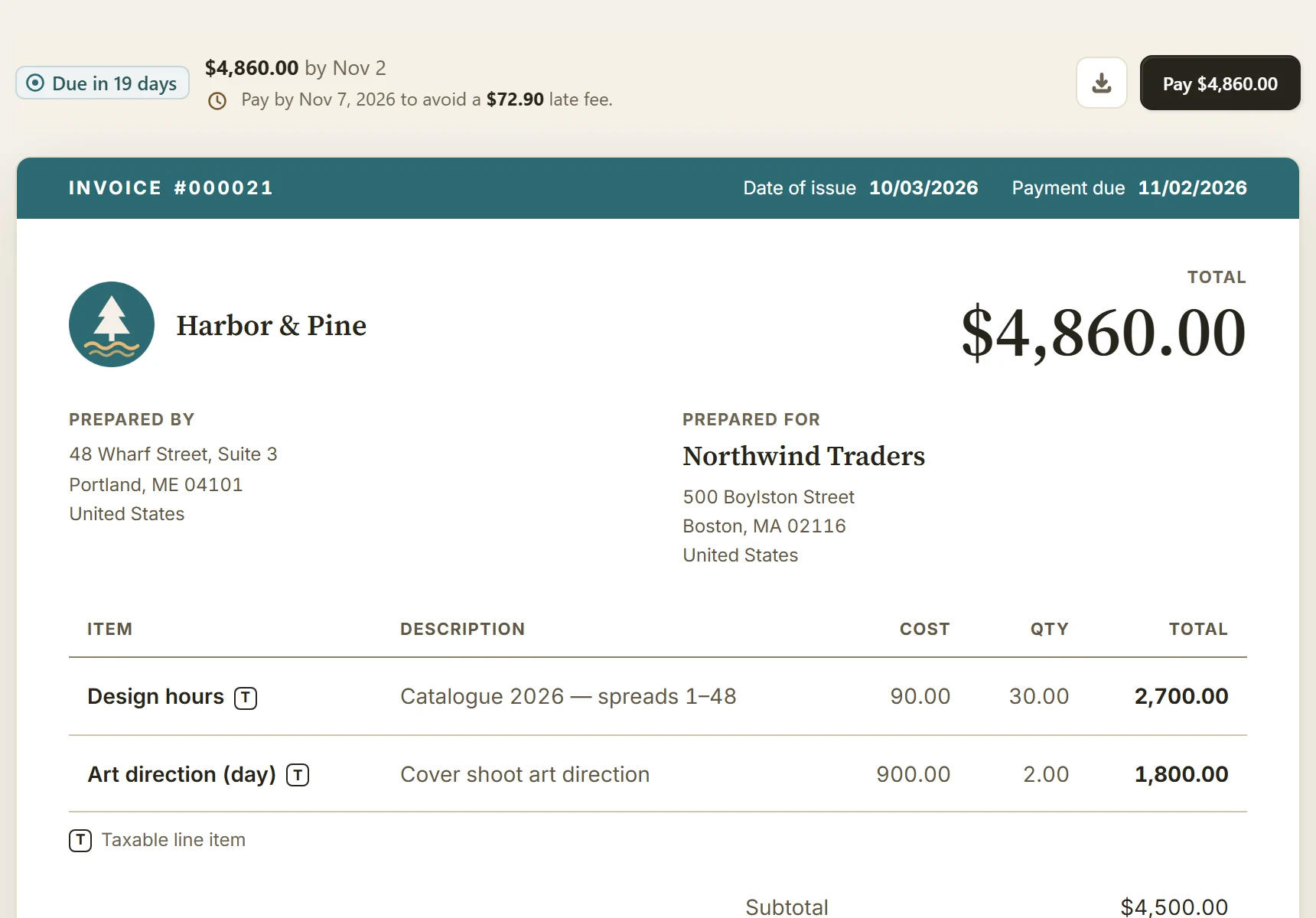
Choose agreed late-fee terms, optional warnings and how charges are added. A guide to BillGrid fee controls and their limits.
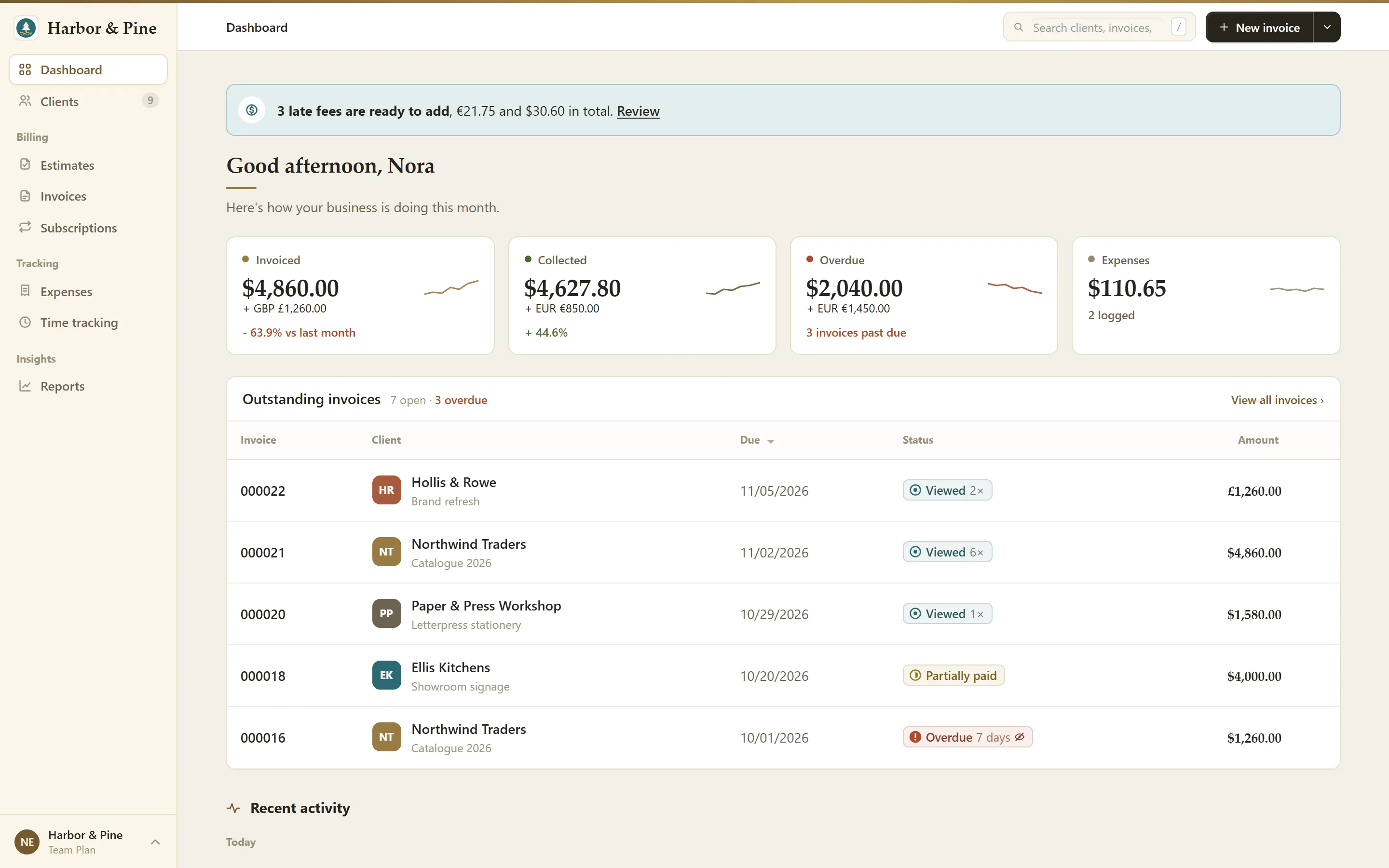
The original rebuild tour, with launch screenshots and current guidance on the editor, client credit, staff access and the features added since.
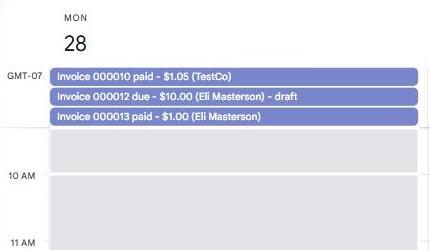
See invoice due dates, payment status and estimate delivery dates beside your other commitments. How Google Calendar sync works and where to set it up.
Clear invoices, better agreements and a thoughtful way to follow up.
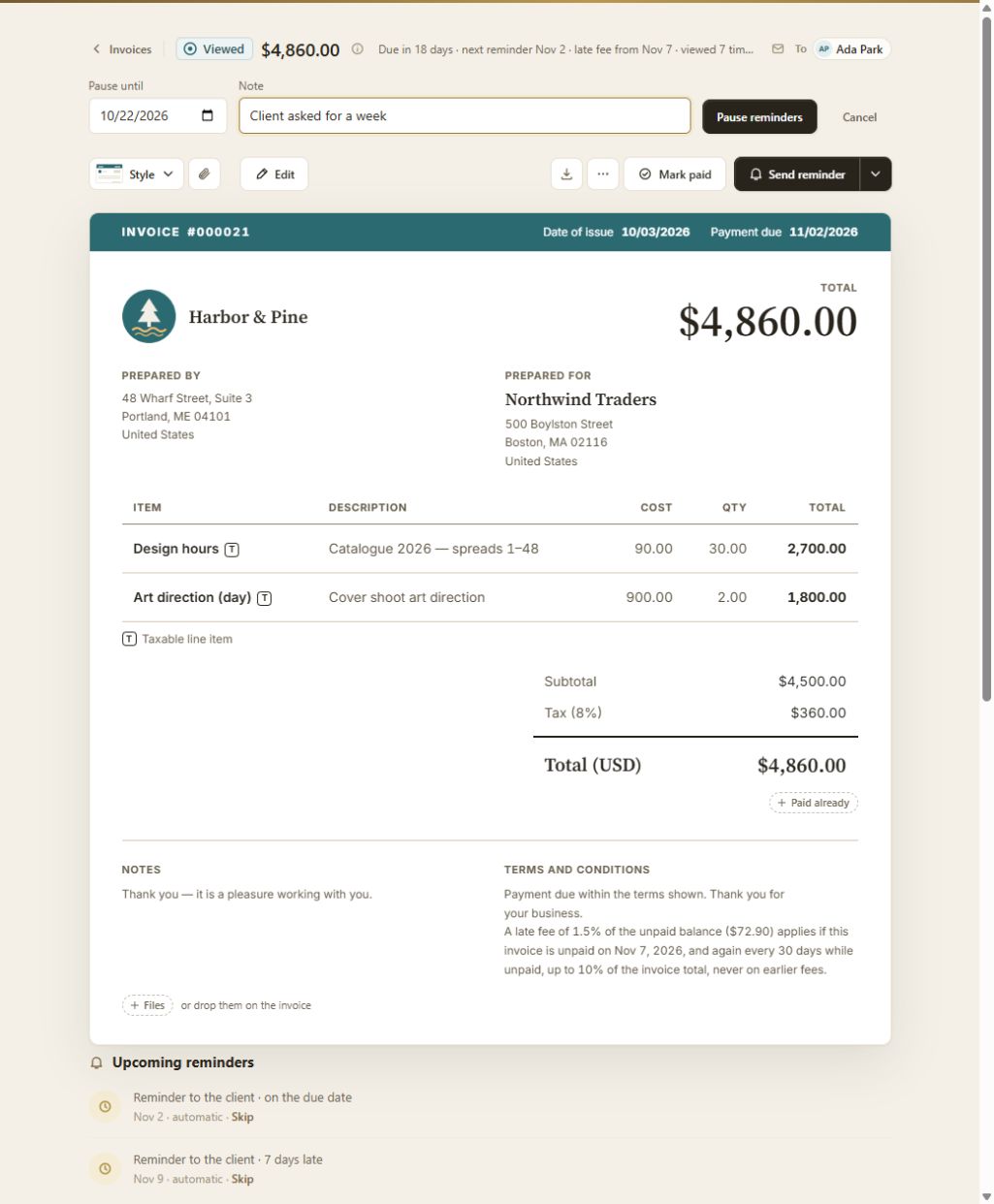
Start with a clear follow-up, then gather the evidence and check your recovery options. A practical path for an unpaid client invoice.
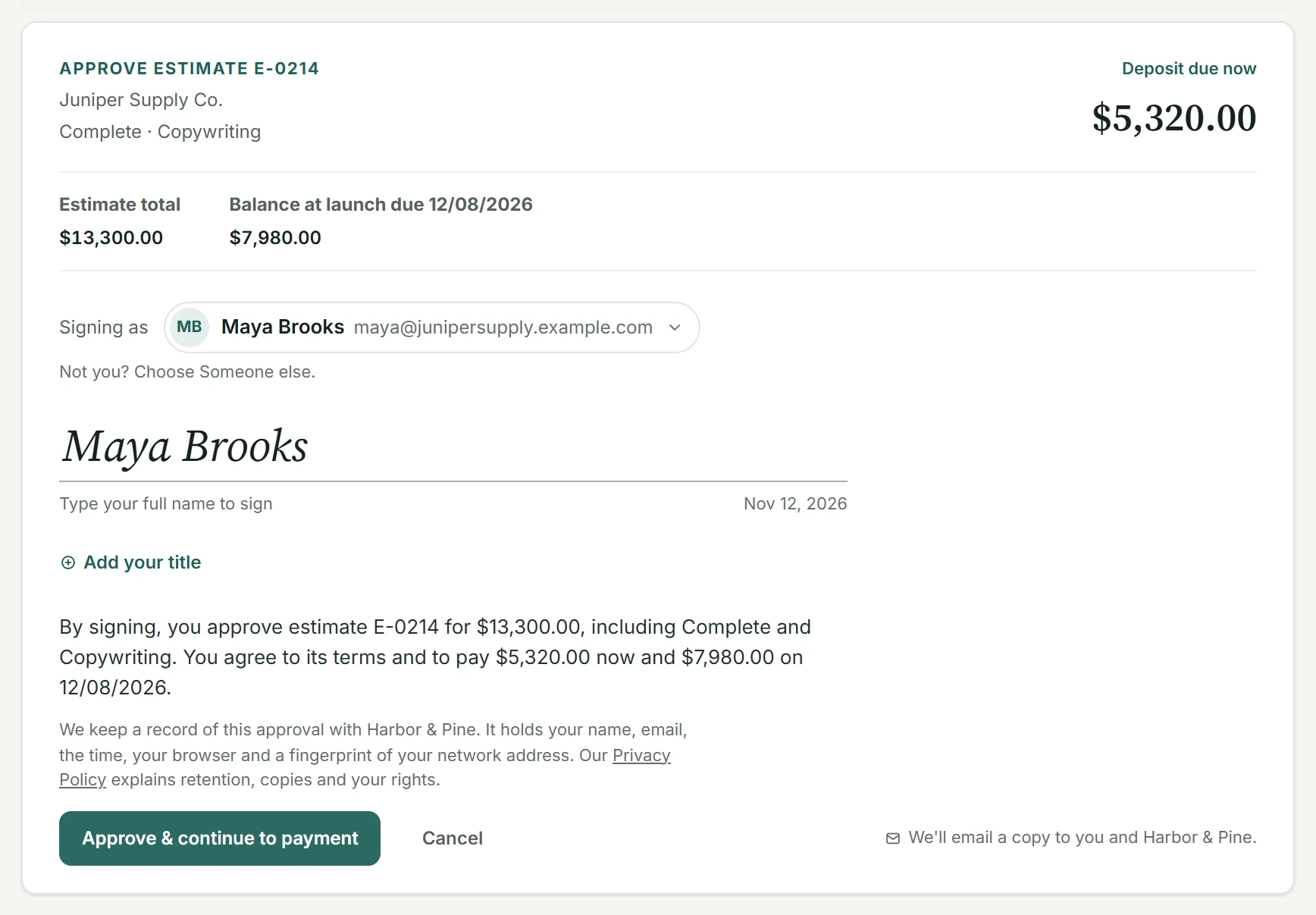
How to choose a deposit, explain it clearly and put the terms in writing, with consumer limits and a request template you can adapt.
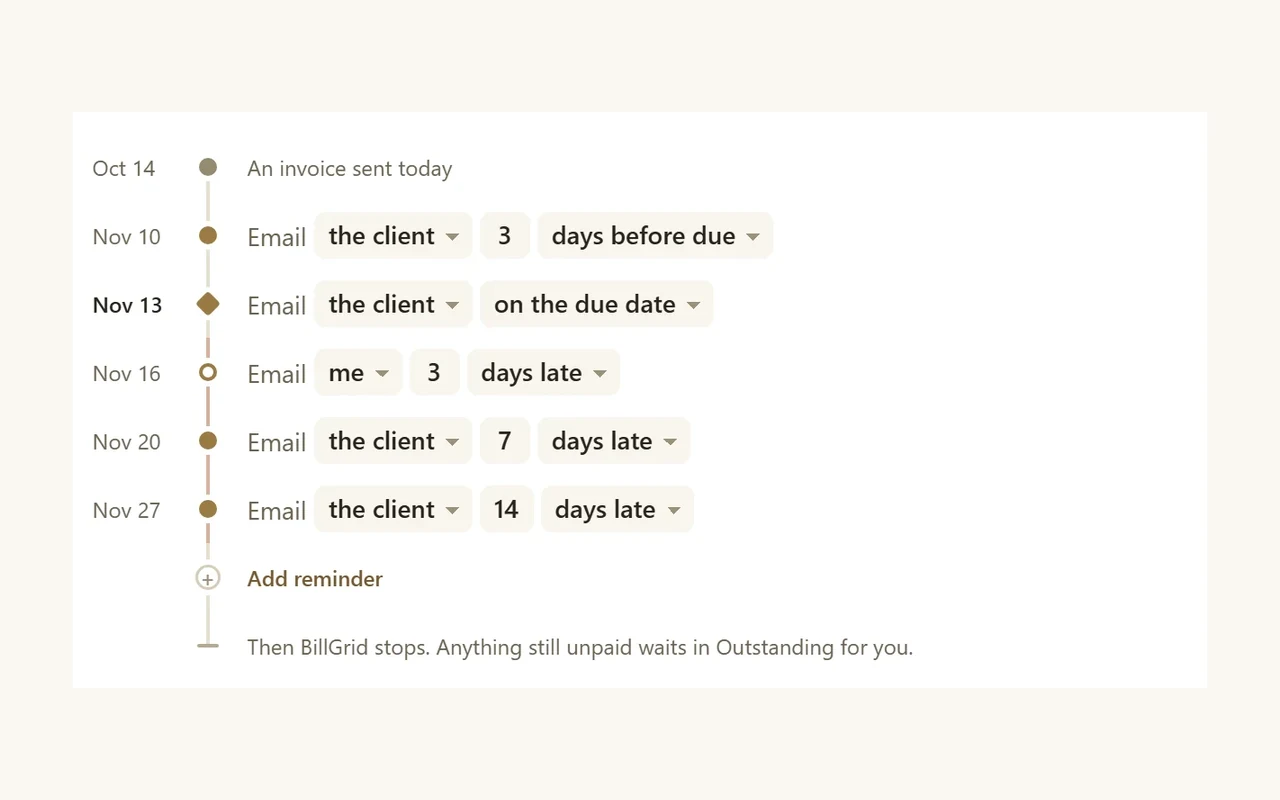
Compare net 30, net 15 and payment on receipt. What each term means, how to agree a deadline and what an early-payment discount costs.
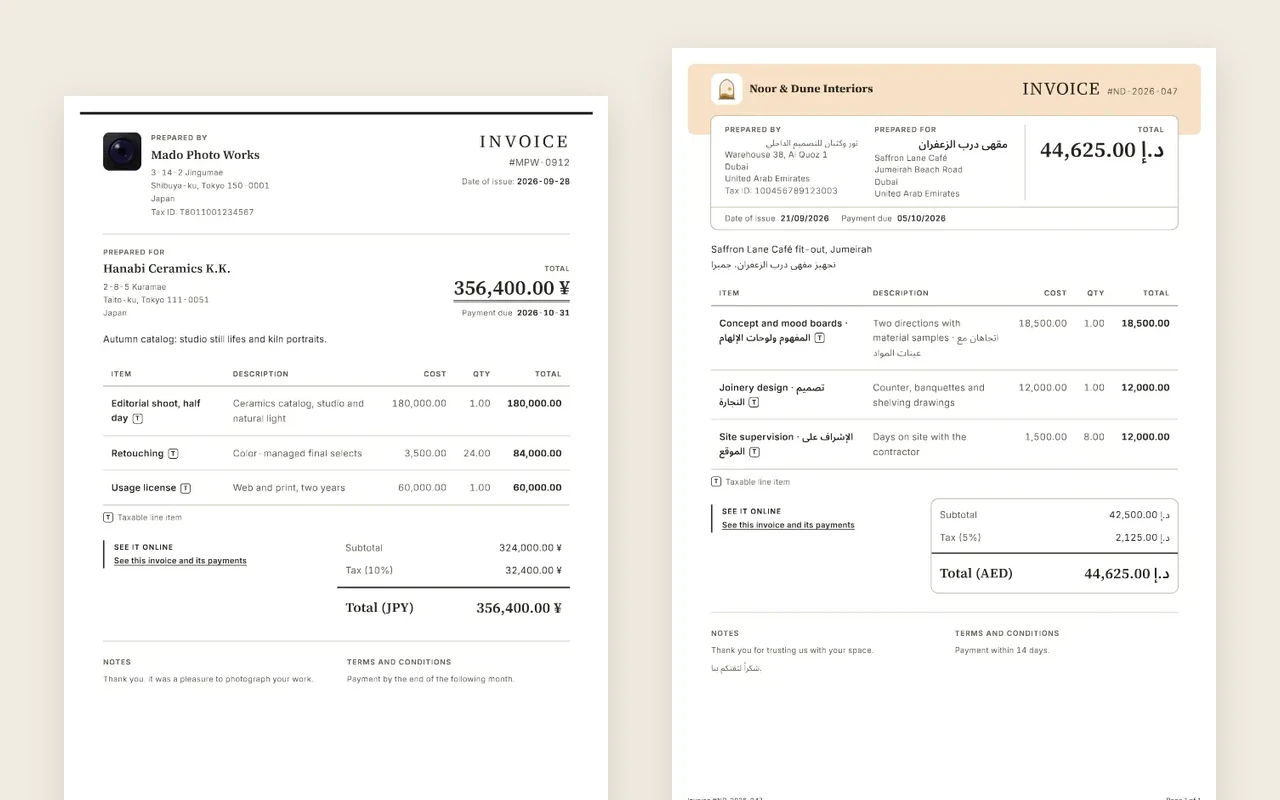
Currency, payment fees and tax treatment need separate decisions. A practical checklist for sending service invoices across borders.
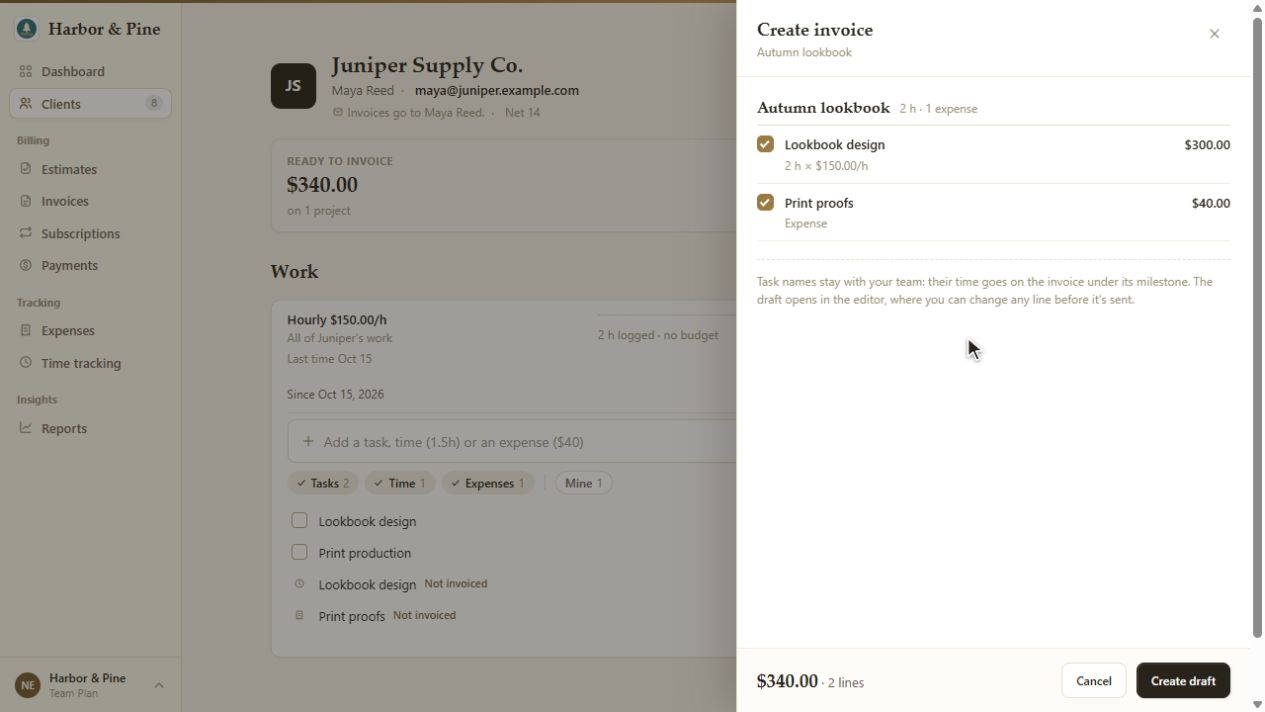
Clear time records make clearer invoices. How to log work, explain hours and rates, and turn project time into an invoice.
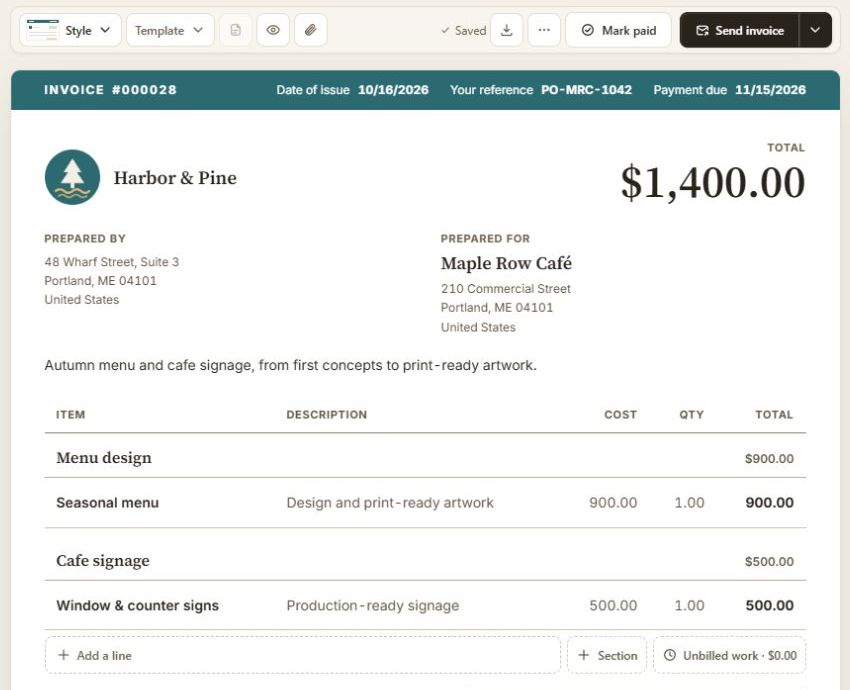
Make the work, due date and payment instructions easy to find. A usable checklist, a description example and the local requirements to check.
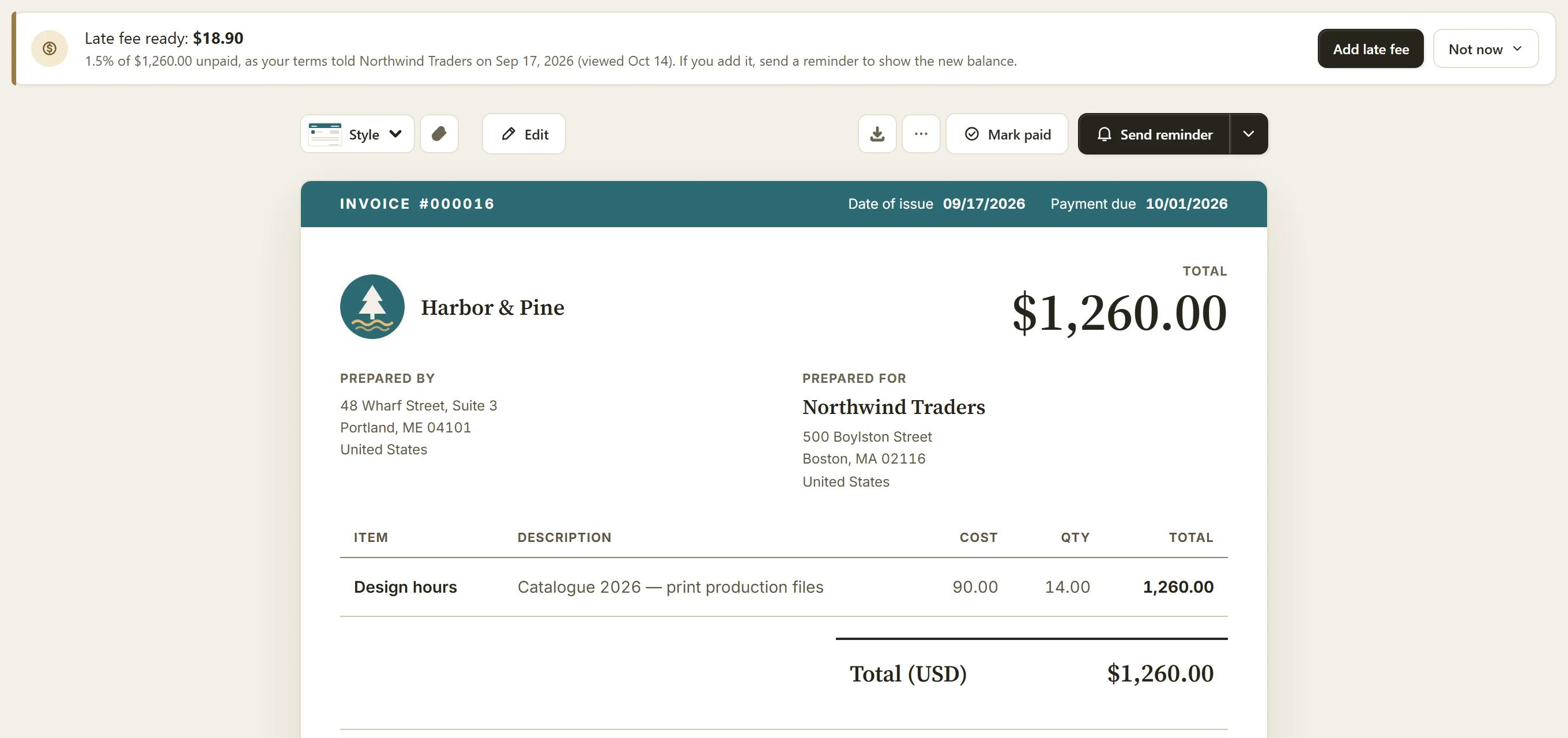
What a 1% or 1.5% monthly fee comes to, the limits to check, and how to agree on terms before work starts.
Practical decisions about pricing, projects and the way you run things.
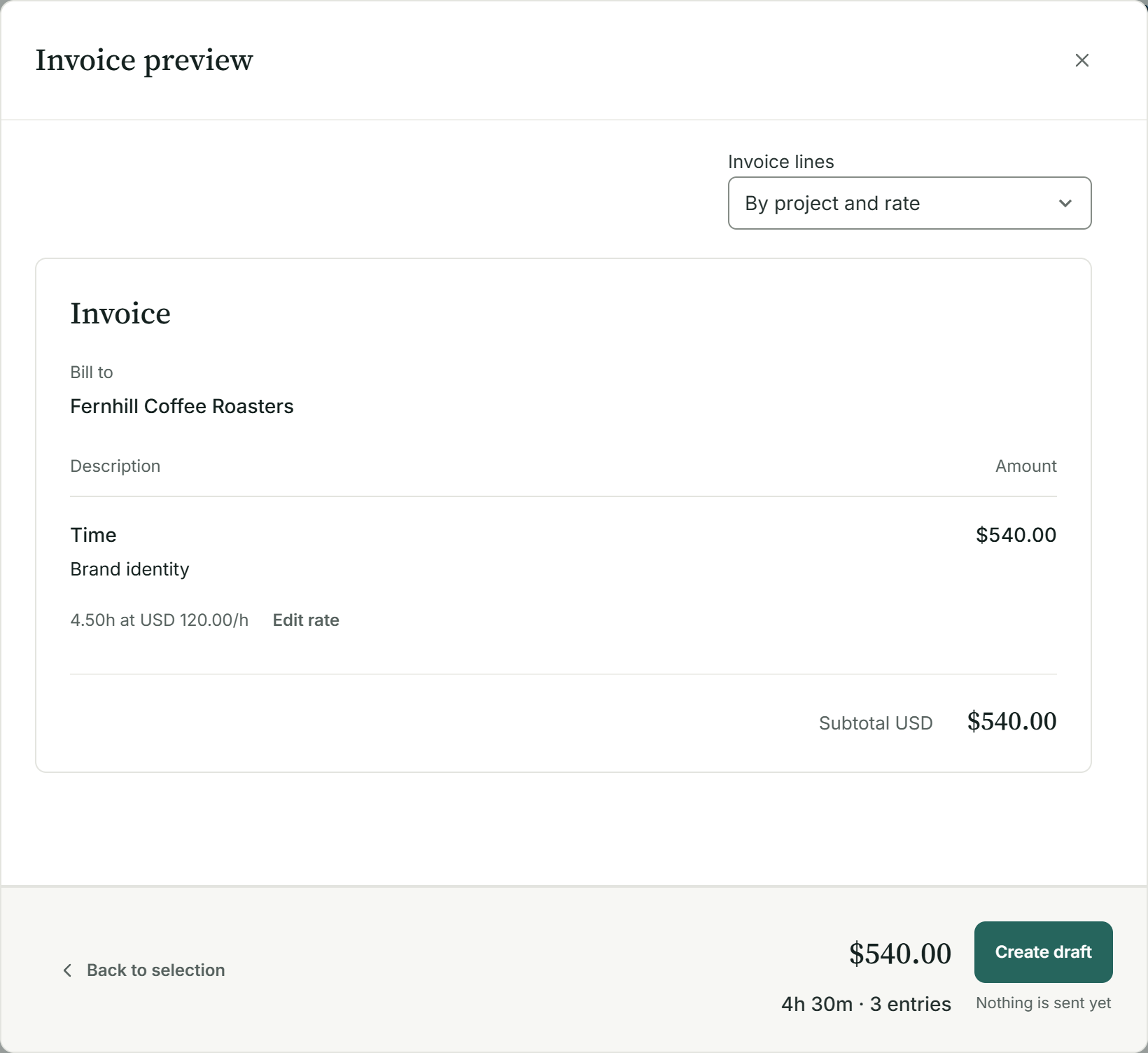
From hours and minutes to a clear charge: the calculation, the common mistakes and the checks before you invoice.
A practical rate calculation, with room for non-billable work and a clear distinction between margin and markup.
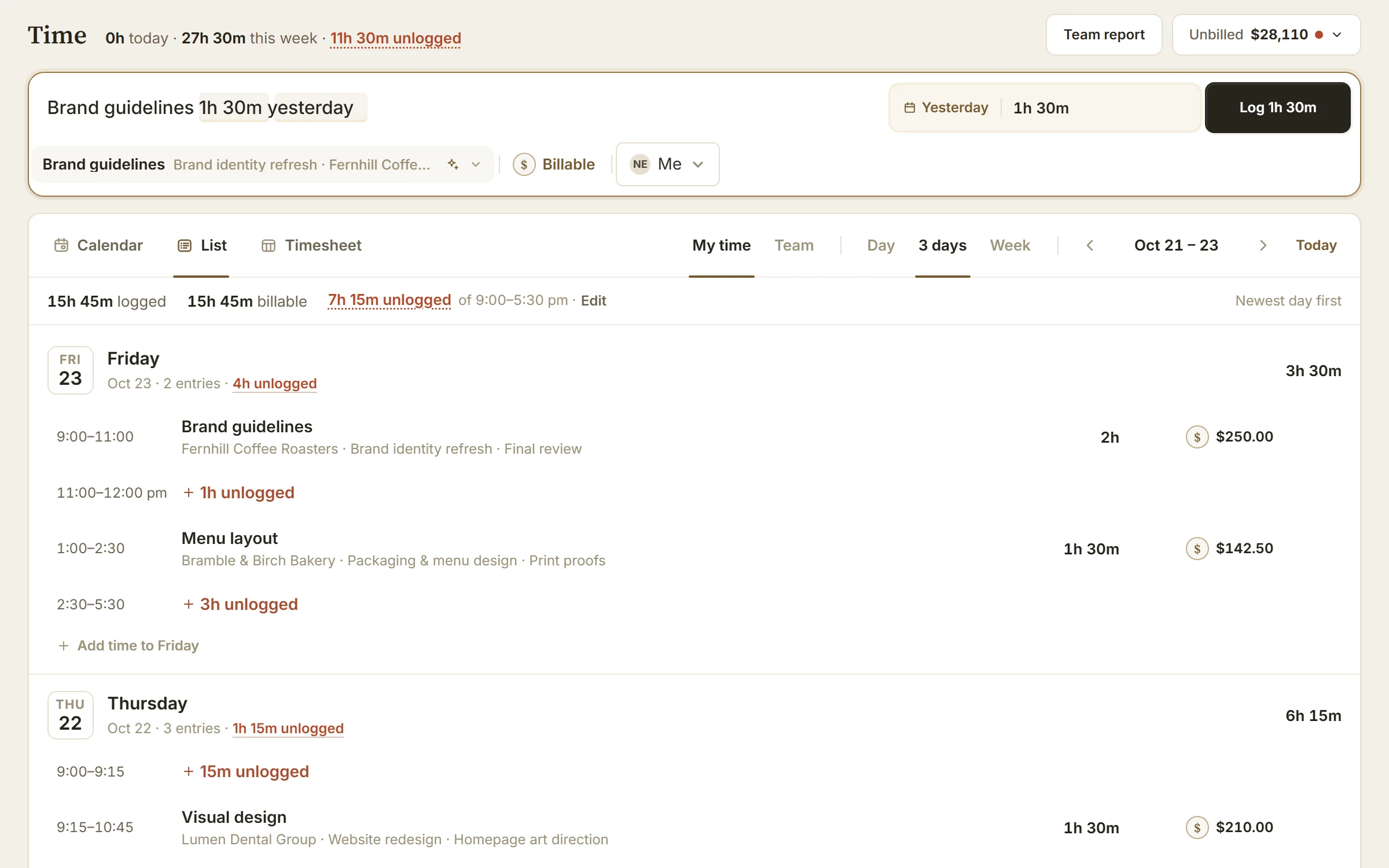
Who worked, when, for how long and on what: build a time record that makes the next invoice easier to check.
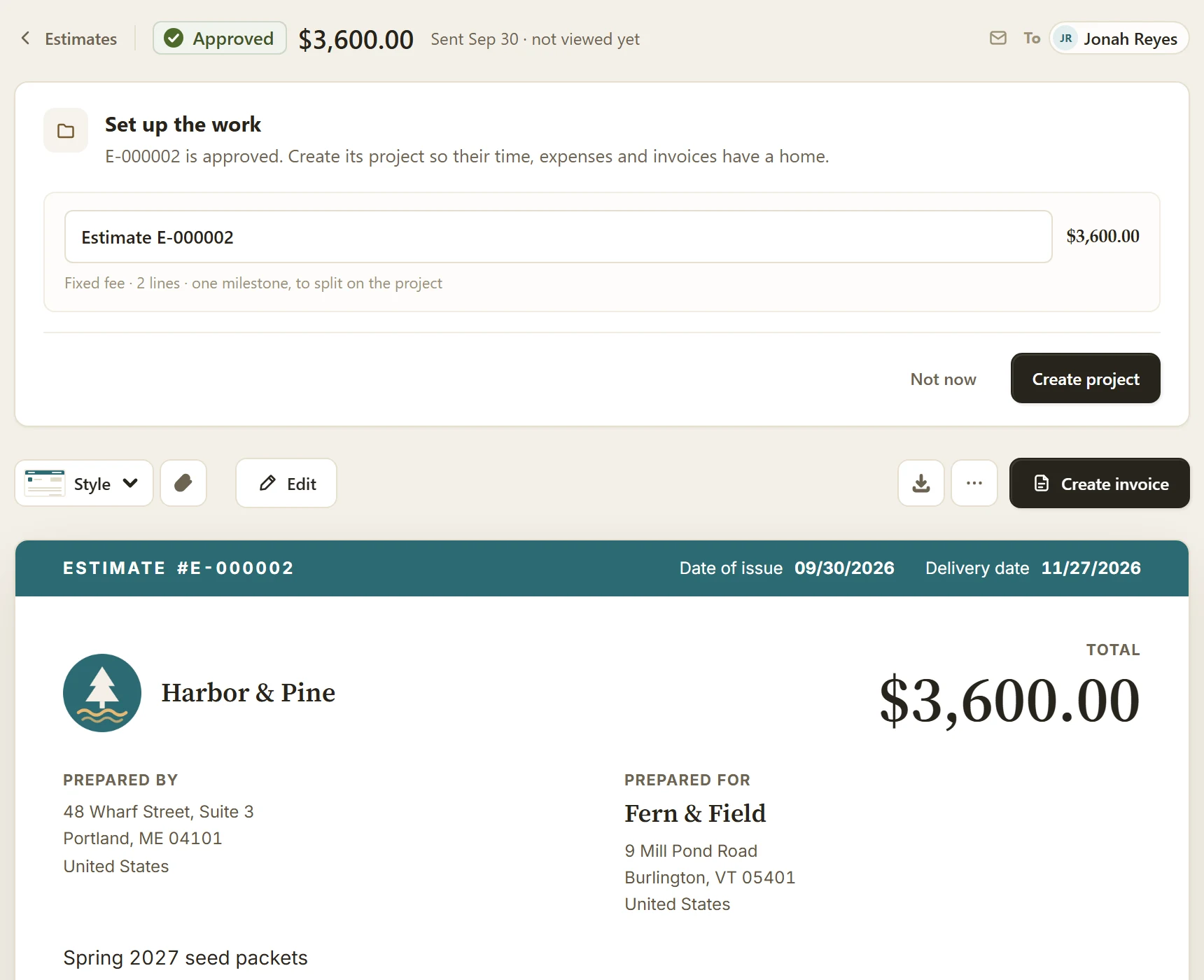
Choose the right document for the job, make its limits clear and record the agreement. How an approved estimate becomes an invoice or projects.
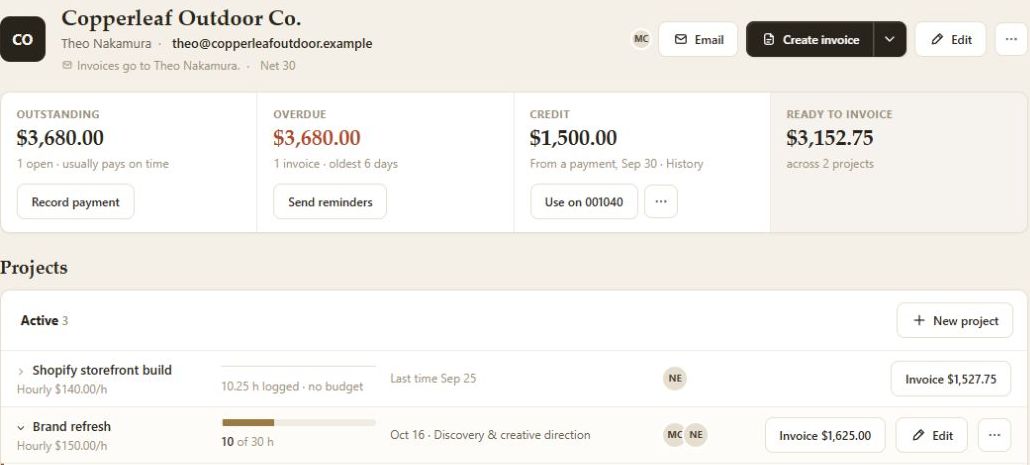
Repeated data entry is a reason to review your billing workflow. How to measure the work, test a replacement and move without losing invoice history.
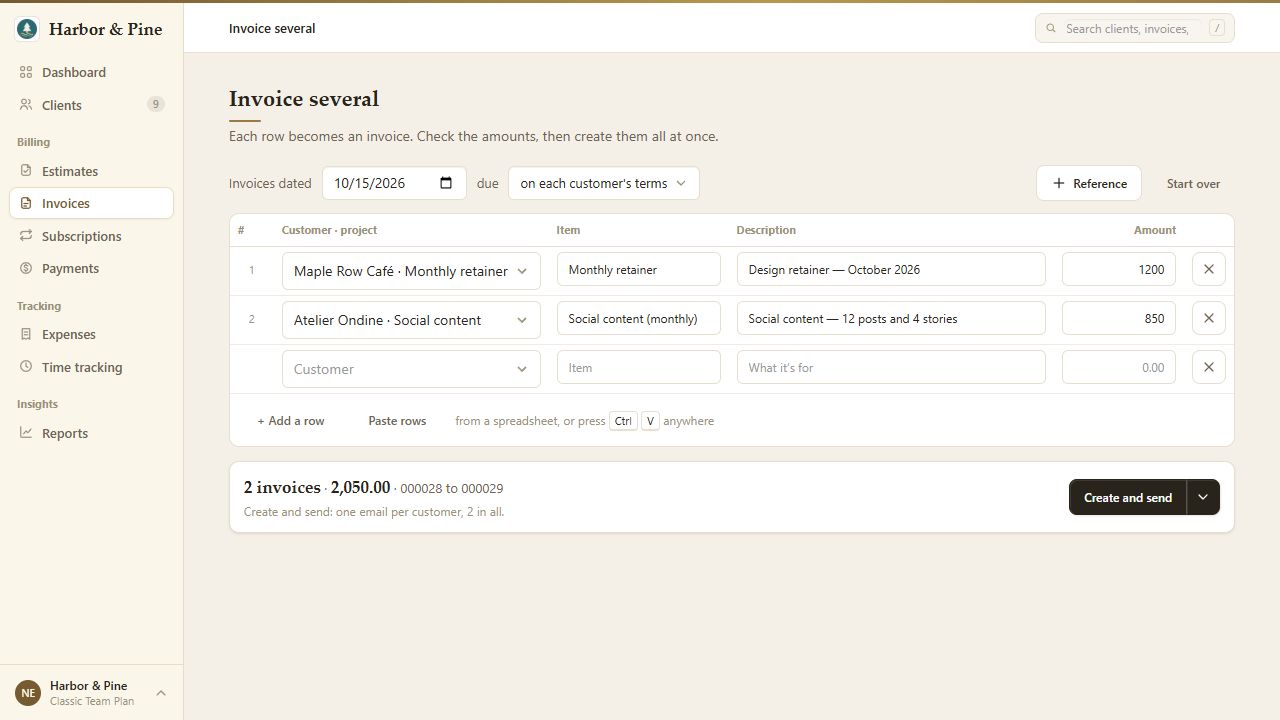
A trial checklist for the invoicing work your business needs: test a real bill, check the limits and compare the full cost before choosing.
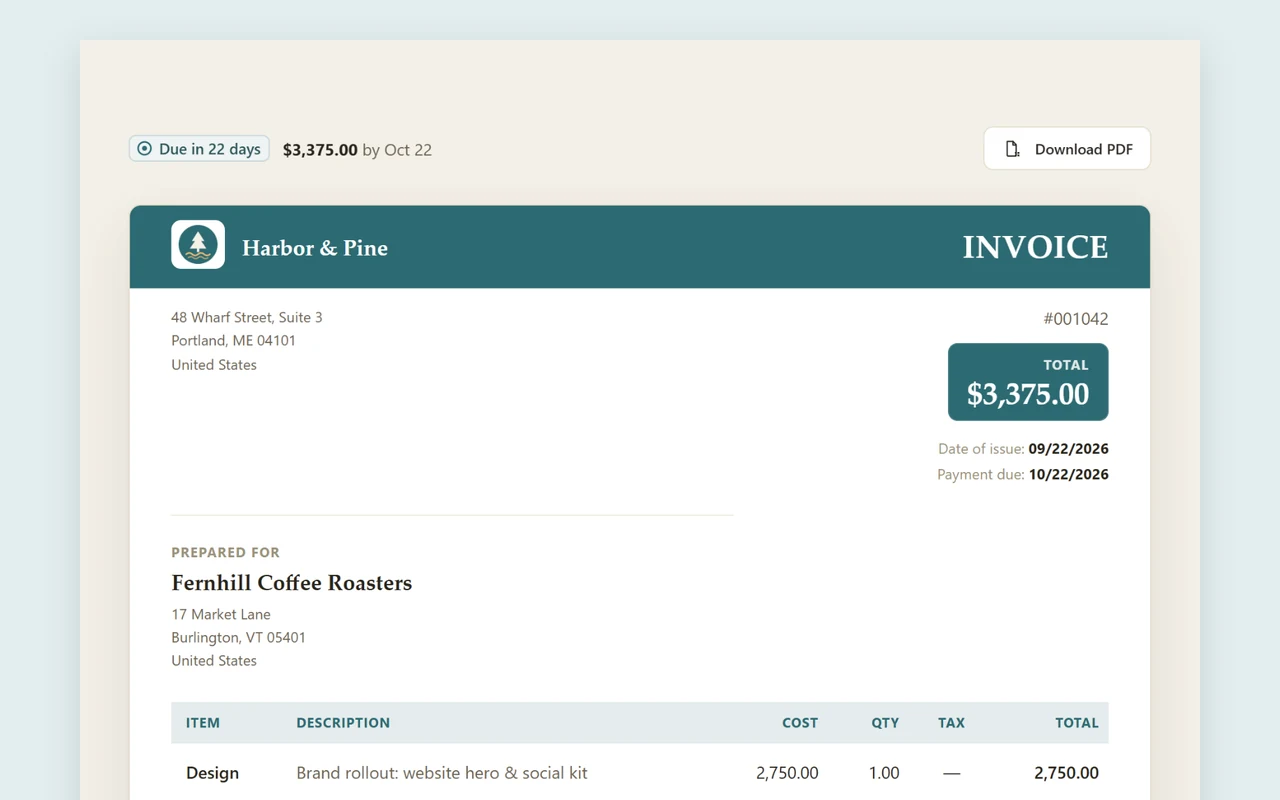
A 2010 case study found a smaller footprint for structured electronic invoicing. What that does and does not tell us about PDFs, online billing and BillGrid.
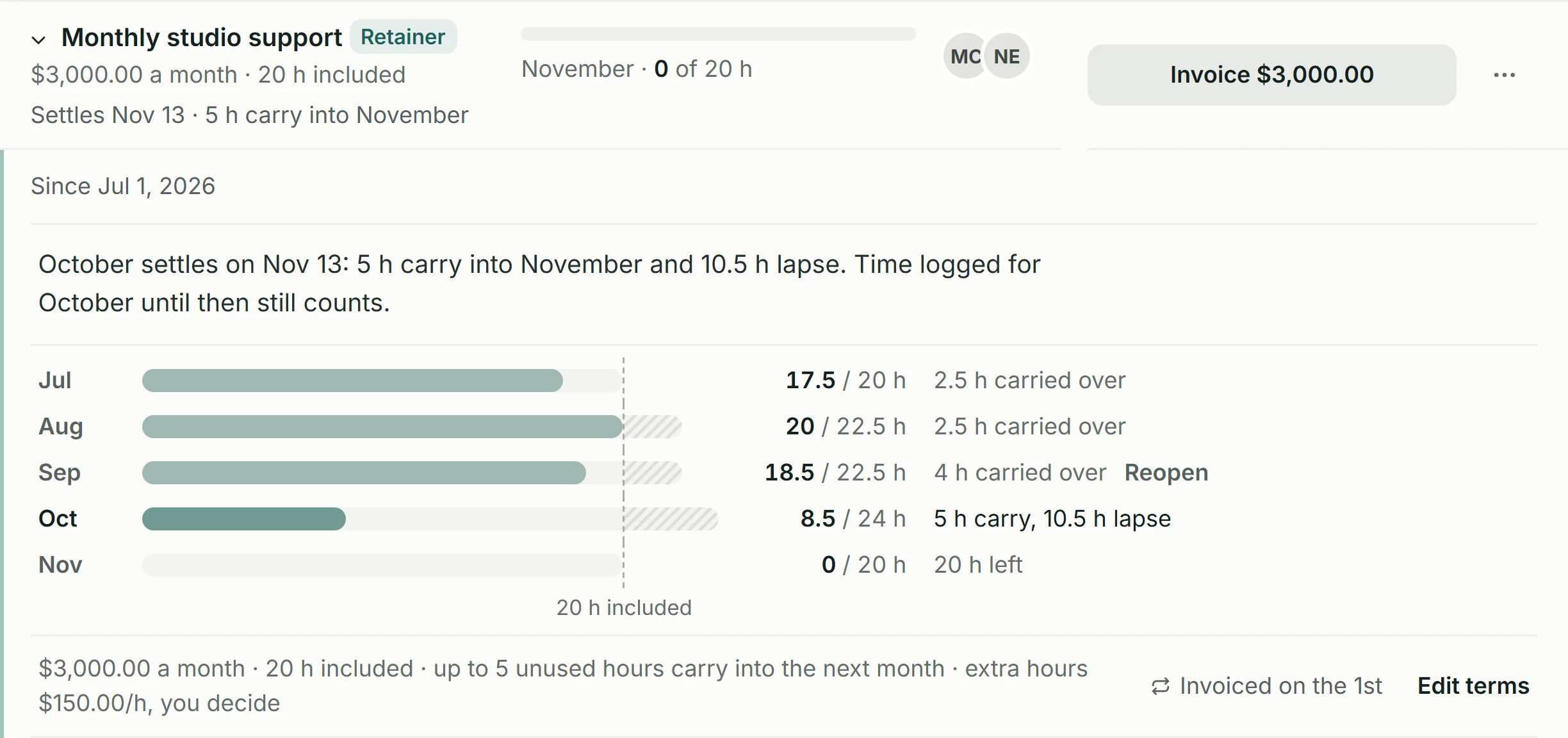
Agencies commonly combine projects and retainers. Define the ongoing agreement and manage its fee, included hours, carry-over and extra work in BillGrid.