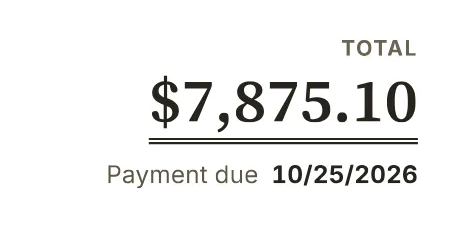
Invoice & estimate generator
Create either document in one editor, with templates, your logo and a PDF ready to send.
3 free PDFs per connection per day
The BillGrid toolkit
Create a document, price your time or follow up on a payment. Pick the job you need done.
Create either document in one editor, with templates, your logo and a PDF ready to send.
3 free PDFs per connection per day
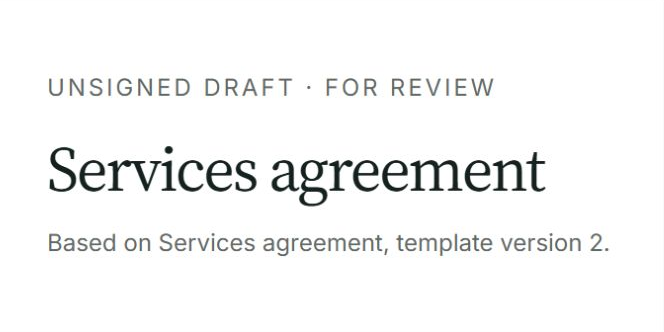
Put the scope, fees and responsibilities in writing with an editable services agreement.
Word download or print to PDF
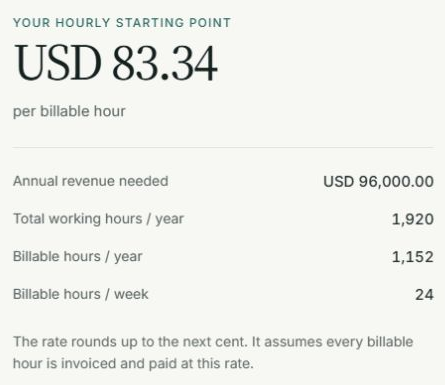
Find an hourly rate from your income goal, expenses and realistic billable time.
Before-tax planning
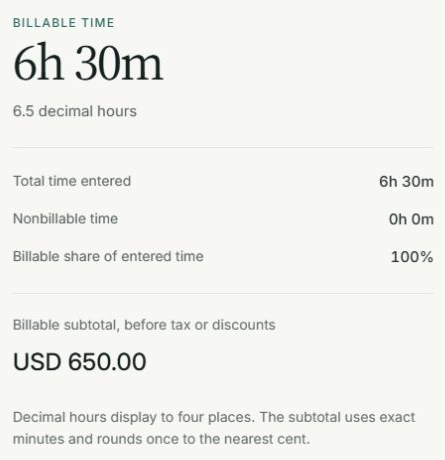
Turn hours and minutes into decimal hours. Separate billable work and calculate its value.
Optional hourly rate
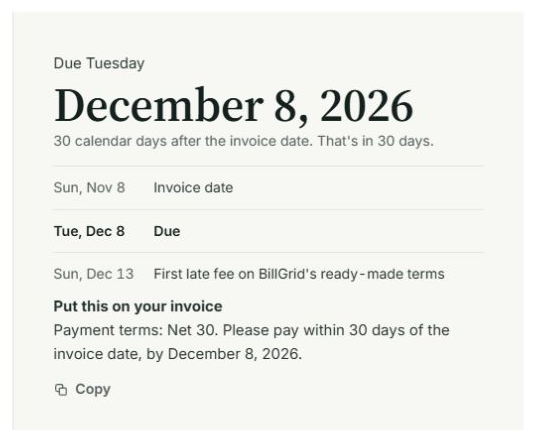
Turn Net 30, end-of-month or business-day terms into a clear payment date.
Includes wording for your invoice
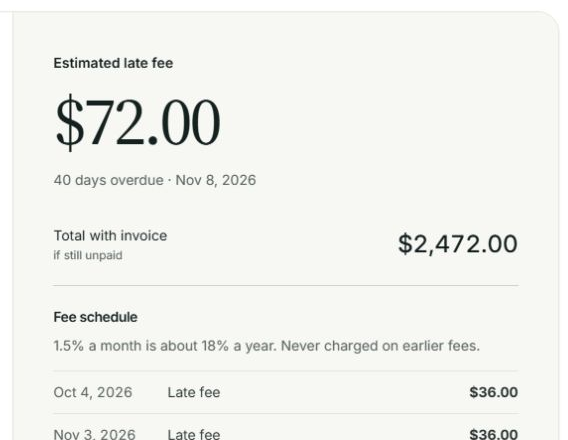
Calculate charges under agreed terms, or UK statutory daily interest and compensation.
UK option: multiple invoices and a claim letter
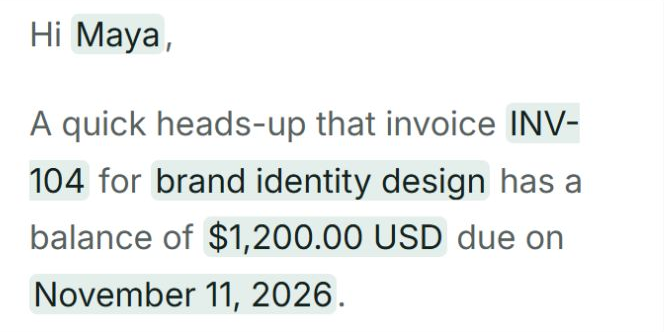
Personalize a follow-up at the right stage: an email to copy, or a dated letter to download.
Nothing is sent automatically
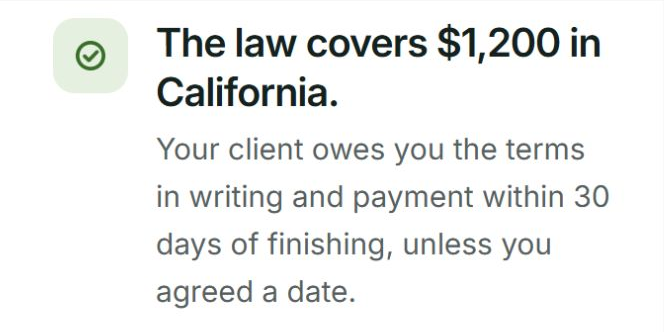
Check covered US states and cities for written-contract rules and payment deadlines.
Dated reference with primary sources
A little clarity
Yes, and none requires an account. The invoice and estimate generator includes three free PDF downloads per connection per day; devices on the same network share that allowance. The calculators and reference pages are free to use.
The billable-rate and hours calculators work in your browser and do not save your inputs. The invoice generator keeps a draft in your browser and sends document contents to BillGrid to render previews and PDFs. Due-date, late-fee and UK-interest calculations run on BillGrid's server; their inputs appear in result links. Avoid sharing those links if the amounts are private.
BillGrid brings time tracking, estimates, invoices and payment reminders together. Rate and hours results are not imported automatically into your account. Explore the full workflow.