Invoice templates
for your work.
Start with a job like yours. Change the client, prices and payment terms, then export the invoice as a PDF.
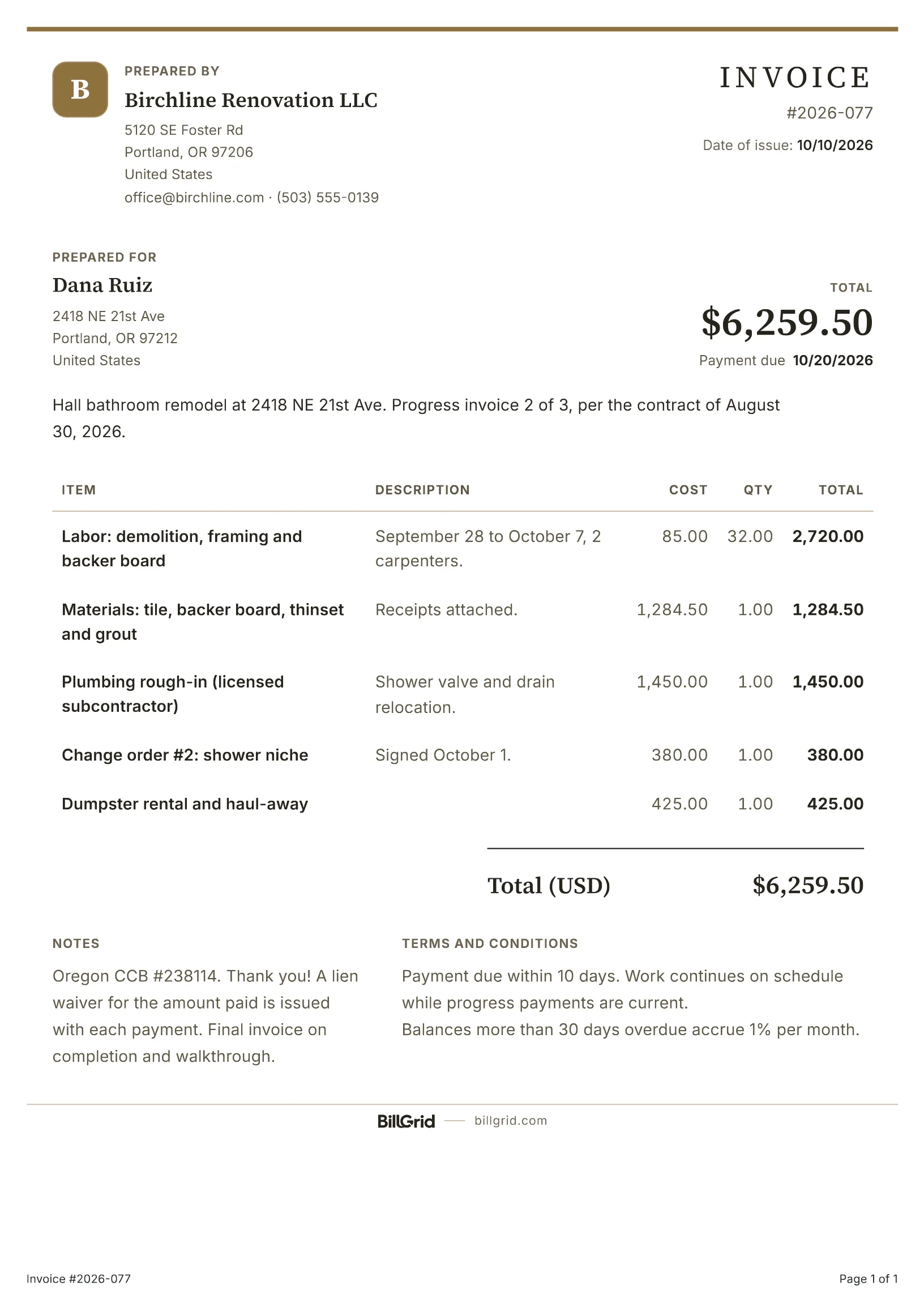 Completed exampleContractor progress invoice
Download a blank invoice
Word and PDF totals are entered by hand. See the filled Word sample or use it in Google Docs.
Find a template for your job
Each one opens with the line items, terms and payments for a worked example.
-
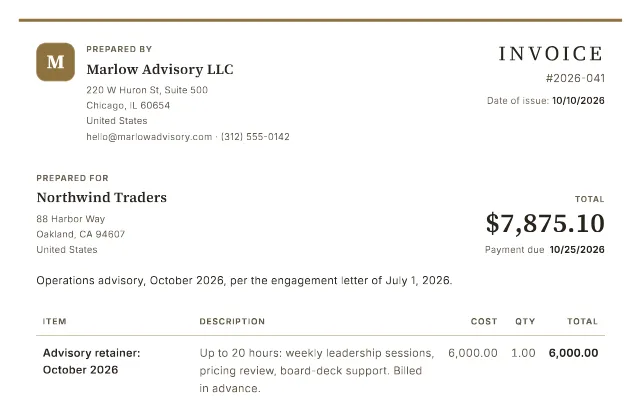 Consulting
Monthly retainers, extra hours and expenses.
-
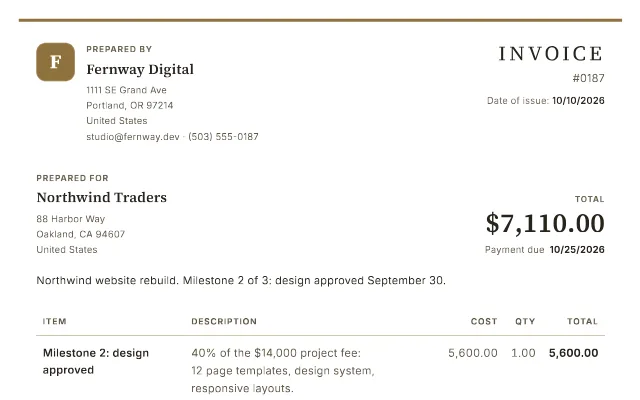 Web design
Site builds, milestone payments and ongoing care.
-
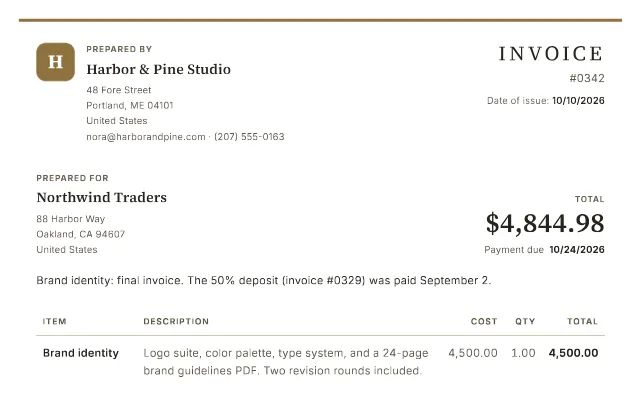 Graphic design
Brand projects, revision rounds and deposits.
-
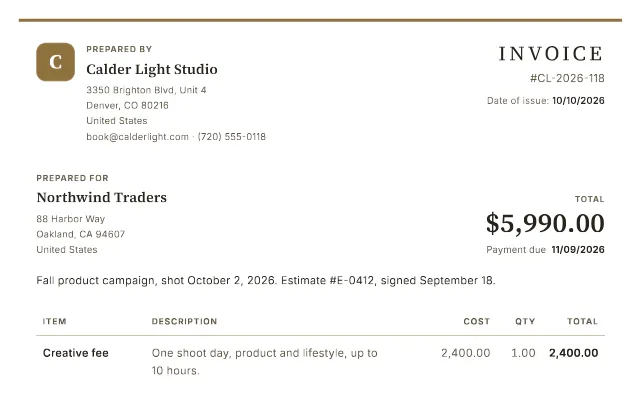 Photography
Shoot fees, image licensing and booking deposits.
-
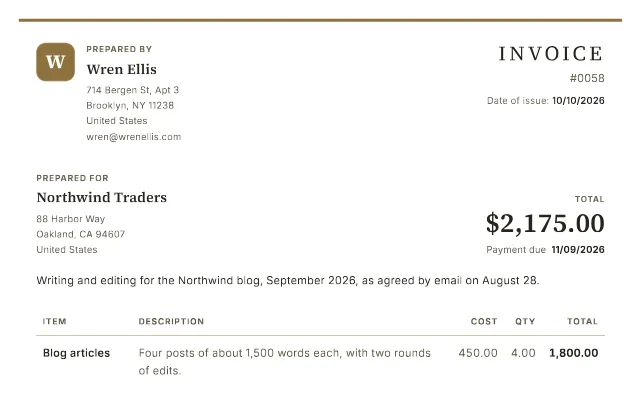 Freelance
Hourly work, flat fees and rush jobs.
-
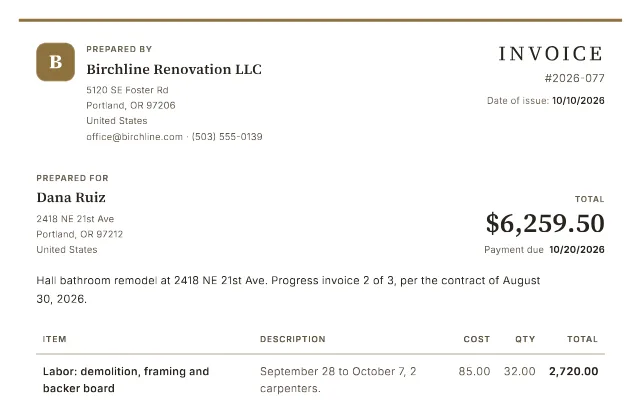 Contractor
Labor, materials, progress draws and retainage.
-
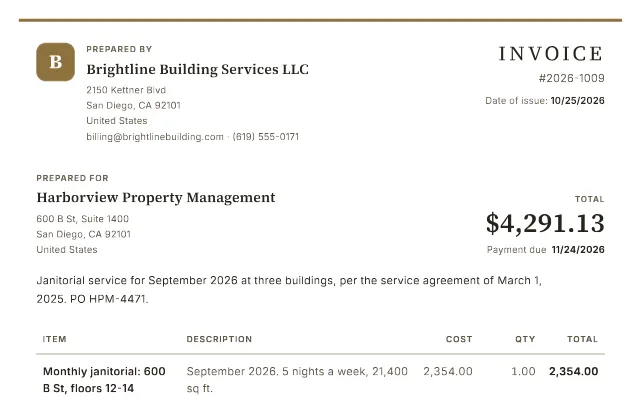 Cleaning
Recurring service across several client sites.
-
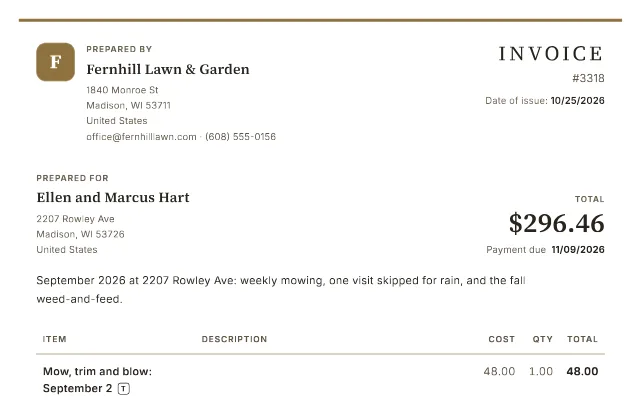 Lawn care
Lawn mowing, landscaping extras and monthly routes.
-
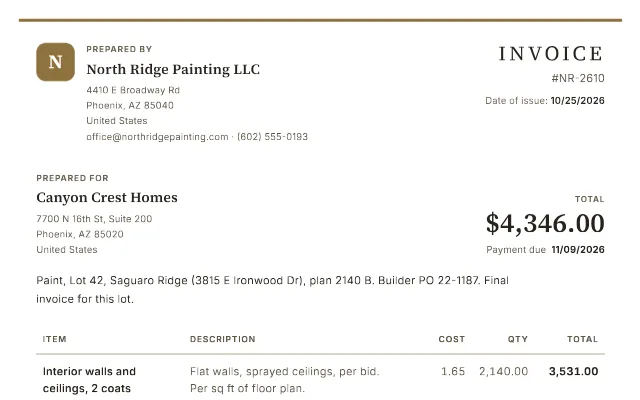 Painting
Rooms, surfaces, approved extras and payments.
-
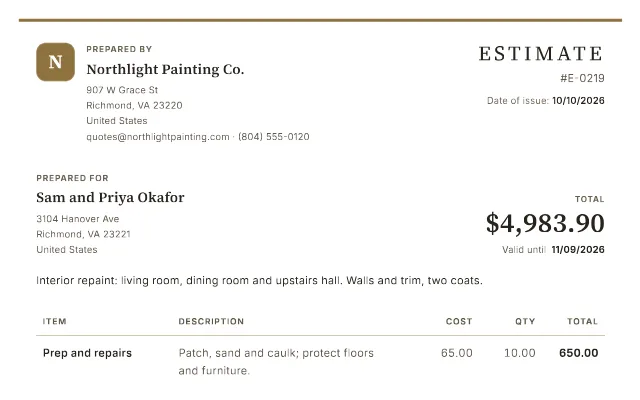 Estimate
Quote labor, materials and a deposit before work starts.
What every invoice needs
Whatever the template: your business and your client's names and addresses, the word Invoice and a number you've never used, the date and the due date, one line per piece of work with quantity, rate and amount, tax where it applies, the total, and how to pay you. Every template here has them in place.
Questions
What's an invoice template?
A ready-made invoice with the layout and the usual lines in place, so you only change the names, dates and amounts. These open in the free generator already filled in, and you download a PDF.
How should I number invoices?
Any scheme works as long as no number repeats: 1001, 1002, or the year first (2026-041). After each download the generator offers the next invoice with the next number.
Can I use these outside the US?
Yes. Pick your currency, and add your VAT or tax number in the Tax ID field. Some countries require more on an invoice (a VAT invoice in the EU or UK, for example); check your local rules.
Are they free?
The Word, PDF and Excel files are free to download. The online editor provides three free PDF exports a day without signing up.