New this week: card fees and your own email address.
Since February 1, 2024, Google has asked everyone who emails Gmail users to sign their mail with SPF or DKIM, and anyone sending 5,000 messages a day to use both, plus DMARC. This week your client emails moved to an address signed with all three, and they can now come from your own domain. Your clients can also cover what their credit card costs you.
A new address for your client emails.
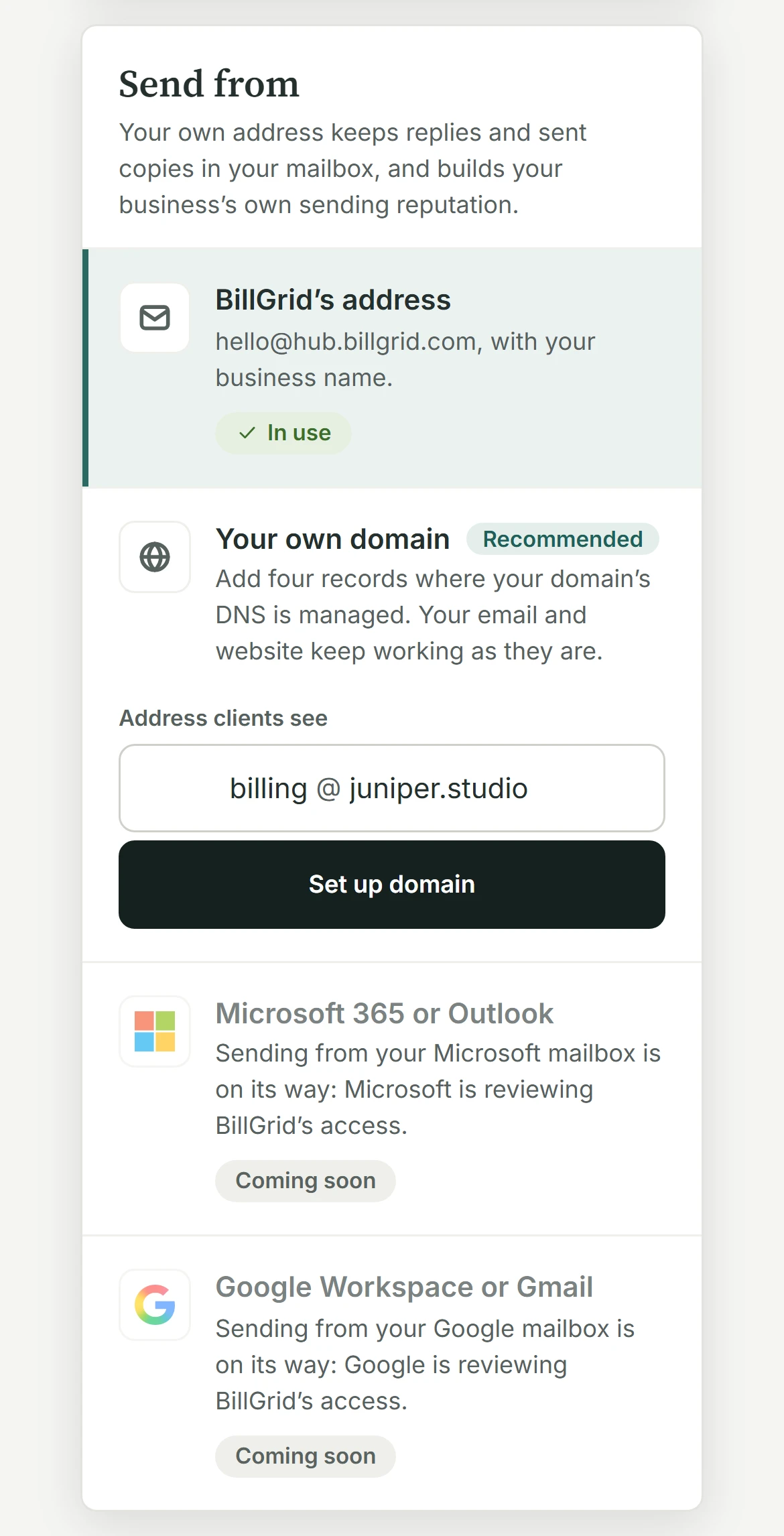
Invoices and reminders now go out from hello@hub.billgrid.com, with your business name in front, “Juniper Studio via BillGrid”, and replies still going to you. The address is kept for the mail businesses send their clients, so its reputation with Gmail and Outlook is built on that mail alone.
Or send from your own domain.
Under Settings > Email sending, choose Your own domain and type the address your clients should see. Then add four records where your domain’s DNS is managed: three CNAMEs that let Amazon SES sign your mail, and one TXT that shows the domain is yours. Your email and website keep working as they are. If someone else looks after your DNS, Email them the steps sends everything they need.
Let the card cover the card.
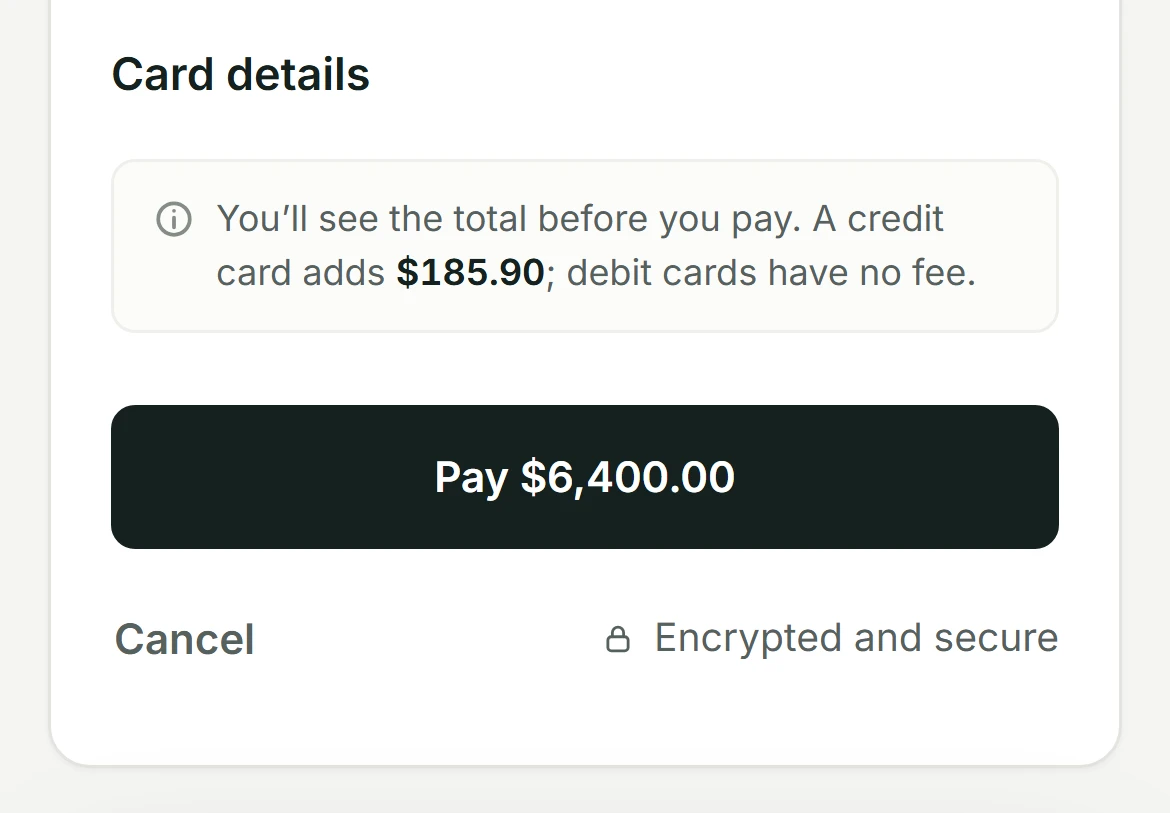
Under Settings > Online payments, Cards now has a Credit card fee: a percentage, a flat amount or both, and Match Stripe sets 2.9% + $0.30. Only credit cards pay it, never debit cards or bank payments, and each fee stays within 3% and your state’s limit. Your client sees it in dollars before Pay, and once paid it becomes its own line on the invoice. The whole walkthrough is in Credit card fees, seen before they’re paid.
A page of their own for each client.
A client hub is one private page for everything you do with a client. Share it from the client’s page, choosing who at the client gets in and what each person sees. They sign in with a 6-digit code we email them, no password, and by default their device is remembered for 30 days.
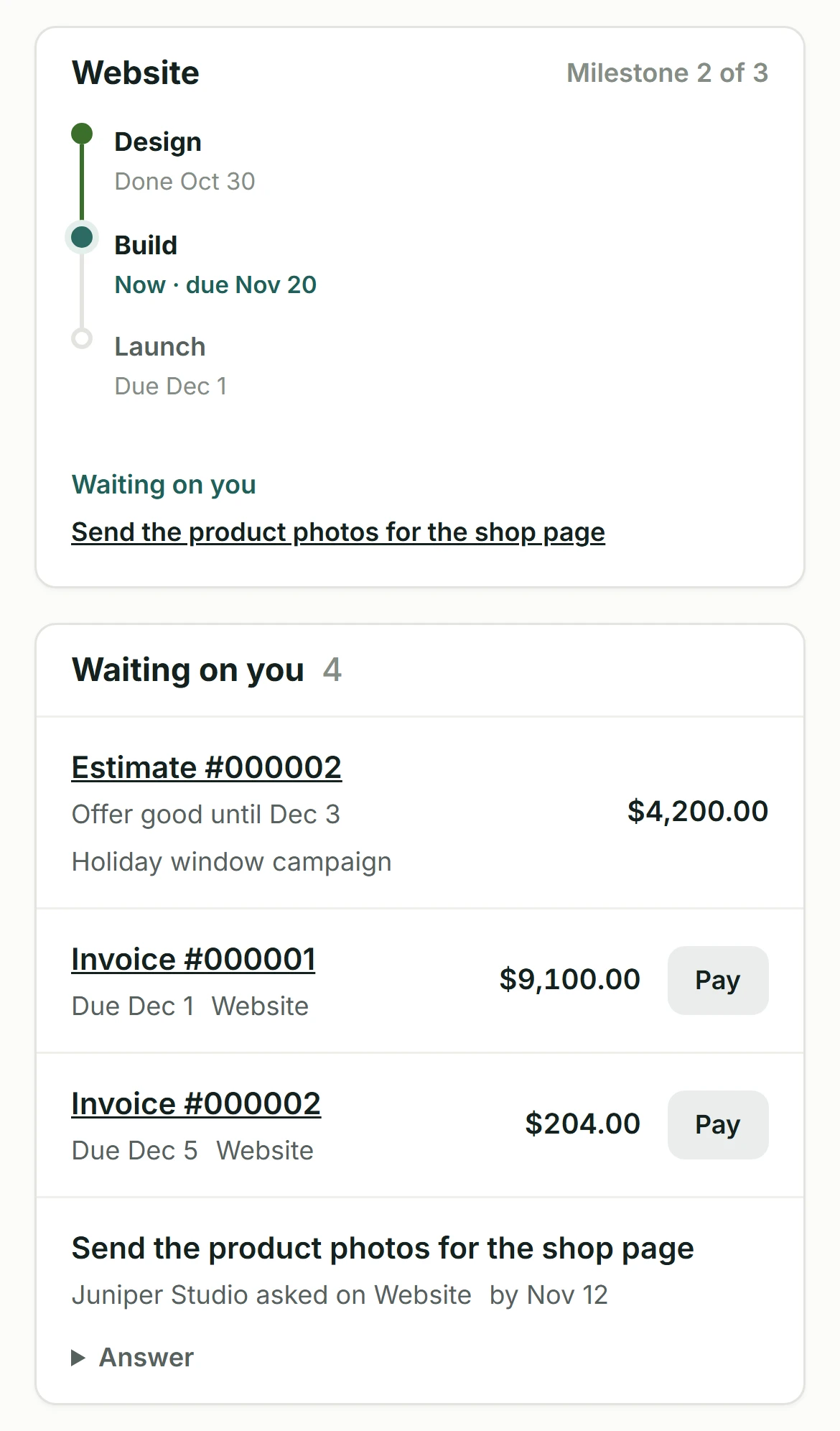
The hub shows where each project stands, milestone by milestone, and what’s waiting on them: an estimate to answer, an invoice to pay or a task you’ve asked of them, which they answer right there. Every document you’ve shared is a click away, with what’s coming up beside it.
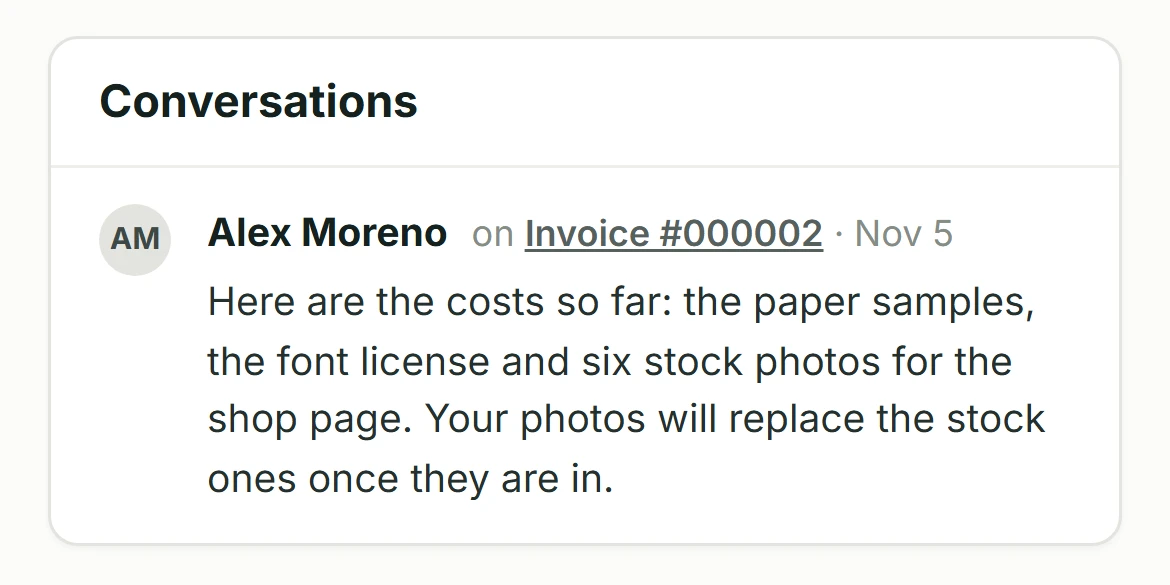
Your comments on their documents show up under Conversations, beside the messages you send them. They answer a message right there, or simply reply to your email. The guide for clients walks them through it.
Also new this week.
BillGrid has a fresh look throughout, and its emails, the ones your clients get included, are cleaner and easier to read. The dashboard now opens on four tiles: Collected this month, Awaiting payment, Overdue and Ready to invoice.
What it doesn’t do yet.
Your own address is for paid plans and accounts with one business, and the Google and Microsoft mailboxes wait for their approval. Card fees are for US businesses and USD invoices, and not yet on invoices with a payment schedule, or Apple Pay and Google Pay.