Features · Online payments
Get paid by card, straight from the invoice.
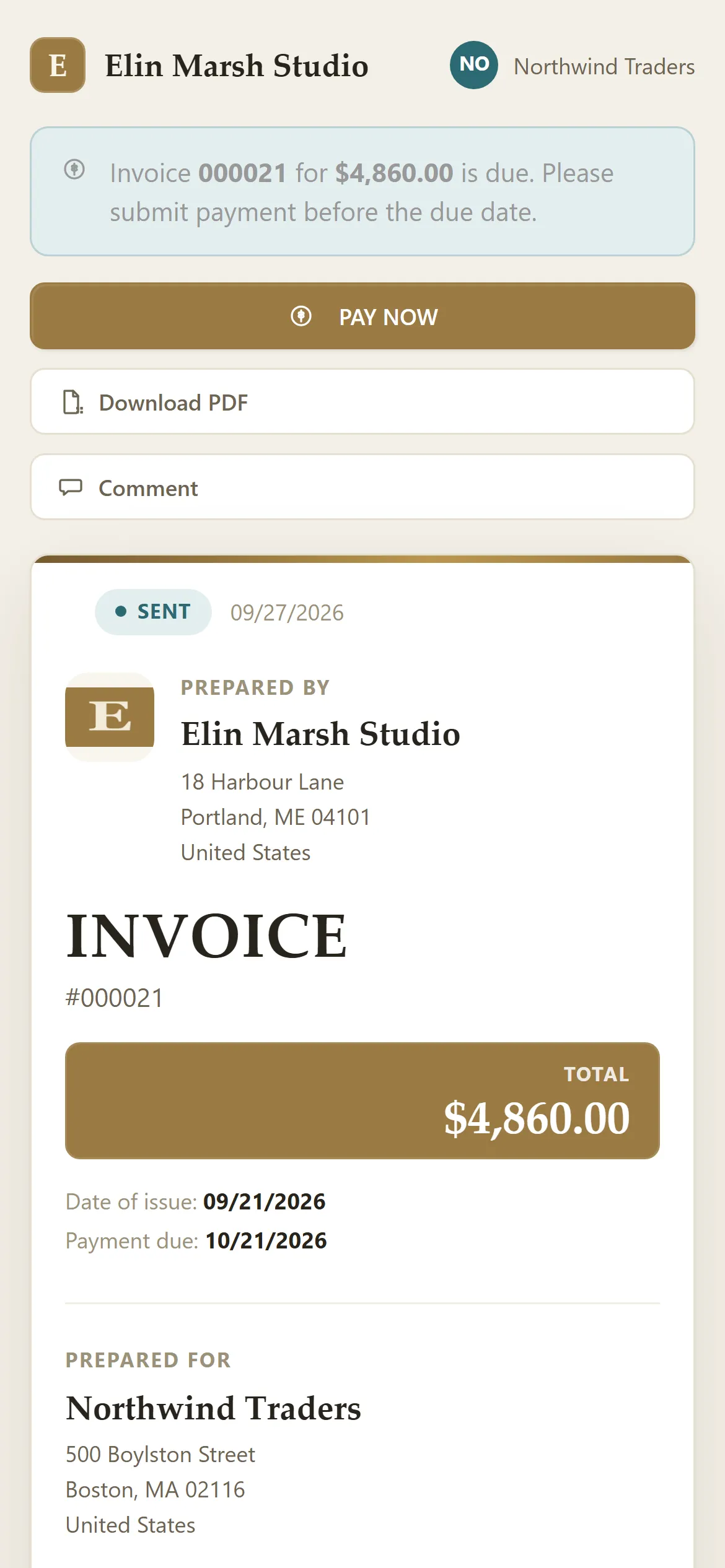
Connect your own Stripe account and every invoice you send has a Pay now button. Clients pay by card on any device, and the invoice marks itself paid.
How it works
- In Settings, connect Stripe: sign in to your Stripe account, or create a free one, and approve the connection.
- Send invoices as usual. Each one now includes a way to pay online by card.
- Your client pays in Stripe's secure card form, in full or part of the balance.
- The invoice is marked paid, or shows what's still owed, and reminders stop.
The details
- Your Stripe, your money. Payments go to your own Stripe account. BillGrid adds no fee; Stripe's standard rate applies (2.9% + 30¢ for US cards).
- Five currencies. Card payments work for invoices in USD, CAD, EUR, GBP and AUD.
- Card details never touch BillGrid. They go straight to Stripe; we never see or store full card numbers.
- Every plan. Online payments are on the $8 Professional plan.
What it doesn't do
Clients pay by card only: there's no bank transfer (ACH) or PayPal checkout, and no saved-card autopay. You can still record checks, cash and transfers on any invoice yourself.
Questions
Do I need a Stripe account?
Yes, and it's free to create while you connect. Stripe pays out to your bank on its usual schedule.
Does BillGrid take a cut of payments?
No. You pay Stripe's processing fee and nothing more.
Can a client pay in another currency?
You can invoice in any currency; card payments work for USD, CAD, EUR, GBP and AUD. Record other payments by hand when they arrive.
Go further
Step by step in the Help Center: Connecting Stripe for online card payments. Weighing other tools? See how BillGrid compares.