What Are PayPal and Stripe? A Guide to Getting Paid
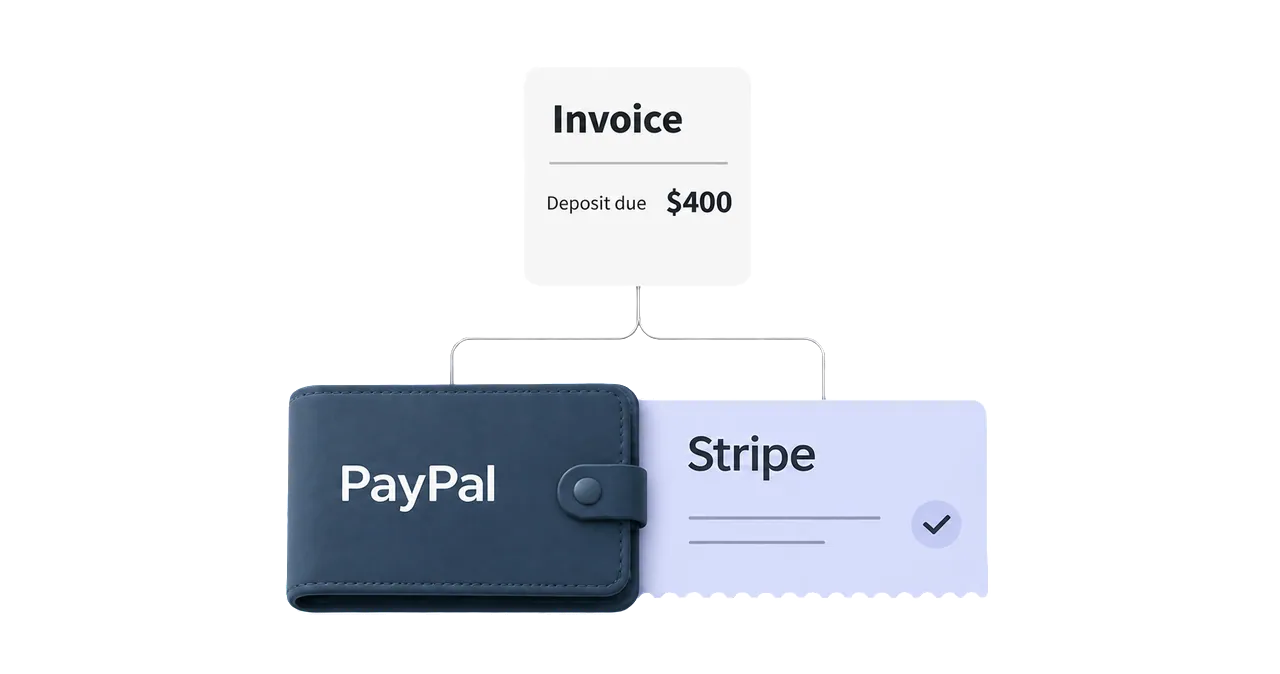
When PayPal offers guest checkout, a client can pay a PayPal invoice by card without opening a PayPal account. A client can also pay a card invoice through Stripe while the business handles the Stripe account. The choice changes what the client sees at checkout, what you pay to collect and where you look for the money. See PayPal’s guest checkout requirements and Stripe’s hosted invoice guide.
What is PayPal?
PayPal is a digital wallet and payments service. As a buyer, you can send money to someone you know or choose PayPal at a store’s checkout, review the funding source and approve the purchase. As a seller, you can send an itemized invoice, receive a commercial payment and see the transaction in your PayPal account. A business account lets you operate under your business name and give staff limited access. Compare PayPal account types.
The purpose of the payment determines how to send it. Consider two payments from the same café owner. PayPal’s payment types.
- Repaying lunch
- The owner covers their share of a meal with a friend. This can be a personal transfer.
- Paying the designer
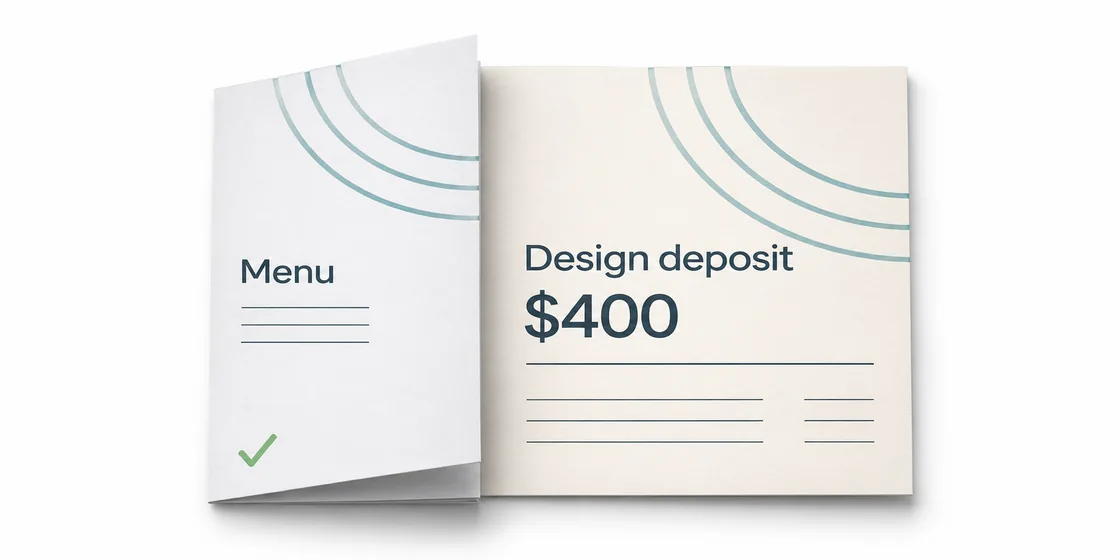
- The owner commissions a new menu. The studio sends an invoice for a commercial purchase, even when the designer is a friend.
What is Stripe?
Stripe is a payments platform that businesses use to accept money from customers. The business sets up a Stripe account and links a payout bank account. Its client sees the payment methods the business offers, enters their details and authorizes the charge. You can send an invoice from Stripe Invoicing itself, or use invoicing software that connects to Stripe and keeps the invoice in that software. Stripe Payments.
A successful card charge can settle into your Stripe balance before your bank receives a payout. A bank debit can still be processing after the client authorizes it. Check the individual payment for confirmation and the payout record for the transfer to your bank. A payout can combine several customer payments. How Stripe balances settle and how payouts reach your bank.
After a client authorizes a bank debit

A $400 payment on a $1,200 design invoice
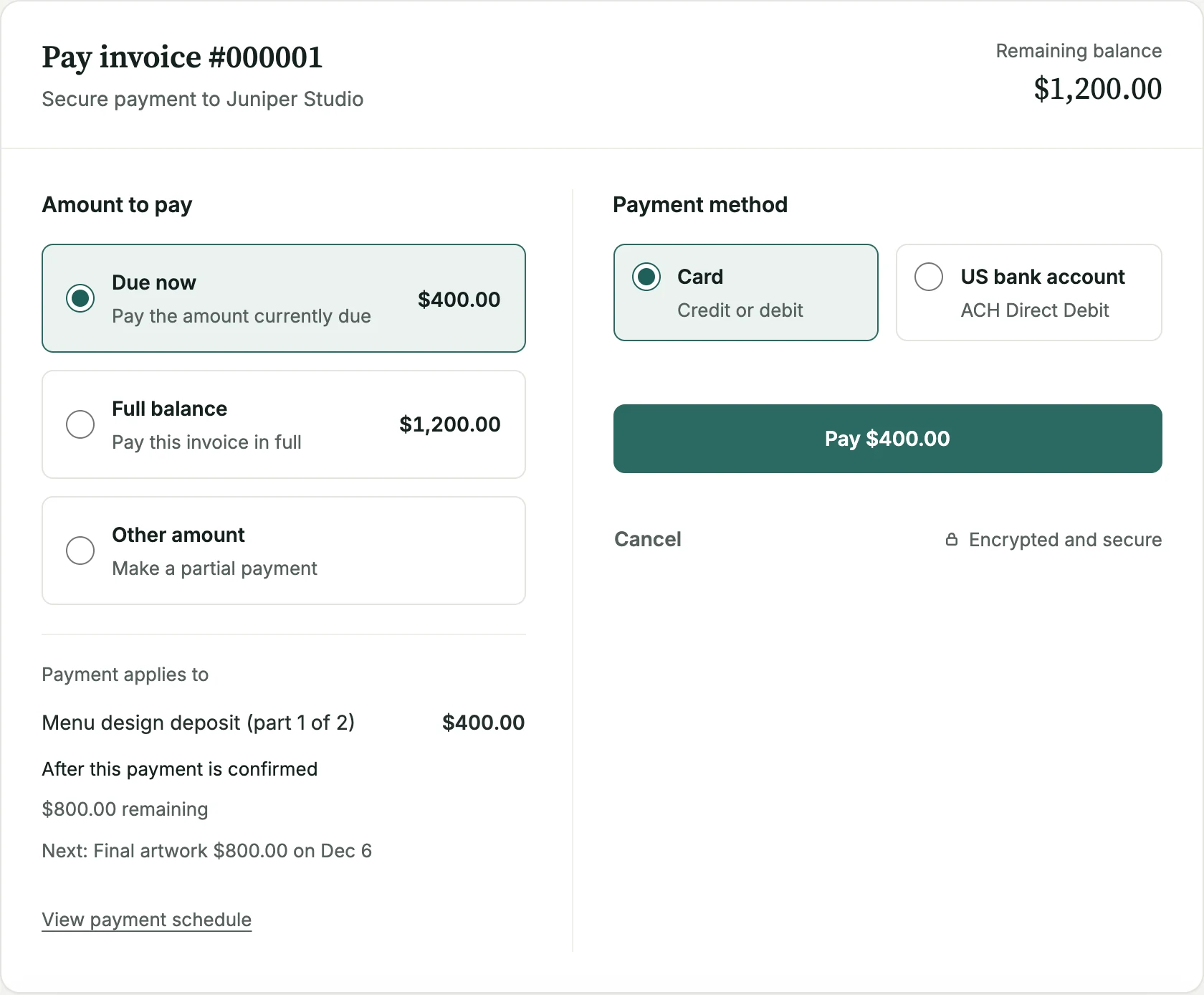
Your studio invoices $1,200 for a menu design. The client pays the agreed $400 deposit. Once confirmed, the client owes $800. Here is what the studio receives under two specific US payment routes, using rates checked November 22, 2026. Each example is an alternative for the same deposit.
- PayPal wallet on a PayPal invoice. At the published US domestic USD rate of 3.49% plus $0.49, the fee is $14.45. The $400 payment leaves $385.55 after processing. Paying that invoice by card or eligible bank debit has a different price. PayPal’s US invoice rates by method.
- US domestic card through Stripe Payments. At standard online card pricing of 2.9% plus $0.30, the fee is $11.90. The $400 payment leaves $388.10 after card processing. This example uses Stripe Payments through invoicing software and excludes additional software or Stripe Invoicing fees. Stripe’s US pricing.
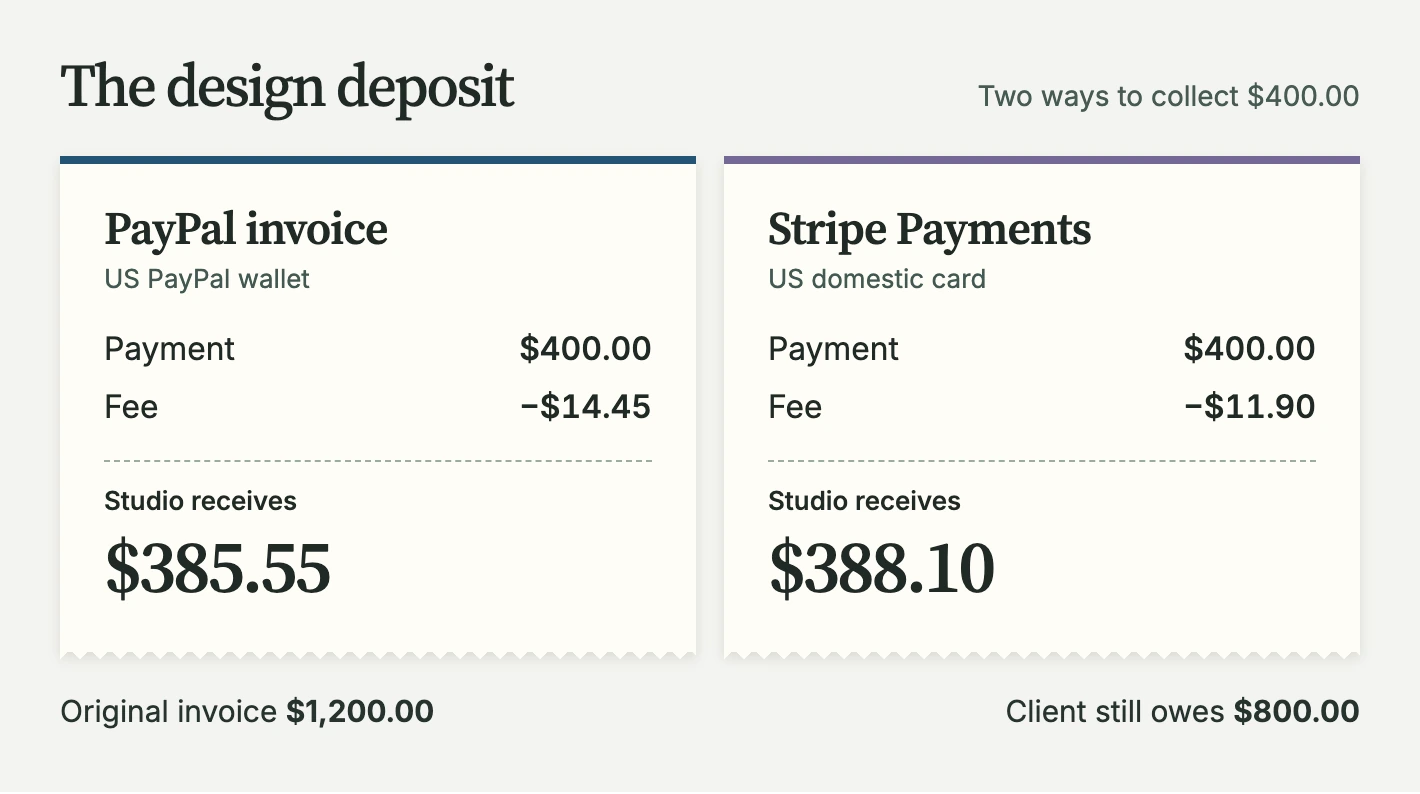
The client gets credit for the full $400 in both cases. Match the gross payment and its processor fee to the transaction before reconciling the payout to your bank. Entering only the net amount as the client’s payment would leave them owing the fee a second time. The examples assume the studio absorbs the fee, with no currency conversion or extra charges. Check your account’s country, payment method and pricing agreement for an actual job. International payments can carry additional fees. PayPal’s merchant fee schedule.
Which checkout should you send?
If the client asks for a PayPal invoice, send one from PayPal and check its transaction status there. If you already invoiced the work in BillGrid and receive the payment outside it, record the confirmed gross payment once against that invoice. Keep the payment reference so you can match it later. Record an outside payment in BillGrid.
To collect a card or eligible US bank payment on the BillGrid invoice, connect your business’s Stripe account in Settings > Online payments, turn on the method you need and allow it on the invoice. Cards and eligible US bank payments have separate settings. BillGrid records the confirmed payment against the invoice. Connect Stripe and choose payment methods.