From this page to the invoice
Review the work.
Make the draft.
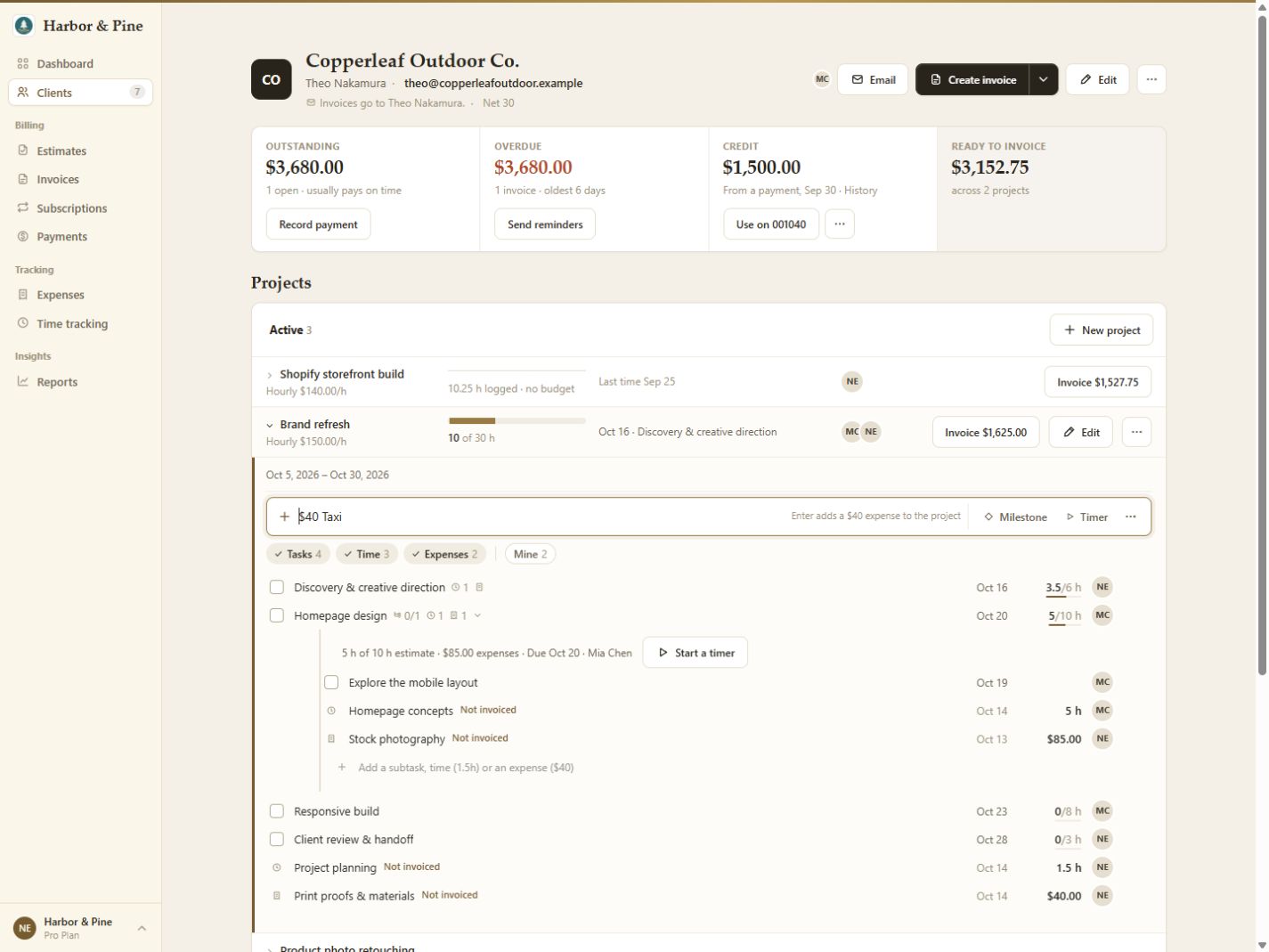
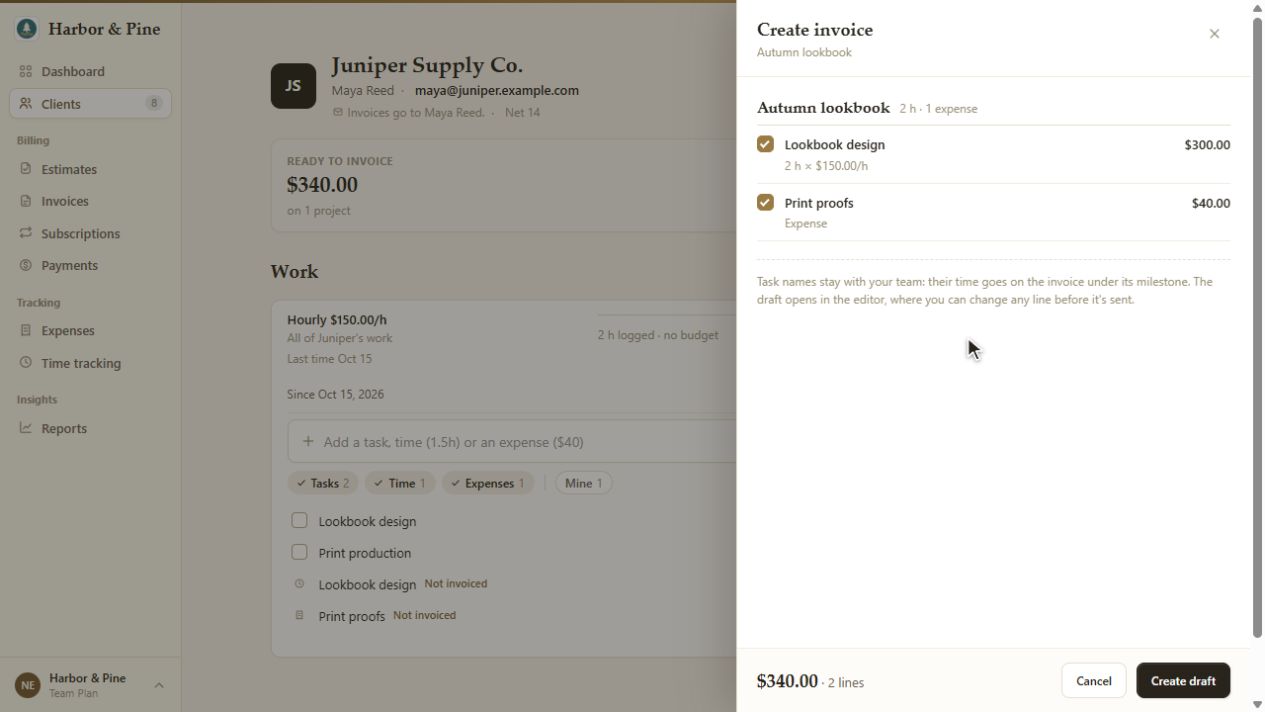
Use the invoice action on a project row when work is ready to bill. The review panel shows the work it would include and the total before you create anything.
Check the selected time, expenses or milestones, then choose Create draft. The invoice opens for you to review its lines, terms and recipients before sending.
Hourly projects bill time; fixed-fee projects bill milestones. Retainers have their own fee schedule and hours allowance.
Explore the complete invoice workflow.