No password to steal. Nothing changes without you.
Business email compromise, the fraud that talks a company into paying the wrong account, cost US victims more than $3 billion in 2025, the FBI’s Internet Crime Complaint Center reports. An invoicing account is where your payment details live. So we rebuilt how you get into BillGrid, and what it takes to change where your money goes.
Nothing to remember, nothing to steal.
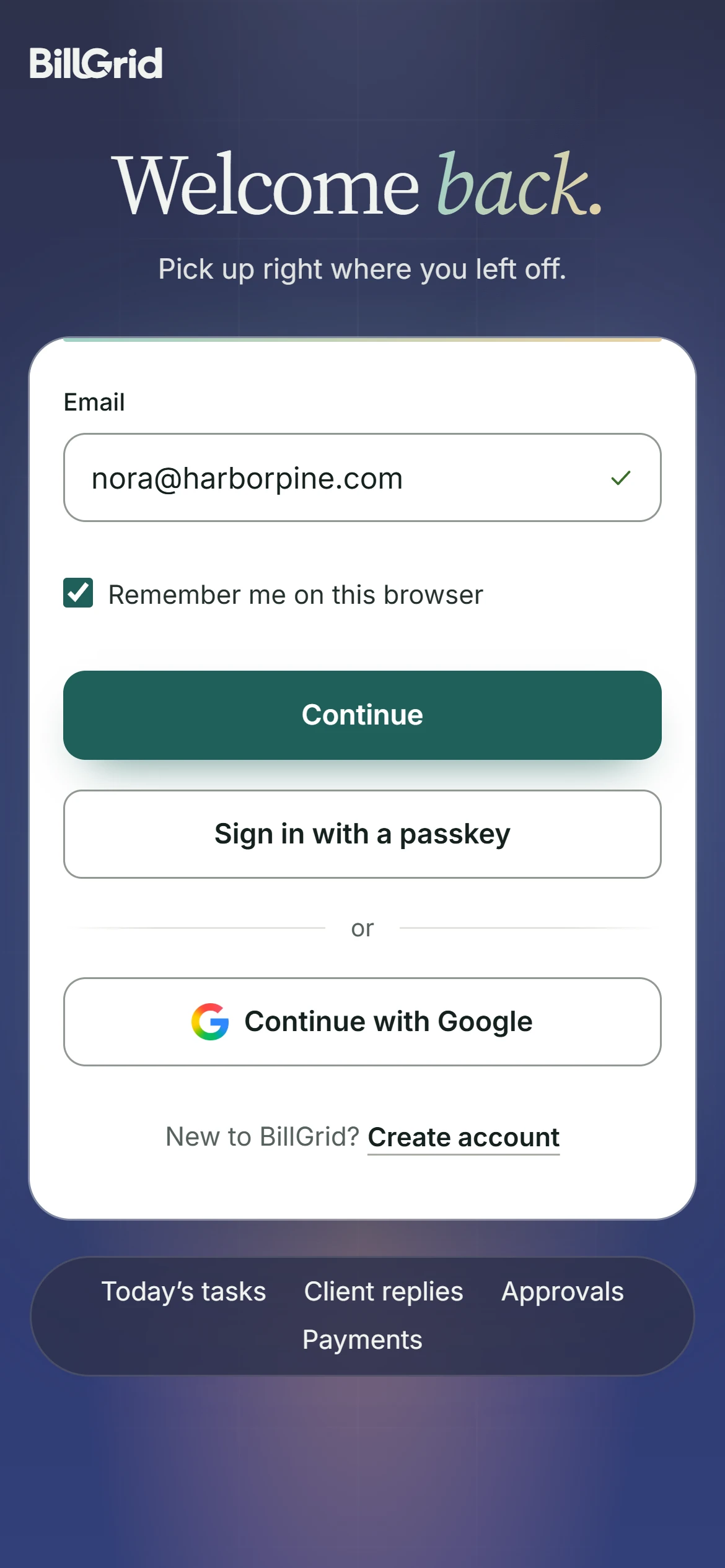
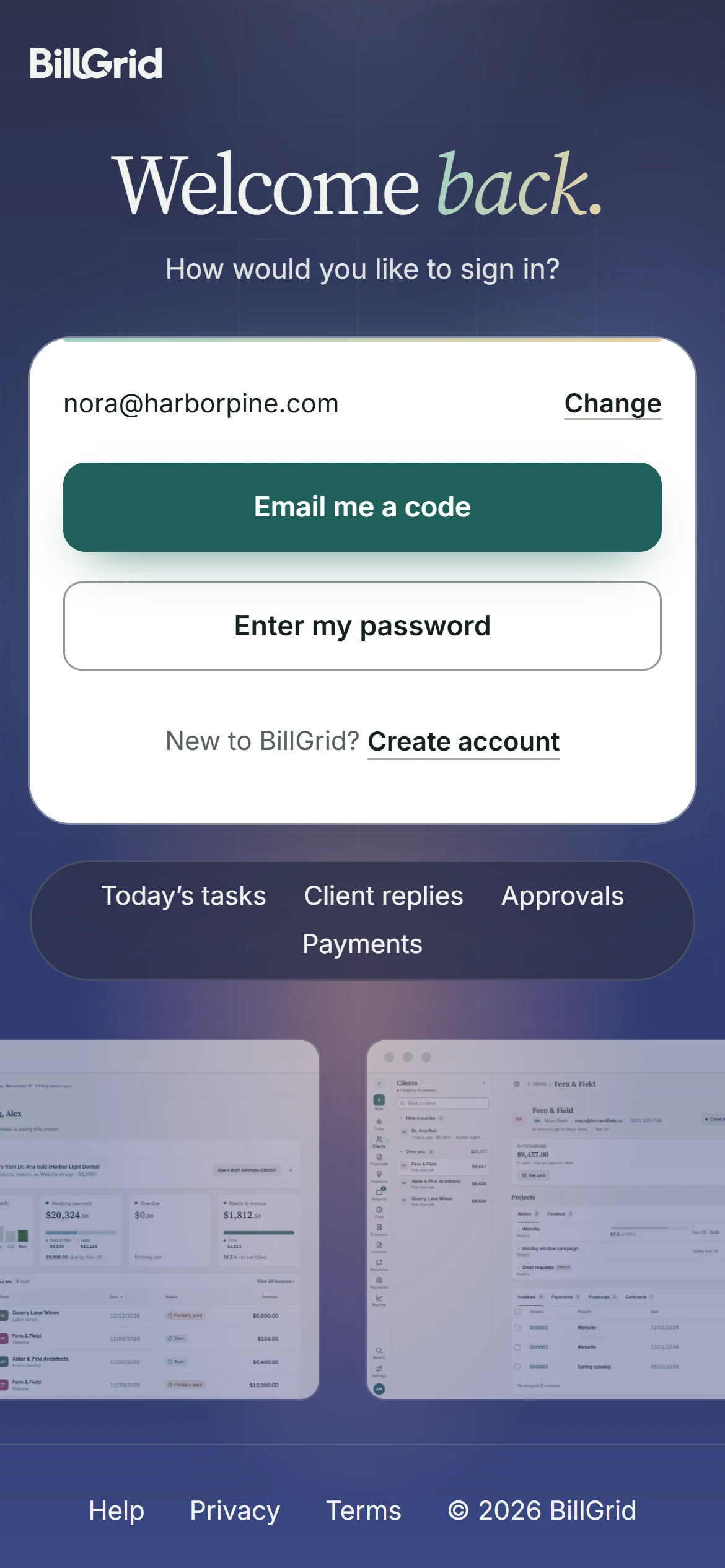
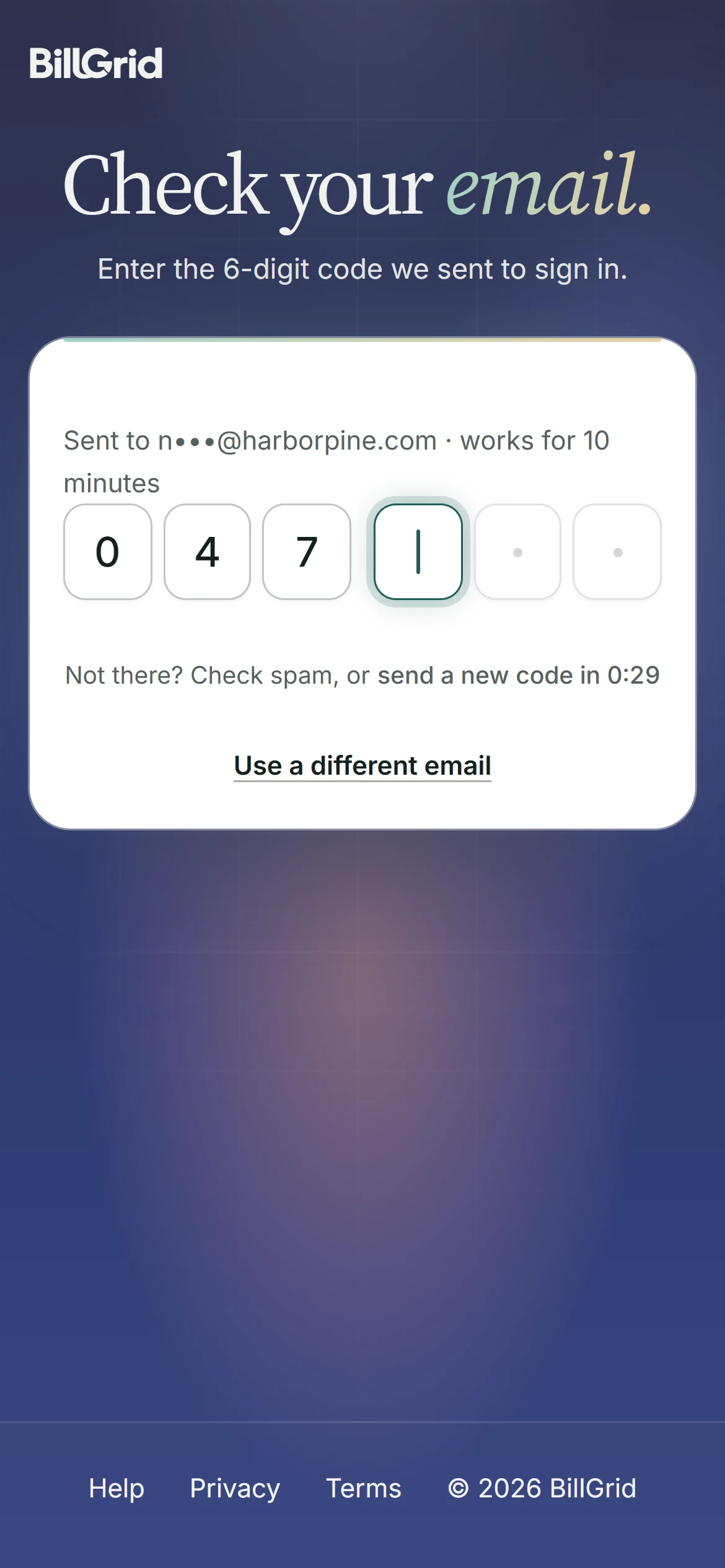
You no longer need a password. Enter your email and we send a 6-digit code that works for 10 minutes, once, and only in the browser that asked for it. Passwords are still there if you like one; they’re just optional now. That matters because people reuse them: 52% of Americans use the same password on several accounts and 13% on all of them, a Google and Harris Poll survey found.
A passkey is quicker still.
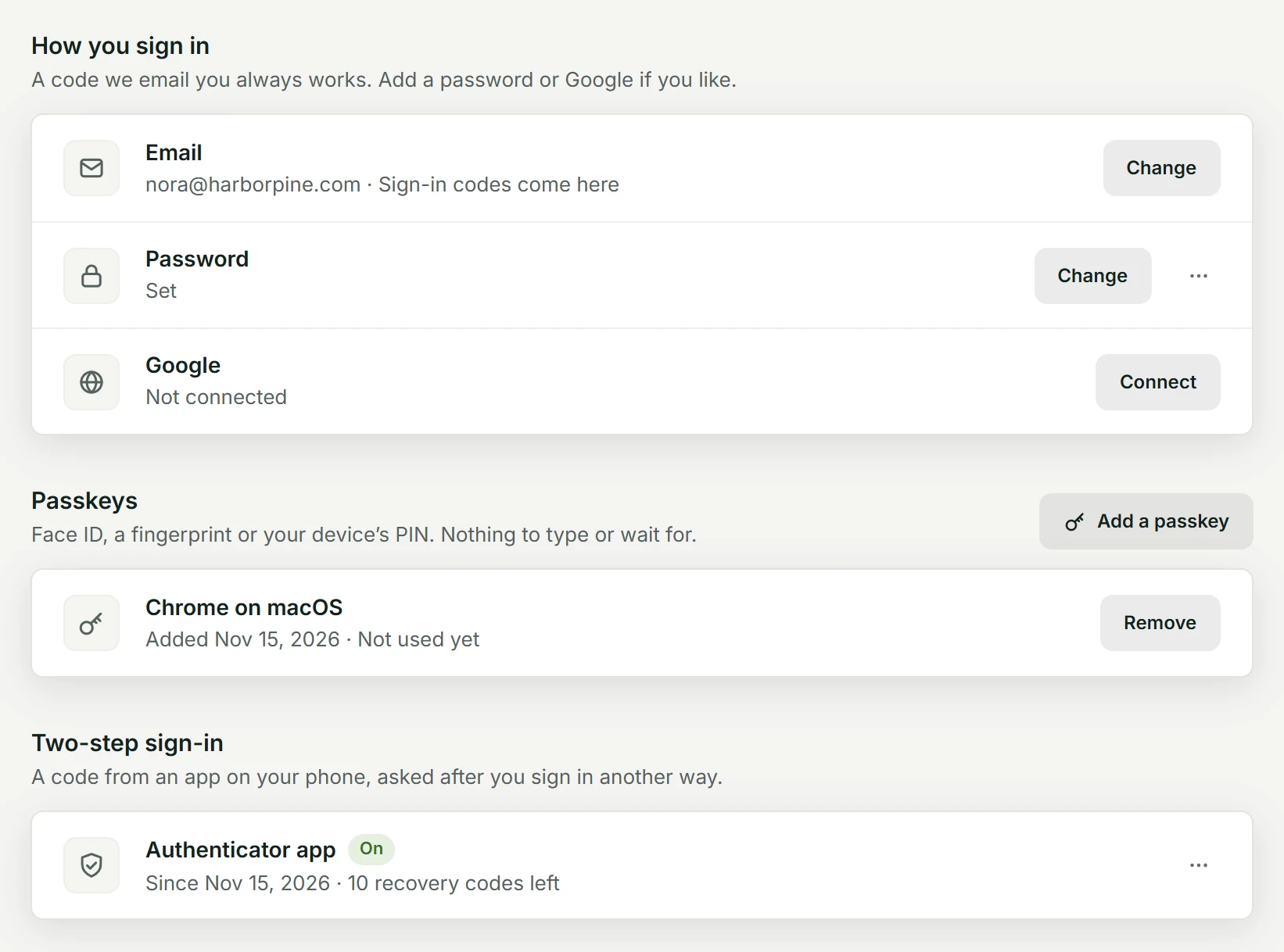
Add a passkey and BillGrid opens with Face ID, a fingerprint or your device’s PIN, with nothing to type. A passkey only works on billgrid.com, so a convincing fake sign-in page gets nothing. Across 15 large services, passkey sign-ins succeed 93% of the time against 78% for passwords, and are 2.8 times faster, the FIDO Alliance’s Passkey Index shows.
Two steps, when you want them.
Two-step sign-in asks for a code from an authenticator app after your email code, password or Google. In a study of Microsoft accounts, a second step cut the risk of a takeover by 99.22%, its researchers found. A passkey that checks your face or fingerprint counts as both steps, so it costs you nothing extra.
A second look before money moves.
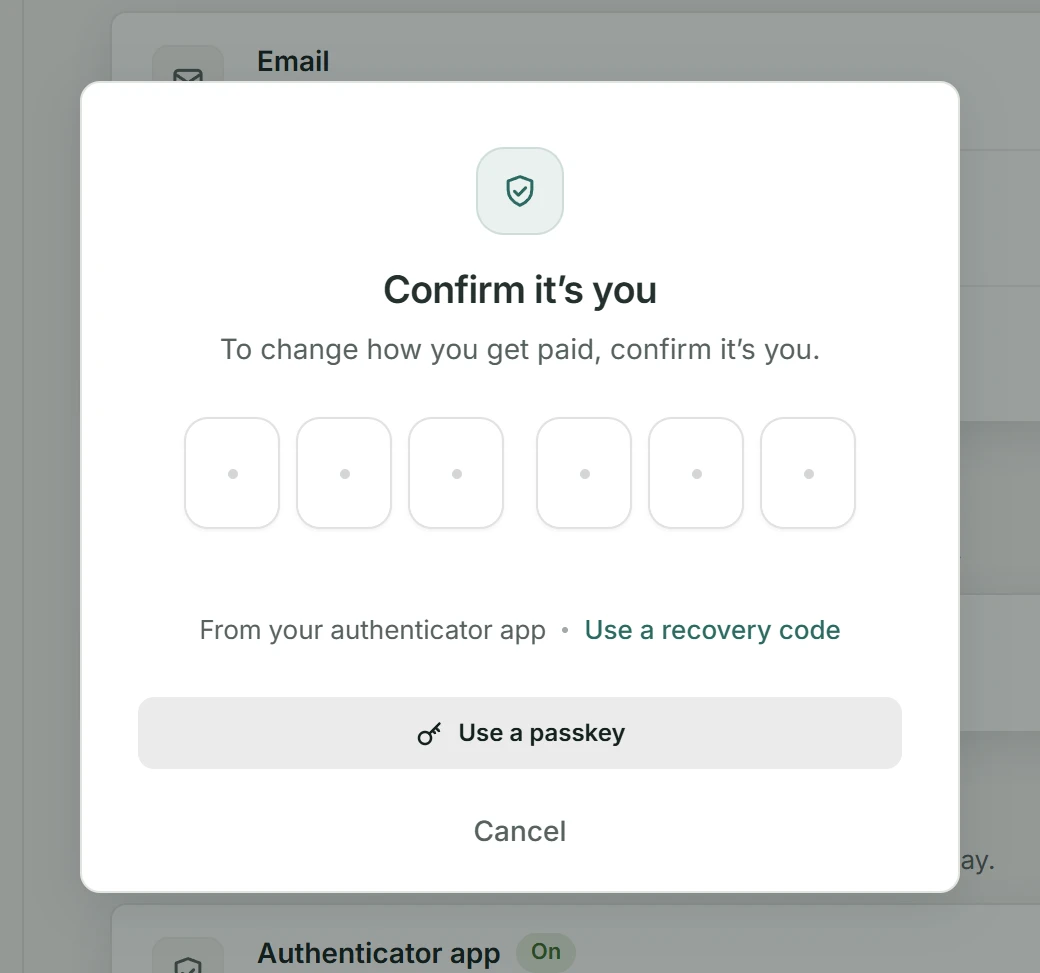
Being signed in is no longer enough to change where you get paid. Connecting or switching Stripe or PayPal, editing the bank details on your invoices, inviting someone or changing their access, changing how you sign in, and changing your plan all ask you to confirm it’s you first, with the strongest way you have. A laptop left open, or a stolen session, can’t quietly redirect your payments.
Every browser, in plain sight.
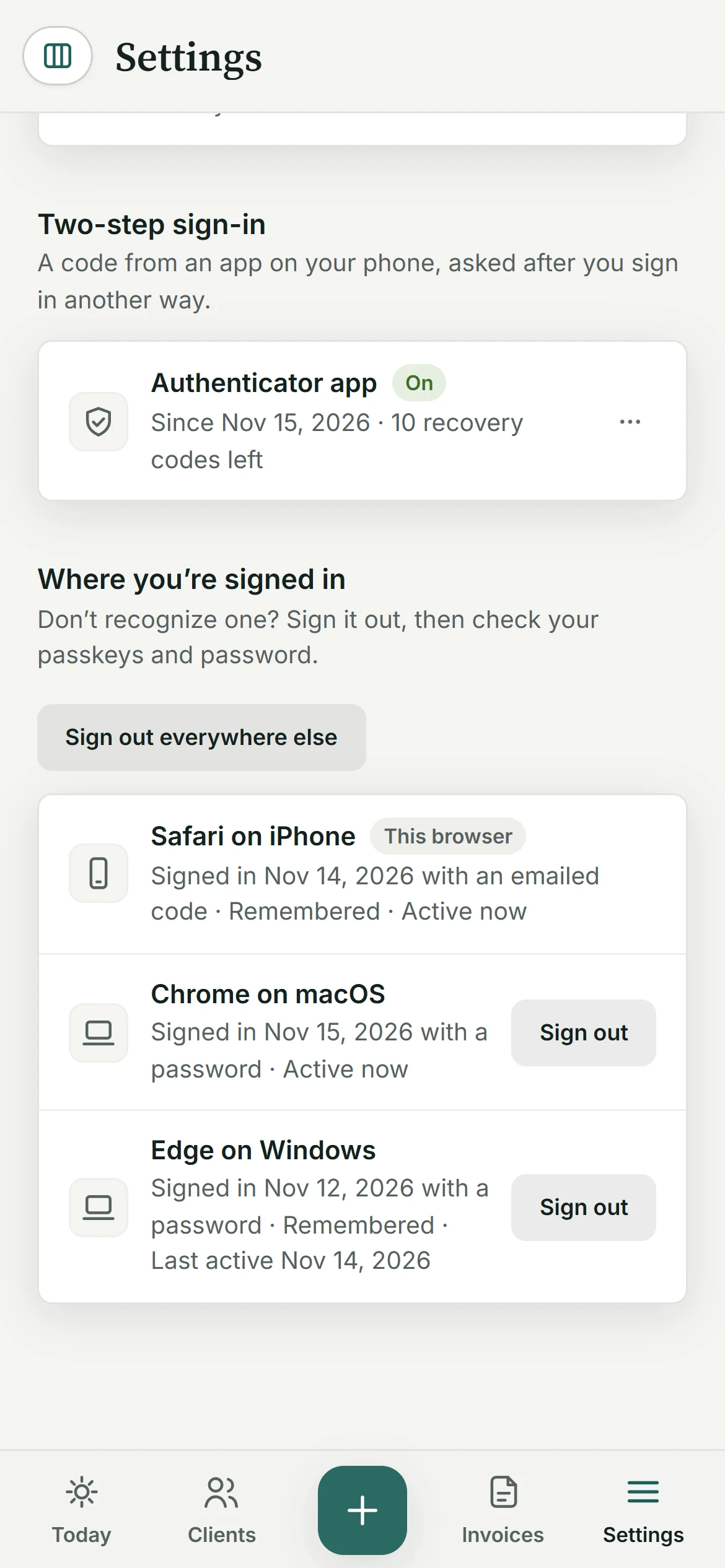
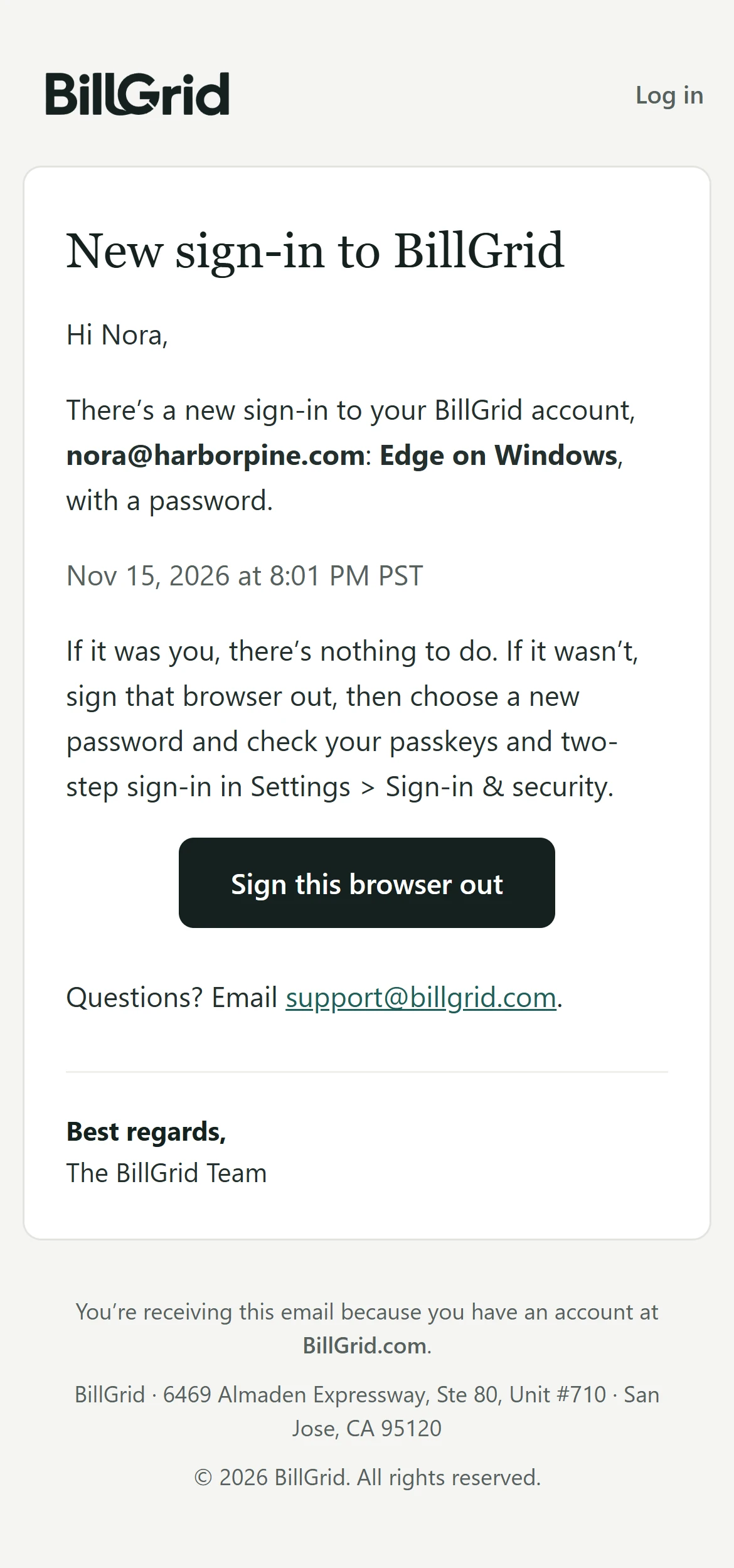
Where you’re signed in lists each browser on your account, how and when it signed in, and when it was last active; any of them signs out in a click. When a browser we haven’t seen signs in, we email you right away, with a button that signs it out. Tick Remember me on your own devices to stay signed in for up to 30 days; leave it off, and closing the browser signs you out.
What it doesn’t do yet.
An Owner can’t yet require two-step sign-in for the whole team; only accountants must use it. There are no text-message codes, on purpose: a phone number can be moved to someone else’s SIM. Browsers trusted to skip two-step for 30 days don’t appear in the devices list yet; Forget trusted browsers ends them all at once. And the list shows browsers signed in now, not a history of past sign-ins.
Real BillGrid screens, with a fictional studio.