Prepared by
United States
Invoice
#1001
Date of issue: 11/16/2026
Total
$0.00
Payment due 12/16/2026
| Item | Cost | Qty | Total | |
|---|---|---|---|---|
| 0.00 | 1.00 | 1.00 × 0.00 | 0.00 |
Total (USD)$0.00
Free toolsInvoice & estimate generator
Pick a template, type directly on the invoice, and download a PDF ready to send.
| Item | Cost | Qty | Total | |
|---|---|---|---|---|
| 0.00 | 1.00 | 1.00 × 0.00 | 0.00 |
| Item | Description | Cost | Qty | Total | |
|---|---|---|---|---|---|
| lines.0.name | lines.0.description | lines.0.cost | lines.0.quantity | lines.0.quantity × lines.0.cost | 0.00 |
How it works
Your business name and address, your client's, and a tax ID if your client or country needs one. Your email and phone go under your address.
Use a number you've never used before, the date you issue it, and when payment is due: Net 30 means 30 days later.
One line per job, hour block or cost, with a quantity and a rate. Add tax, a discount, or a deposit already paid.
Pick a style and a color, download the PDF, and attach it to an email to your client. Keep a copy for your records.
Clients pay faster when nothing on the invoice raises a question. In the US, an invoice that will be paid by a company's accounts payable team should have:
What's included
Use the generator for a PDF. Use BillGrid to send invoices, keep client records and see what is still due.
| Free generator | BillGrid | |
|---|---|---|
| Invoices and estimates in four styles, any color | Yes | Yes |
| PDF download | 3 a day | Unlimited |
| Your logo | Yes | Yes |
| Email invoices and see payment status | No | Yes |
| Online payments from the invoice | No | With payments connected |
| Automatic reminders and late fees | No | On Pro and Team |
| Your clients and invoices, saved | In this browser only | Yes |
| Recurring invoices, time tracking, reports | No | Yes; recurring invoices sent automatically on Pro and Team |
| Price | Free | Free for three active clients and three documents a month; Pro from $8 a month, billed yearly |
Templates
Each one is a real invoice for that kind of work: the lines, the deposit and the terms people in the trade actually use, with a page on why.
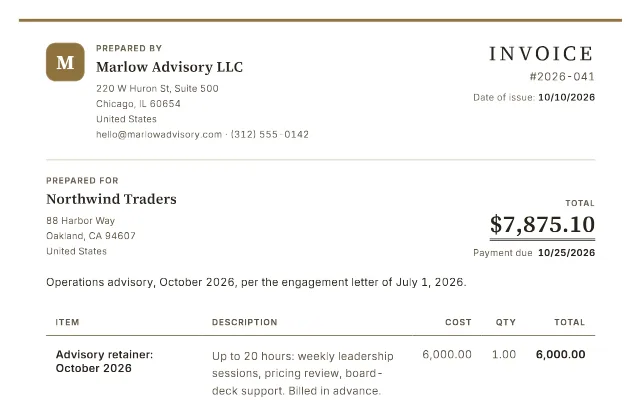 Consulting template
retainer, hours and expenses.
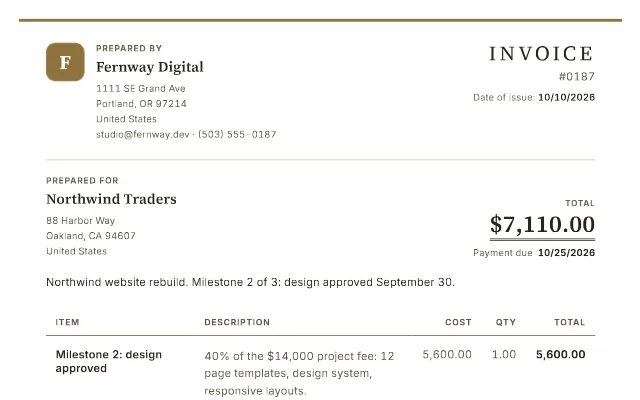 Web design template
billed by milestone.
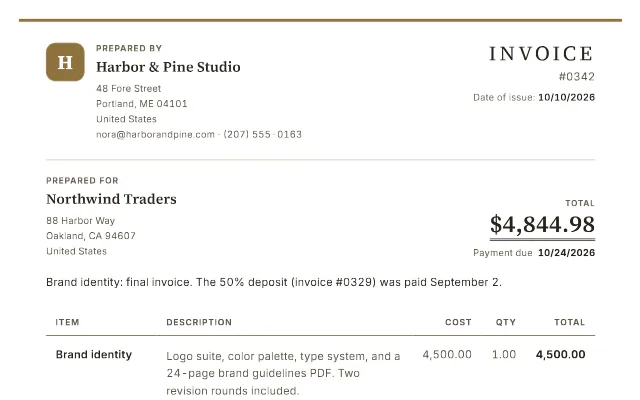 Graphic design template
deposit paid, rights on payment.
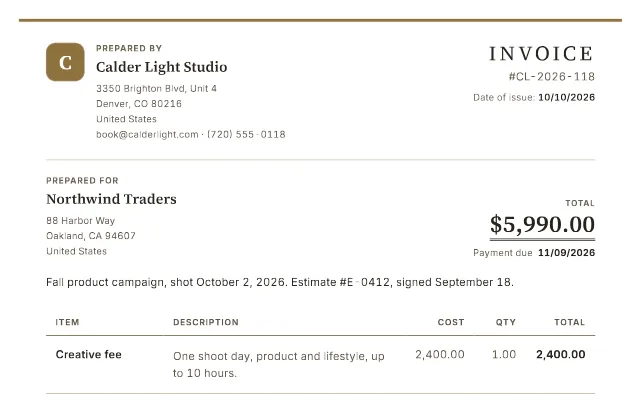 Photography template
fee, license, expenses.
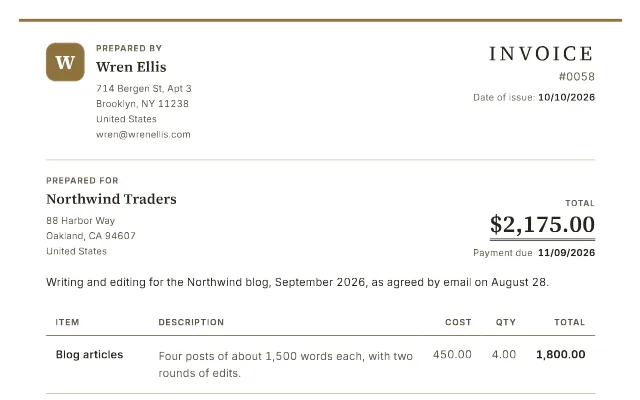 Freelance template
itemized, dated, due.
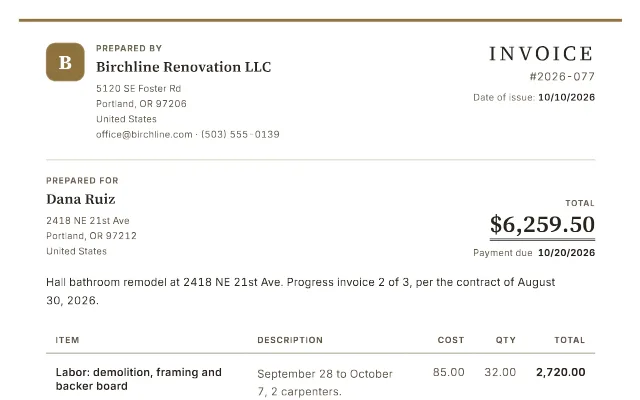 Contractor template
labor, materials, change orders.
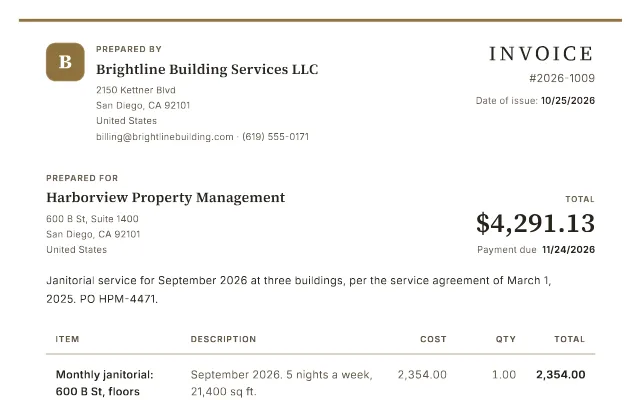 Cleaning template
every site, one month.
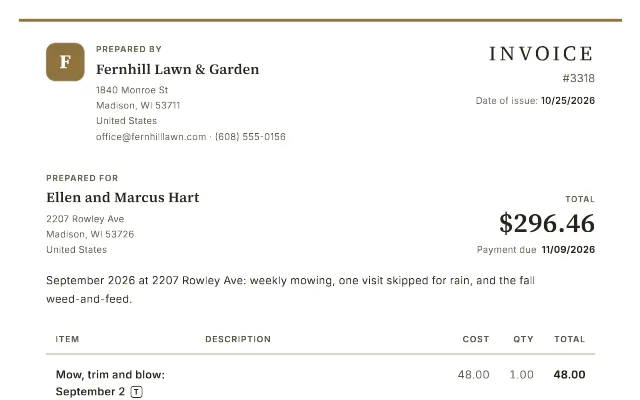 Lawn care template
the month's visits, dated.
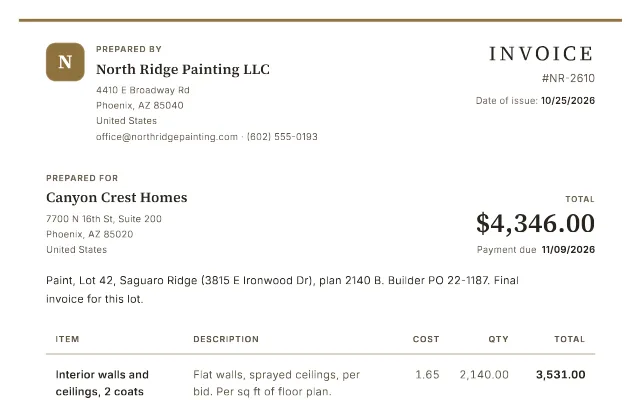 Painting template
lot, PO, extras.
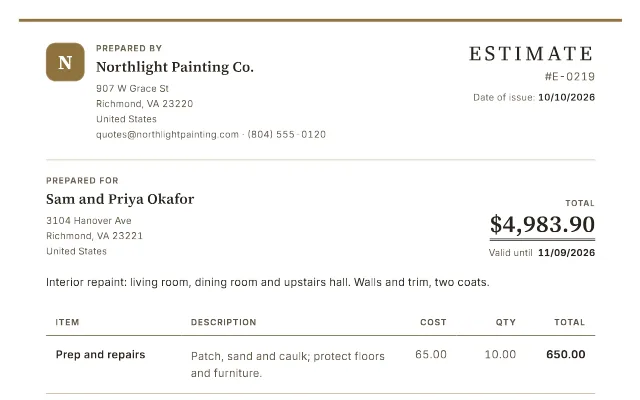 Estimate template
a price they can say yes to.
Yes: three PDFs a day per connection (browsers and devices on one network share them), with no sign-up and no card. There's no watermark across your invoice: a small BillGrid mark at the foot of the page is the only one.
Every PDF is printed by the same service that prints our customers' invoices, so the free share is kept small and steady. Need more? They're free again tomorrow, or BillGrid Pro makes as many as you like: $10 a month, or $8 a month billed yearly.
No. Your invoice is sent to us only to draw the page and the PDF, and isn't saved. Your draft is kept in this browser, so it's still here if you come back; clear it any time with Start over. More in our privacy policy.
Not from the free generator: download the PDF and attach it to your own email. In BillGrid you can email it and take online payments once you connect payments. Pro and Team can also send automatic payment reminders.
Yes. Add a PNG or JPG. It's used only to draw your invoice, held in memory for at most 30 minutes after you last use it, and never saved.
Yes. Switch the document to Estimate in its details: it's titled Estimate and the second date becomes "Valid until". The estimate template shows a finished one.
